
- Title: MutROM: Jiayu ROM for Europe
- Listed: June, 2014
- Last modified: 06/16/2014 2:43 pm
- Version: G4S-20140616
You must be logged for ROM download.
29346 total views, 5 today
2 Total favorites
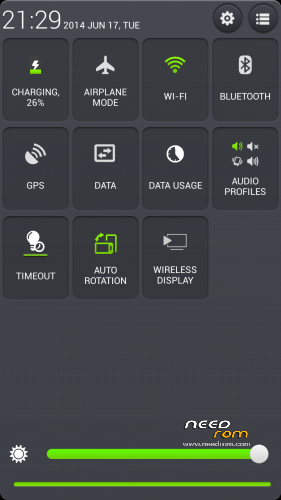
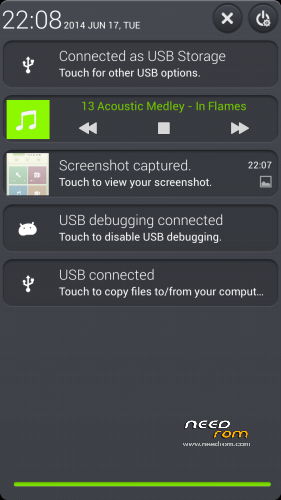
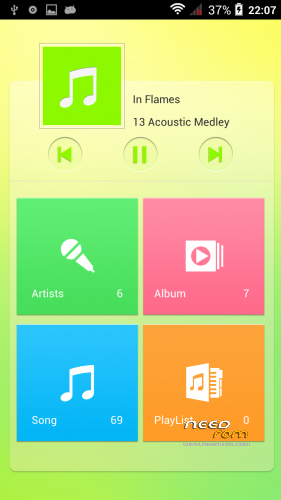
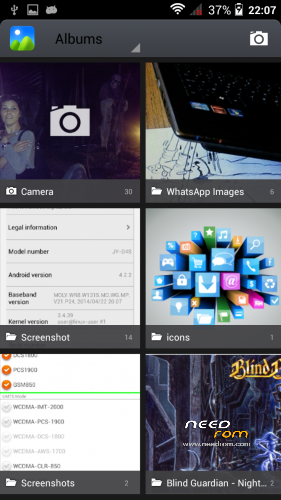

 Member Info
DESCRIPTION
Custom ROM Mobile JIAYU G4S – ROM Android 4.2.2
ONLY MT6592
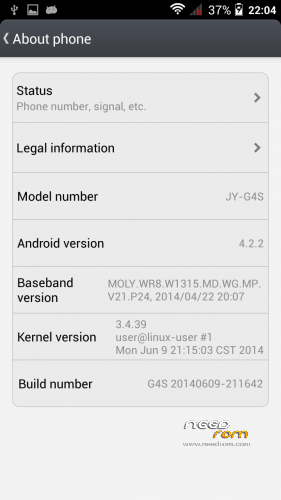
MADE FROM Official JIAYU ROM for G4S WCDMA : G4S 20140609-211642
Changes from Official ROM:
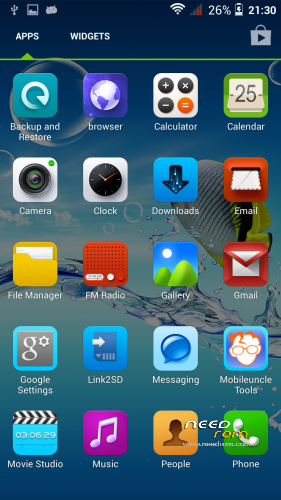
- Uninstalled all Chinese apks and input mode
- Installed European Google Keyboard
- Installed MobileUncle Tools
- Updated all apks
- CWM recovery
- no preloader to prevent wrong phone brick
Update:
Fixed Root option from previous posted ROM
Install ROM :
- Unpack FlashTools, and Click on Flash_tool.exe
- Select the contained MT6592_Android_scatter_emmc.txt inside ROM compressed file
- Wait file to be added into Flash Tool
- choose Option->USB Model,click USB Model
–> Choose Option->DA DownLoad All->Speed->High Speed, click High Speed
- Turn off your phone, remove the battery.
- "Press F9 (hit Download button)" OR " if upgrade ROM Firmware->Upgrade "
- and connect your phone into the computer via USB data cable.
- The process will start and a red progress bar will appear after color purple, yellow.
- And green circles display
- Finish !
- You can now safely disconnect your phone and turn it on.
※Please make a backup of your device before installing or updating ROM
Sounds good. Is it cwm flashable zip?
Do you have a change log?
Only flashable for now, differences from previous version (major changes):
- Deodex and zipaligned
- xposed framework works well (I don't know why, but sadly only gravitybox is unstable)
- browser changed to Dolphin
- A-GPS links changed to europe servers
- Google DNS
- AD removed (added on hosts file)
..
Looks great thanks but i can only flash cwm's flashable zips.
I only have GNU/Linux systems, no Windows, so i can't use Flashtool.
Creating the CWM zip without errors is taking me a lot of time: maybe I'll write a guide in order to flash img file with adb for Linux users
Great, i just made a flashable zip, but i don't know if it works yet
It was about 5 mins of work
Trying now, no problem or error so far. Antutu score is 24710 btw.
Crap i flashed with the SP flash tool on a windows 8 machine…
Now my phone won't startup anymore.
Any tips?
Already got i back.. pfiew
THank the lord for CWM
I am still using your previous release but I have noticed that I can't turn on GPS. The icon blinks like if it is ON but no app is reading data from the GPS: Sygic, GPS fix… Has someone had similar problems? Any workaround? It is not that they take a lot of time to track, it is simply that it does not work. It looks like a config problem but I don't know…
With the new version my antutu score is 26985.
With some minor tweaking
What are your tweaks can you tell me?
Gravity Box not working its major issue in my opinion. Can you do something for that? Thanks
Sorry, but the maximum that I can do is deodexing the ntire ROM: will be interesting, if there is the way to generate some GB log, to enable in order to understand the reason
Mut. Thanks for the new rom, but I encountered some problems:
- Xposed is not working properly
- sudden reboots and freezes
- Trojans.Android deathring.a has been found in the app “unlock”
- VPN doesn’t work. It freezes te settings window.
Thank for your test: Xposed on my phone is working: what do you mean?
It can't see my internal sd memory. Is there any fix for this? This is the only rom that has this problem.
Using the newer version of sp flash tools (v5.1408.00) fixed the problem.
Hey all,
i just get an error in the flash tool. BROM ERROR: S_DL_GET_DRAM_SETTING_FAIL (5054)
[EMI] Obtain DRAM Failed!
could anyone help me ?