
- Title: NEXUS
- Listed: June, 2016
- Last modified: 06/26/2016 12:20 am
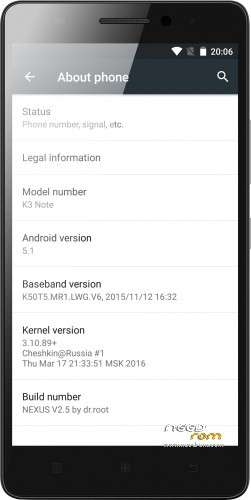
- Version: 5.1 V2.5
You must be logged for ROM download.
135216 total views, 5 today
192 Total favorites
CUSTOM
 Member Info
DESCRIPTION
Intro
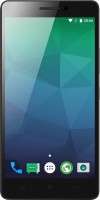
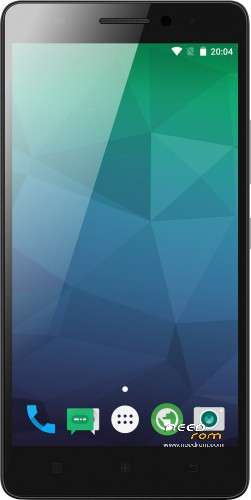
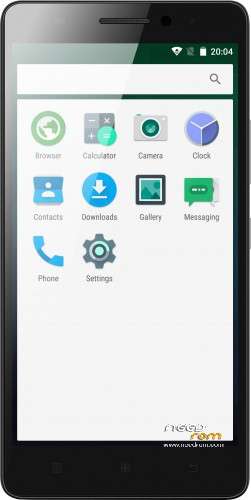
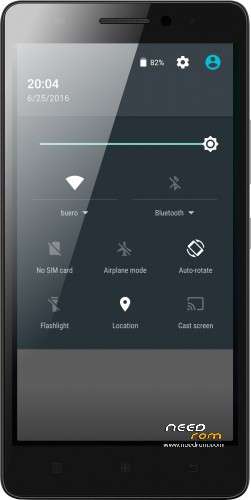
This ROM is really fast and look like android should always look, clean and vanilla.
Features:
New in 2.5
-DT2W
-LED
-extremely light (266MB)
-better performance
-some updated libs
-updated modem
-updated SystemUI for more AOSP look
-fully Lollipop AOSP look and feel
-multilang
-no root (SuperSU)
-no GAPPS (use opengapps.org ARM64)
first minutes after clean install, the system lags. just wait and reboot 
ROM Install
Step 1: Download my ROM and copy on a SD card
Step 2: Reboot and press Volume UP+DOWN buttons to enter the custom recovery
Step 3: Wipe
Step 4: Install the ROM
※Please make a backup of your device before installing or updating ROM
multilang ?
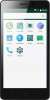
why dont you look in the description or on the screenshots ?
Same question : Is it MULTI LANG (FR Included) ?
I want to install xposed framework on this rom.
But it bootloops.
Pls help..
everything is good but one thing, problem with xposed framework, how to fix it?
I too, want to know this. It's the only thing holding it back from being perfect for me. I tried V70 and V71 and the issue remains. I might throw up a log on the xposed thread on XDA if I get time.
I submitted a logcat of the bootloop, link here: http://forum.xda-developers.co.....63#post62418293
xposed works.
Silly question, but if I flash this, does this overwrite user data? I really don't want to have to reinstall all my apps
if you have used your phone with google play, then you can easy reload all your apps with user data on the new rom. but yes the apps need to be reinstalled
Thanks dr. root!
Love this ROM.
Do you think you will enable LED notifications and double tap to wake on the next version?
There is no file explorer?? What to do?
install a favorite one i like for example this one https://play.google.com/store/.....llestad.cabinet
Great ROM (almost the best out there!). Thank you Mr-Needrom for your work!
But there is a massive bug: if auto-brightness is set to Auto, the display will have no backlight at all in dark environments (like at night or in dark room) being impossible to use.
A fix for it and it would be the perfect rom for the K3 Note (K50-T5). Keep on!!!
I don't have this issue. Just left it on in a pitch black room and the backlight remained lit (it's actually a little bright for my liking).
@stephendt: just lock your device in a dark room (using the power key) and try to unlock it again, then you will see what I mean
i dont know how to install. what means wipe? if i press UP+DOWN during set on the phone i can "reeboot", "install update", "wipe" and "Power off". what should i do?
All right. It runs. i've got the worng revovery tool. i needed to install another one. Now android is starting…