
- Title: NOMU S10 TWRP by MDSdev
- Listed: November, 2016
- Last modified: 11/07/2016 1:17 pm
- Version: TWRP 3.0.2-2 Multilenguaje
You must be logged for ROM download.
13361 total views, 1 today
2 Total favorites
 Member Info
DESCRIPTION
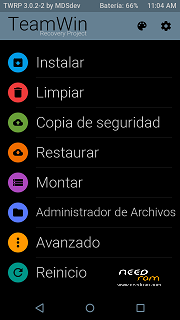
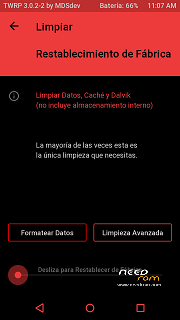
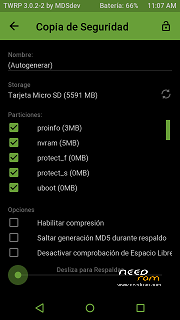
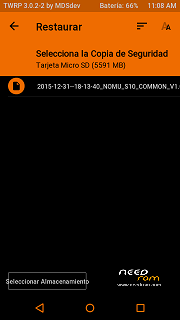
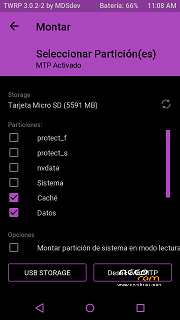
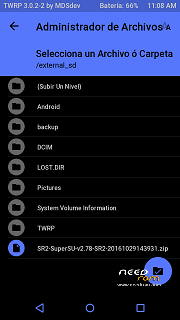
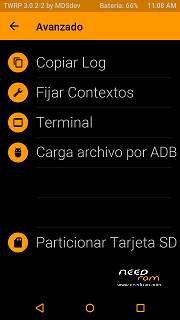
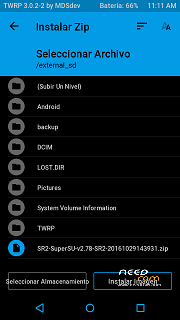
Custom Recovery developed by MDSdev.
It is necessary to unlock the bootloader. The process of unlocking the bootloader, custom recovery installation and support are on this link:
http://www.movilesdualsim.com/tema/nomu-s10-twrp-3-0-2-2-mdsdev-y-root.157554/
unlock the bootloader:
1. Install adb drivers
2. Enable USB debugging and OEM unlock in the smartphone.
3. Connect Nomu S10 on in the PC. Then, file browser windows / C: adb
4. Open command prompt and type: adb devices (enter), adb reboot bootloader (enter), fastboot devices (enter), fastboot oem unlock (enter)
5. Press volume+ in the smartphone to confirm.
First We have the bootloader unlocked yet. Now, we install the recovery by adb:
1. Connect Nomu S10 on in the PC. Then file browser windows / C: adb and copy the TWRP recovery inside.
2. Open command prompt and type: adb devices (enter), adb reboot bootloader (enter), fastboot devices (enter)
3. Type: fastboot flash recovery and leave a space, then "drag" the recovery below (enter)
4. Type: "fastboot boot twrp.img" to restart in recovery directly.
Important: In the first glimpse of TWRP, down, slide the arrow to allow modifications.
All details of the process are explained in the installation and support thread:
Support: http://www.movilesdualsim.com/tema/nomu-s10-twrp-3-0-2-2-mdsdev-y-root.157554/
※Please make a backup of your device before installing or updating ROM
Is there any chance for a description of the differences from the factory rom?
Is there any forum where there is more traffic re nomu s10?
Thanks
T
As far as I know, based on a friend's experience, the S10 keeps resetting TWRP and removing it. Has anyone been able to get TWRP to stick? I have been told that if I used fastboot flash recovery I will have a phone soft bricked, so I have been using fastboot boot twrp.img, but I have to do that each time I want to use TWRP because otherwise it is gone.