
- Title: Nubia LightX v3.79
- Listed: December, 2015
- Last modified: 03/09/2016 2:10 pm
- Version: LightX v3.79
You must be logged for ROM download.
23707 total views, 1 today
5 Total favorites
CUSTOM


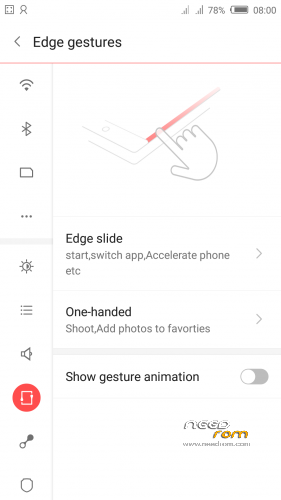
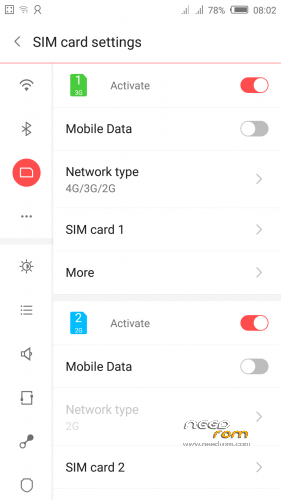
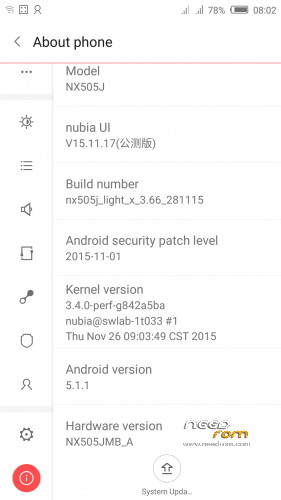
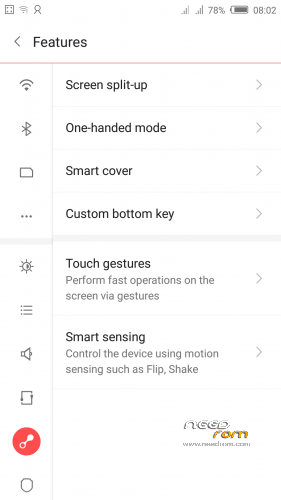
 Member Info
DESCRIPTION
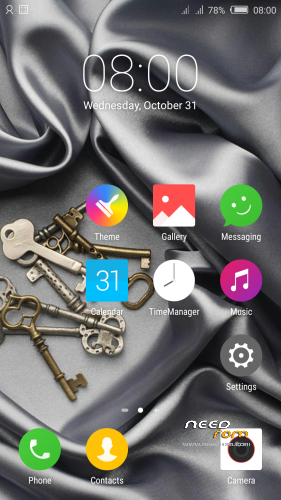
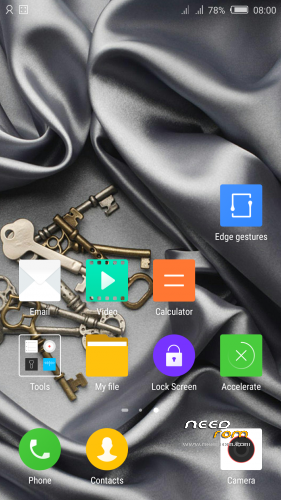
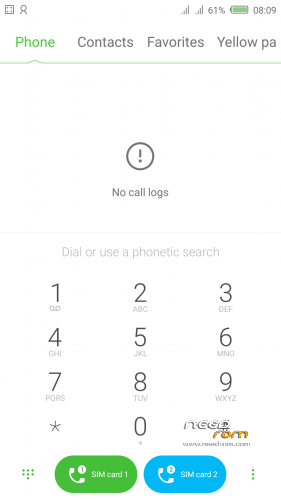
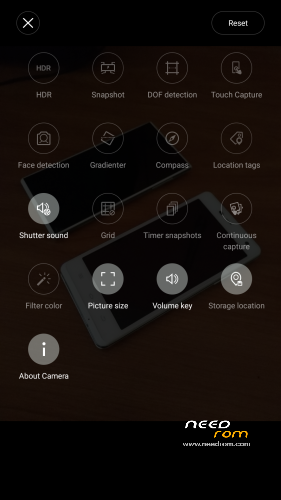
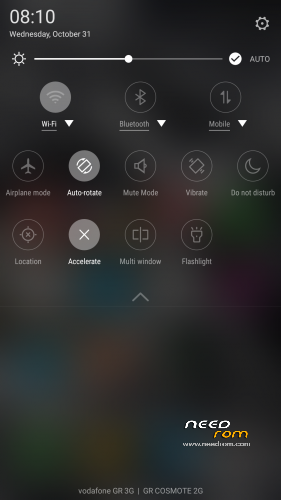
Custom ROM LightX v3.79 (UI3.8) (Android v5.1.1).
Custom Rom LightX base on stock rom but much lighter faster and smooth.
Remove all Chinese junk apps (bloatware) - Clean install -
Better battery life.
This Rom is ONLY for ZTE Nubia Z7 Max.
ONLY FOR MERGED PARTITION.
Install:
1)Enter to TWRP Recovery v3.0.0.0.
2)Make full wipes. Wipe—> Advanced Wipe—> (Dalvik Cache – System – Data – Cache)
3)Install LightX v3.79.zip.
*If you see this error on install this rom (E: Error executing updater binary in zip) then reboot phone into TWRP Recovery and try to install the rom again.
(Rebooting between wiping and flashing ROM fixes the TWRP error E: Error executing updater binary in zip).
*Before installing this rom you should have preinstalled stock rom v3.22 with nubia tool.
*If have preinstalled CM12.1 or CM13 need to make full wipes and after install this rom LightX v3.70.
*Stock v3.22 here: https://www.needrom.com/download/nubia-z7-max-v3-22/
- – - – - – - – - – - – - – - – - – - – - – - – - – - – - – - – - – - – - – - – - – - – - – - – - – - – - – - – - – - – - – -
Install USB Drivers & Recovery:
1)Download (My Tool https://www.needrom.com/download/z7-max-all-in-one-tool-v1-1-0/ ) UnRAR and run it on your PC.
2)Press 1 to Install The USB Drivers
3)Turn On USB Debugging Mode To Your Phone.(How to: https://www.youtube.com/watch?v=ze7y8rPzH9w )
4)Connect your mobile (mobile to be active) to the computer and select number.
5)DONE.

—-WARNING:This Tool Works Only For Android v5 and v5.1.1 Lollipop—-
- – - – - – - – - – - – - – - – - – - – - – - – - – - – - – - – - – - – - – - – - – - – - – - – - – - – - – - – - – - – - – -
Root:
1)Download SuperSU v2.70.zip and put it to your internal storage.
2)Enter to TWRP recovery and install SuperSU v2.70.zip.
3)DONE.
- – - – - – - – - – - – - – - – - – - – - – - – - – - – - – - – - – - – - – - – - – - – - – - – - – - – - – - – - – - – - – -
Install Google Apps:
1)Download Gapps For Android v5.1.1 Nano 20160403.zip and put it to your internal storage.
2)Enter to TWRP recovery and install Gapps For Android v5.1.1 Nano 20160403.zip.
3)DONE.
- – - – - – - – - – - – - – - – - – - – - – - – - – - – - – - – - – - – - – - – - – - – - – - – - – - – - – - – - – - – - – -

- – - – - – - – - – - – - – - – - – - – - – - – - – - – - – - – - – - – - – - – - – - – - – - – - – - – - – - – - – - – - – -
How to Backup and Restore IMEI and MEID:
Try this Nubia Nubia emergency tool:https://www.needrom.com/download/nubian-emergency-tool-v1-0-6/

- – - – - – - – - – - – - – - – - – - – - – - – - – - – - – - – - – - – - – - – - – - – - – - – - – - – - – - – - – - – - – -
Τhanks very much the Russian forum 4pda.ru for this rom.
- – - – - – - – - – - – - – - – - – - – - – - – - – - – - – - – - – - – - – - – - – - – - – - – - – - – - – - – - – - – - – -
Please if you like my work Rate me with 5 Stars.
Thanks.
※Please make a backup of your device before installing or updating ROM
Successfully flashed this ROM. Not without hitches doh.. (TWRP errors and Android Setup screen that keeps crashing so you can't login to the phone)
My update procedure coming from stock v3.73:
1. Enter TWRP Recovery, Make full wipe (Dalvik Cache, System, Data, Cache)
2. Reboot phone again into TWRP Recovery
3. Install LightX v3.74.zip
4. Install SuperSU-v2.52.zip
5. Reboot phone into Android. Follow the Nubia setup until you are at the home screen.
6. Reboot phone into TWRP Recovery
7. Install Gapps.
8. Reboot phone, done!
-Rebooting between wiping and flashing ROM fixes the TWRP error (E: Error executing updater binary in zip)
-First following the Nubia setup and then installing Gapps wil prevent the Android Setup launching at boot.
This is perfect.
Hi Tigreos. Is it possible to dirty flash this ROM from Lightx3.66? Thank you for your service.
I mean from Lightx3.70 not 3.66
Is this the same as 3.74 Light X?
Hello
Is this rom Nubia {Z7 NX506J}
It is for Z7 Max (NX505J).
i have a problem
google play store program download over wifi connection too slow.
is there any solution to this?
in cm13 there is no problem.
I updated from stock 1.64 to stock 3.22 with the nubia updater tool without problems.
Then I tried to flash LightX as recommended (TWRP, full wipe, install package).
The update failed with a mount error and "some symlinks failed".
Now the phone is frozen at its bootup splash screen (when booting it stops at "nubia / powered by android" and remains there eternally).
I manage to have the phone recognized by the "Nubia emergency tool" that you linked, for its brick-recovery procedure. It performs the recovery for v3.22 and exits with "success" but the phone still won't boot.
Any suggestions ?
Correction, I can access the stock recovery. Of course I can't flash LightX again from stock, and I don't know what use to to recover a functioning v3.22 since I updated through the tool. So what can I use for this? It has to have a valid signature for stock to flash it…
That is why you should always back up your ROM using TWRP before update. If you did backup, you can always go to TWRP and restore 3.22 ROM.
Use your Nubia Updater tool to flash your 3.22 again.
Don't know why I didin't try that, I thought you needed the phone on or something. Good catch, I could update via USB with the phone off no problem. I now successefully run v3.22 again, thanks.
Can I switch to this ROM directly from Stock 3.77?
Or should I install 3.22 first?
Yes, That is what I did.
Colour reproduction is better on stock then CM builds…
Love bright colours…
Only 2 issues…
1. On high accuracy mode in GPS/Location settings CDMA data is not working with apps… Had same issue on All CM builds as well…
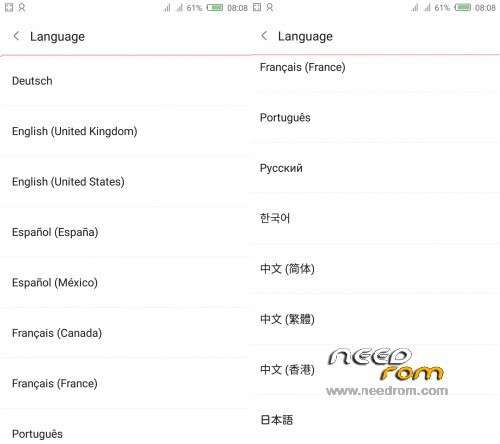
2. Missing multilingual like CM and other builds…
Otherwise awesome build…
I have installed 3.22 and then 3.77 LightX, unfortunately is stuck in some SIM Settings app.
I could not leave it, and it was crushing. So, switched to CM12.1