
- Title: P780 AOSP FIX VERSION
- Listed: July, 2014
- Last modified: 07/08/2014 2:26 pm
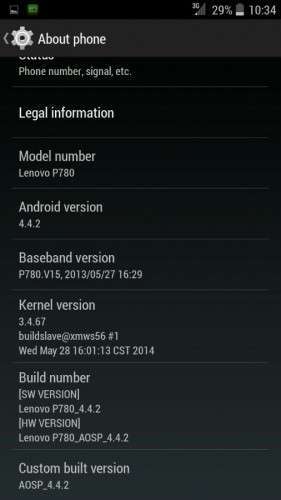
- Version: 4.4.2
You must be logged for ROM download.
32051 total views, 1 today
4 Total favorites
 Member Info
DESCRIPTION
AOSP v1.8 by Powar19 of 4pda.ru fix version by me 
** this rom is Multilang **
- Replace old gapps in the rom to new working gapps
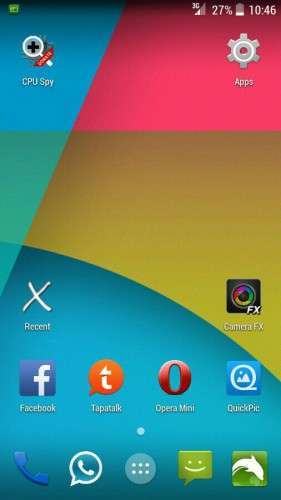
- Replace Nova launcher with Google Home & Holo launcher HD
- Replace ui sound (JB is better)
- Remove all useless app like live wallpaper
- Remove light flow & tesla notifier
- Added CRT off animation
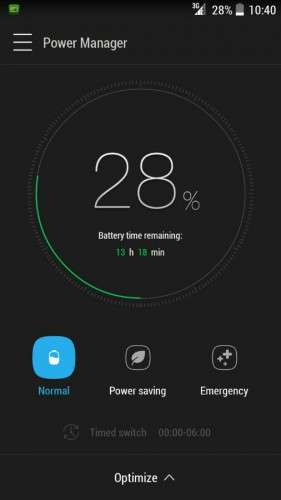
- Added Power Manager (no calibrate)
- Replace modem v52 to v15 (can replace later to other)
Bug: gps seems not working
How to:
1. Make sure u on asian (china) rom before install
2. Install in CWM/TWRP/CTR recovery
3. Wipe data/factory reset
* I personally recommended use no-frills cpu control app and change the default governor to 'hotplug', its the best governor to mtk based.
Rom edit by: Pyro @ LepakSpot.com
※Please make a backup of your device before installing or updating ROM
the link is broken
alternate download link: http://www.mediafire.com/downl.....fix-PYRO_LS.zip ..
link is broken
Link update
Hi,
is this multilang ? i prefer dutch included in roms
The best custom rom so far for p780 that can be trusted to be used as daily ROM.. thanks a lot to those who build this ROM.. a lot better than using ROW default ROM
Fantastic rom dev's
Can i upgrade the ROM to existing V1.8 ? I mean flashing it over v1.8 installed.
Yes u can, but the proses is still same, u have to wipe data/factory reset it…
how about google services like playstore?
Hi,
I'm having Build Ver: P780_8G_ROW_S124_140403.
How i can Installed "asian (china) rom before install" as u suggested.???
Please help…
Many many thanks in adv..
Thank your for that fixed AOSP rom!
Sadly, on my phone there is a problem with kalendar-sync, it seems to work, but there are no data on the phone.
The other Googleservices are ok.
Google Navigation doesn't work just as well, but that seems to be a problem of all Roms based on Android 4.4.2.
I have no problem with kalendar-sync. For Google navigation I inatalled "Nav Launcher (beta)" from Google play and it works also without problems.. Btw both charged services Sygic and Navigon Europe are running as well. By older ROMs I had problems with Navigon Europe.
I have the same problem as you do about calendar syncing. My solution: use other calendar app such as Sunrise. It syncs all your current calendar and has a clean yet attractive interface.
I have installed pa_gapps-stock-4.4.2-20140608-signed.zip and then Google calendar ant it works!