
- Title: Resurrection 5.8.5
- Listed: June, 2018
- Last modified: 06/14/2018 4:00 pm
- Version: Resurrection 5.8.5 (Android 7.1.2)
You must be logged for ROM download.
8815 total views, 1 today
CUSTOM

 Member Info
DESCRIPTION
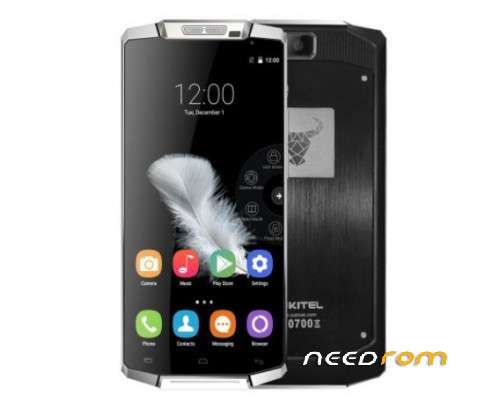
Resurrection 5.8.5 rom to oukitel k10000.
Not maked by me just adding here to all can install it.
All working, even camera works fine 
Its rooted with Magisk.
In twrp 3.1 wipe (advanced) dalvik, system, cache and data.
Then install rom.
If want, flash google apps by pico 7.1 ARMx86 after flashed rom.
Then wipe dalvik and reboot.
※Please make a backup of your device before installing or updating ROM

|
Atuntu Benchmark?
after resetting and reinstalling this rom several times, I'm going back to Android 6 because this Rom has several problems:
the boot takes a long time;
the camera sometimes stops working by forcing me to restart the device;
Ad videos freeze any app that is in use (games, Facebook, YouTube, etc).
I will wait for other teams of developers to be able to carry Android 7 more satisfactorily.
Boot time is pretty long but im not shutting my phone every hour.
Dont use default shit camera. Download cameringo+ and try . I used it and buyed pro version (lol 2€) and hell it takes good pictures.
No freezes on me and better buy new phone if wanna pure POWER phone.
Theres totally not coming any new versions to this year 0 phone dumbass.
Idont care hell shit antutus…
This is a great rom.
Everything is working perfectly for me.I flashed it 4 months ago and since today i havent faced
a single problem.
I also bought camerigo plus (2 USD) and i can say it is one of the best camera apps in play store.
Many thanks to jaspi72, who gave me some instructions, how to flash the rom.
Was für ein mis. Erst dauert es bis zu einem Jahr das ich meine Zugangs Daten bekomme. Und jetzt kann ich nicht mahl downloaden.
Sehr gut.
I had problems with the camera, many times it doesn't open, needing a reboot, and when I plugged it to my PC I always had to confirm "transfer files" on the phone, even when I configured the phone to open as file transfer device as default. Anything else worked fine.