
- Title: rom stock 1:1 s4 i9500 mtk6572(6589fake) En + fix Gapps
- Listed: May, 2014
- Last modified: 05/05/2014 2:08 pm
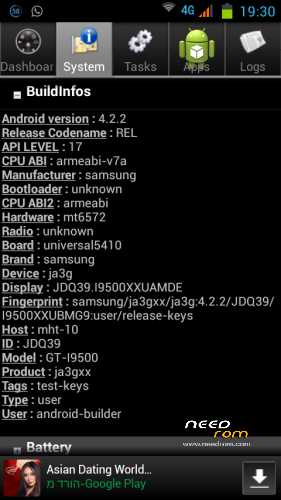
- Version: android 4.2.2
You must be logged for ROM download.
94362 total views, 1 today
19 Total favorites

 Member Info
DESCRIPTION
rom link is Above under the ROM Version: you need to register to see the link if link dont start accept Popup window
only for device lcd driver 1-nt35510s_mipi_fwvga
patch file for lcd driver 1-nt35512_vdo_boe_fwvga click to download patch
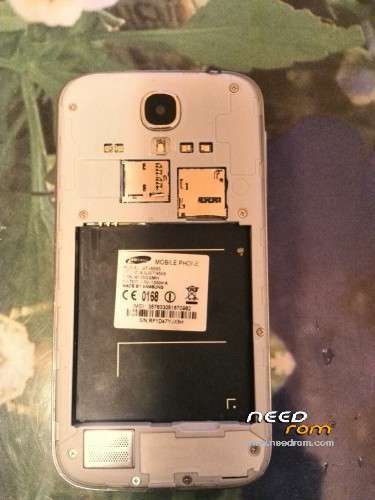
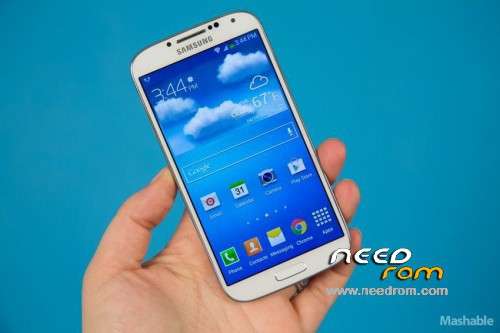
copy 1:1 s4 gt-i9500 one sim version
This original stock ROM with fix&new Google play + YouTube + google service + Fly Air Gesture work
fix Now Screen turns black in call close to the ear
a. cwm recovery 5
b. default language English + Multi Language + hebrew
if setting scroll auto disable smart scroll in status bar
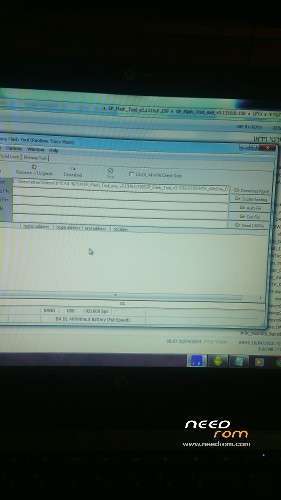
1. Installation with Flash Tool
click to download
2. after Installation remove battry
3. insert battry click volume up + home + Shutdown button
4. Wipe Data Factory Reset & Wipe Cache
5. go to Advanced & Wipe devlink
6. go to mounts and storage & format emmc + cache + data (dont format system)
7. rebot
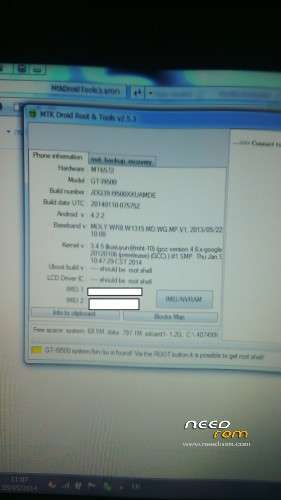
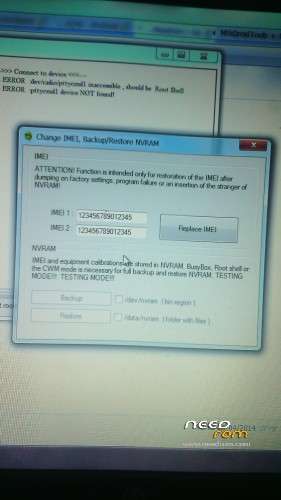
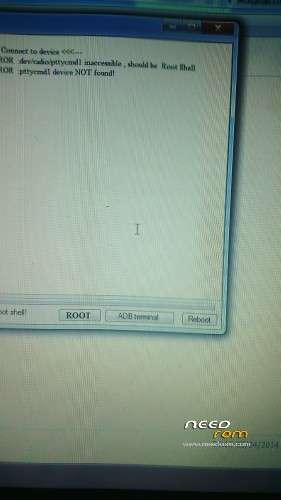
after system go up no imei you need instal with MtkDroidTools_v253
Tutorial fix IMEI on youtube
https://www.youtube.com/watch?v=ZCIPfeWbIao&feature=youtu.be
device :
S4 5in 1:1
mtk6572 (mtk6589fae)
lcd driver : 480×854 1-nt35510s_mipi_fwvga
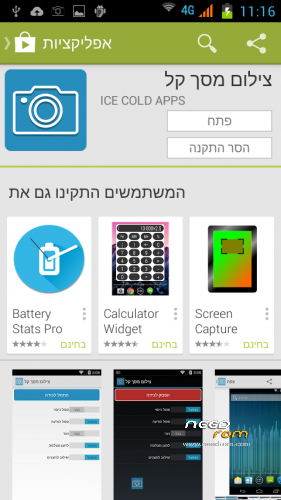
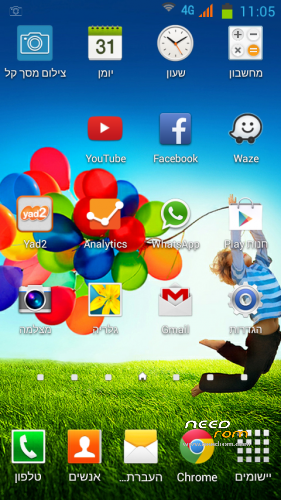
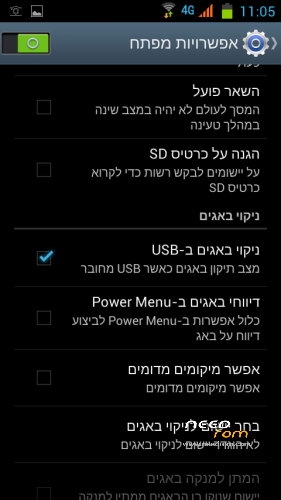
image screenshot is in hebrew but default language English + Multi Language
Start with Mediatek logo, but after the phone started write *#0066# in the dial pad and logo s4 samsung start enjoy!
※Please make a backup of your device before installing or updating ROM
se ve que esta bueno lo voy a probar
Tell me if everything work out
i send you the rom link to your mail
Hola ya arreglaste tu problema?
Yaaki… does not want to dowload.. can you provide other link? thanks…
if link dont start accept Popup window
or on the link click right Mouse & open new window
on the link click right Mouse & open new window
Hi. Work well except sound. Headphones ok, speaker no.
speaker work fine
What is the problem i did not understand
Not work at all or low sound
got the same prob here.. maybe I just missed a thing cause I didn't get the instructions on how to do this.. can you provide a step-by-step procedure? thanks!
this rom is on my phone all work good
Sound works great the problem is your phone check your phone
The Rom is running perfectly for my S4 clone MTK6572 with EMMC.
My S4 was hard brick and with the help from Yaaki, i was able to revived it again.
Perfect tutorial.
Thank you very much Yaaki for your help.
Your effort is much appreciated.
I have this phone but aI need with LCD Driver IC : 1-nt35512_vdo_boe_fwvga. my phone turns on but with the screen bad…..help me pls
epick: try this rom for tour lcd drivr
http://www.4shared.com/rar/pIQ.....80_8546572.html
epick for you
link for your rom
http://www.4shared.com/rar/pIQ.....80_8546572.html
this is recovery backup
1. copy the zip file to your sdcard
2. click volume up + home + Shutdown button
3. Wipe Data Factory Reset & Wipe Cache
4. go to Advanced & Wipe devlink
5. go to mounts and storage & format emmc + cache + data + format system
6. instal zip
7. istall zip from sd card
8. rebot
if recovery is color text orange
go to flash tool insert my rom remove all v mark only recovery market and flash
click volume up + home + Shutdown button now text recovery must be color blue
the password for rar file is prophone
Hi yaaki, thank for reply. I downloaded the link, but I have to put in the SDCard? this is the directory structure and remember that don't see anything in the screen. my screen turn on but shows nothing
Thanks
first dont extract the zip file copy file to sd card
your screen dont work tou need flash tool Give me a few moments to think
sorry extract the rar file & copy all folder name clockworkmod in the rar to sd card
Ok I copy all content the folder clockworkmod to root in SDcard, next?
if your screen not open try this
open my rom in flash tool & reolace ANDROID wite nandroid.md5 fie in folder clockworkmod in rar file try to flash
if its work and screen work then do like i tel you before
Let me know what happened
I dont access to combination volume up + home + Shutdown button becouse I dont see anything, how to this my friend, help me please
if your screen not open try this
open my rom in flash tool & replace ANDROID (click on word to replace) wite nandroid.md5 fie in folder clockworkmod in rar file try to flash
if its work and screen work then do like i tel you before
Let me know what happened