
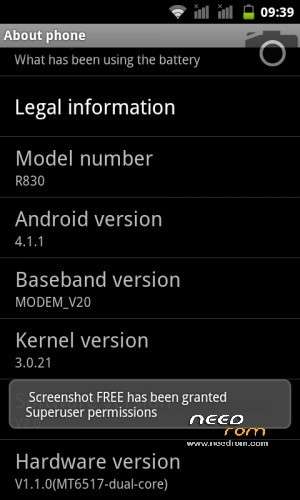
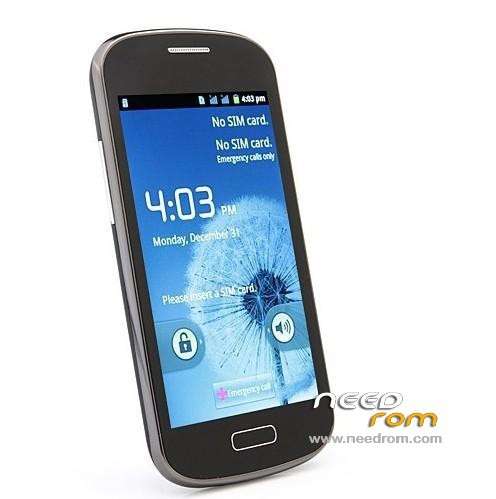
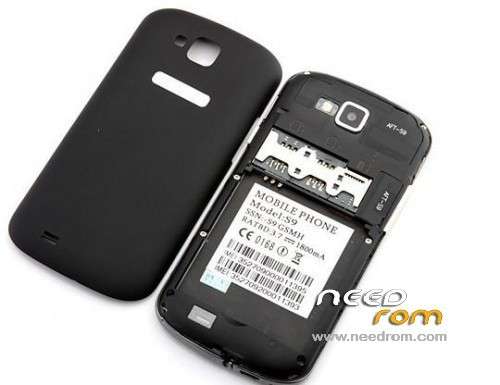
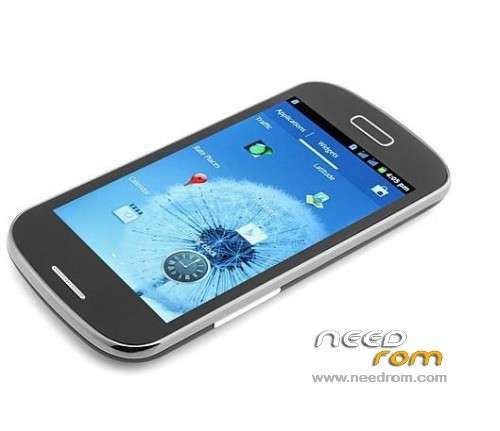
- Title: S9/R830 (SC6820) WVGA rooted
- Listed: October, 2013
- Last modified: 10/17/2013 2:33 pm
- Version: 7628 HUITENG
You must be logged for ROM download.
26228 total views, 4 today
CUSTOM



 Member Info
DESCRIPTION
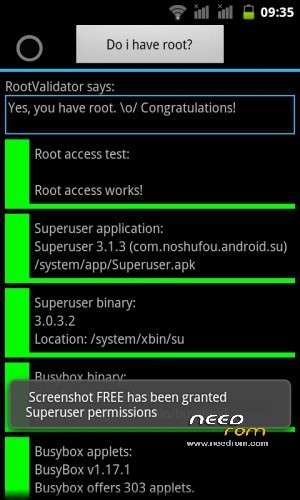
This is rooted version of 7628-HUITENG-6820-4+2-WVGA-P20.01-R4349-WIFI-BT-FM-SC-2SIM-GS-20130408-155054 ROM, with superuser,youtube,..
If someone has ROM in .pac file format from Feiteng S9/H830 model with build.version=P20.01_20130708.170406 please attach it or send me a link, and I'll make rooted version for you.
CWM recovery 5.0.2.7 for S9 is not working corectly because it can not make working backup, other options works OK.
NOTE: do not use this CWM to restore your phone from backup made it from this CWM version.
※Please make a backup of your device before installing or updating ROM
I'll try to root my phone and I backup the ROM and post for you.
This is the video from my device S9 H830 function boot menu: http://youtu.be/cVzJBpKDIHk
This working perfectly http://youtu.be/DA6PpA5SKfI
Thanks for the help
I managed to install the 6517 driver, but it does not seem to be working properly. Follow printscreen device manager windows 7 32 bit. The phone is in USB debugging mode.
When I use SuperOneClick it gives me the message "not responding". Using task manager I stop duplicate adb.exe but SuperOneClick gives me the message "Waint is due" and the root.
Can you help me?
Something is wrong in that case. My sugestions is to uninstall all drivers and first install SCI-android-usb-driver-jungo-v4.zip then install Moborobo google it on net. then try SuperOne Click to root and the install Phone_driver_6517. Your device manager after that should look like this :
Ok, I'll try and post the result.
I found another method Root_with_Restore_by_Bin4ry_v18_2, most will not even try to follow your suggestion first.
Thank you.
Continuous with the same problem, tested on another computer and the same error also occurs the COM driver. I'm using NetBook. I have no desktop PC will attempt to use a desktop to see if the error continues.
Follow the link to download the files of drives installed in my computer can check if something's wrong with them?
Download file
I created a folder in adb_usb.ini file {user} \. android \ adb_usb.ini. Then restart the SuperOneClick but is stopped in step # 7.
As I could see you have newer version P20.01_20130902.214926, try this version of SuperOneClick
SuperOneClickv2.3.3-ShortFuse Modded maybe could help you get root.
I've tried to use version 2.3.3, but I could not take root. Is there any method to be rooted using the sdcard? In the videos I posted has the setup of the device, but did not see anything about sdcard, seed testing. Still have problem with Driver SCI General U2S (AT) and SCI Vendor U2S (DIAG) that dis that can not be started (code 10).
the only way to install those drivers is to boot on cwm and then install them,but in a xp system.If you have windows 7 you cant.Google Windows 7 xp mode download the two files needed and then you can install the drivers.
ZoranMk and astrifer, managed to solve the driver problem installing on a virtual machine with XP.
My computer does not support virtualization on XP (Windows Virtual PC) mode. So I'm using Virtual Box with Windows XP installed and I am unable to install the drivers correctly but with a problem in step # 7.
astrifer could show me how did you root your phone? Is there any other method to do this because I think my version is not allowing root.
Thank you.
my phone was rooted when it came i think.
ok i remembered how to do it,i used this forum
i flashed this file http://www.mediafire.com/downl.....dFullBackup.zip
put it on your sd card and then boot at cwm update and choose the file to flash,after that i was rooted.Hope it helps
not forum file i mean:P
astrifer, thanks for the file.
I do not know how to boot the cwm update, u could explain me better how to do? Could you explain me step by step? if possible with photos.
My unit is working well and would like to generate the ROM to pass along to you and I'm afraid of doing something wrong and damage the original ROM.
- It would put the files on the SD, then connect the paralho holding the (VOL +) + (POWER) and wait for the rooting?
I posted two videos to show the status of my player.
This is the video from my device S9 H830 function boot menu: http://youtu.be/cVzJBpKDIHk
This working perfectly http://youtu.be/DA6PpA5SKfI
Thank you very much.