
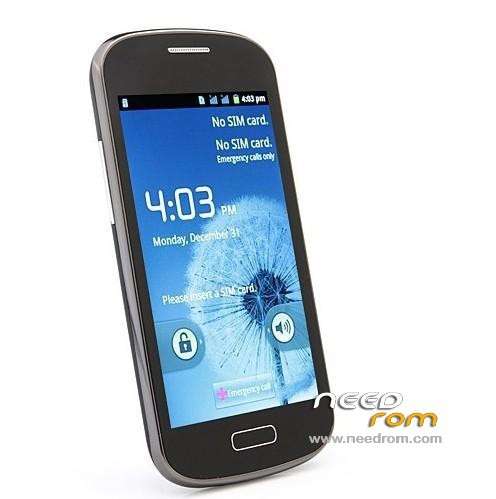
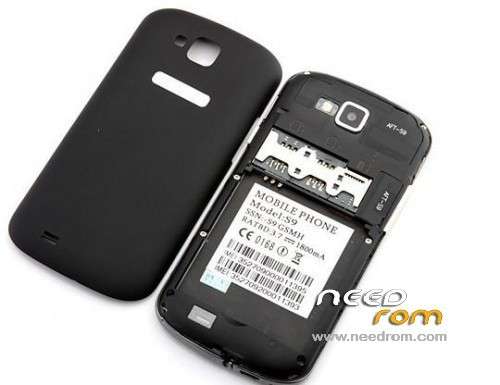
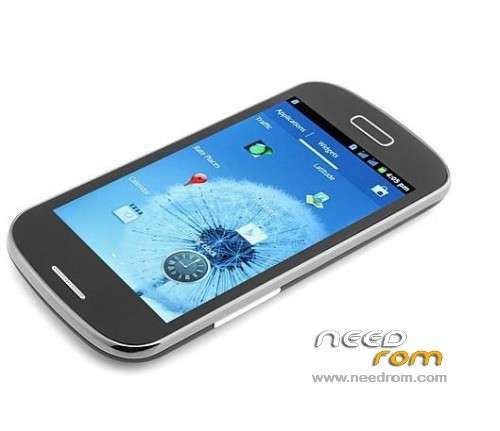
- Title: S9/R830 (SC6820) WVGA rooted
- Listed: October, 2013
- Last modified: 10/17/2013 2:33 pm
- Version: 7628 HUITENG
You must be logged for ROM download.
26229 total views, 5 today
CUSTOM



 Member Info
DESCRIPTION
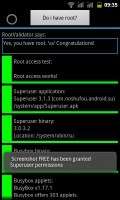
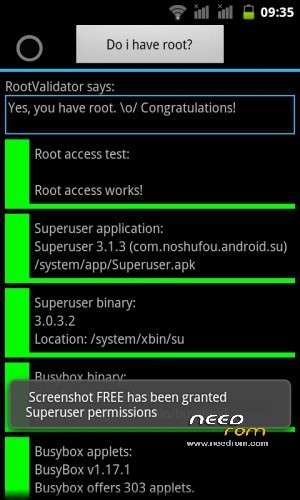
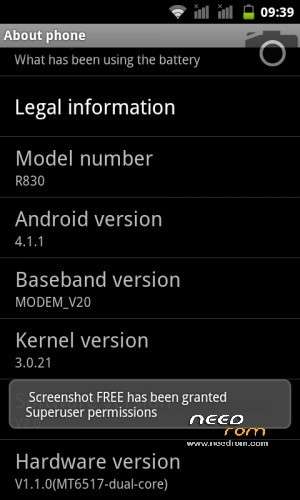
This is rooted version of 7628-HUITENG-6820-4+2-WVGA-P20.01-R4349-WIFI-BT-FM-SC-2SIM-GS-20130408-155054 ROM, with superuser,youtube,..
If someone has ROM in .pac file format from Feiteng S9/H830 model with build.version=P20.01_20130708.170406 please attach it or send me a link, and I'll make rooted version for you.
CWM recovery 5.0.2.7 for S9 is not working corectly because it can not make working backup, other options works OK.
NOTE: do not use this CWM to restore your phone from backup made it from this CWM version.
※Please make a backup of your device before installing or updating ROM
Download this file
https://www.dropbox.com/s/xdmz.....j04iq3jb/adb.7z
and unzip it.Put the adb folder to c:\.Boot you phone into fastboot.After that open windows start menu and in search type cmd.exe.Type the following (press enter after every line):
cd\
cd adb
fastboot devices (check if your device shows up)
fastboot flash recovery recovery2.img
after that you must have cwm installed.To check that press vol + and power button at the same time,CMW menu should appear.
after doing this reply here and i'll help you further.
astrifer, UnRoot I can do with that procedure or after you rooted it does not return to original. I think not but what good have esperaça.
thank you
Oh, one more thing I do after performing the restore factory? or it's a problem? For my device with the original ROM I've done 3 times without any problem as it was the day he came to me.
before doing the procedure tested the (VOL +) button + (POWER) and is aparecel screen:
I'll need to make the procedure of ADB or cmd.exe I do the procedure of SuperuserAndFullBackup?
forget what i sayd.I saw your screen and it seems that you have a bootloader installed,so here is what you need to do.
rename superuserandfullbackup.zip to update.zip and put it on your sd.then boot with vol+ and power
and press aply sdcard:update.zip
after that you should be rooted.Try it out and replay here:)
do a data/factory reset and wipe cache partition just to be sure before using the update.zip
Did the process by the SD, but returns me a message and it was not rooted.
then you need cwm to root it.Talk to me in private:)
I tried using fastboot to install CWM.
I tested these versions:
recovery5.0.2.8-2.6.35.7-u8800.img
recovery5.5.0.4.img
recovery-clockwork-3.0.0.5-heroc-20110121.img
recovery-clockwork-5.0.2.0-glacier.img
recovery-clockwork-6.0.2. My machine is working perfectly, the problem now and I have not the menu when (vol +) + (power). Does anyone have another version d CWM that works for me? 7-golden.img
recovery-clockwork-6.0.2.8-2.6.35.7-u8800.img
recovery-clockwork-6.0.4.4-jfltexx.img
Does not work, when I press (VOL +) + (POWER) it gets caught on the Android bee blue screen.
My machine is working perfectly, the problem now and I have not the menu when (vol +) + (power). Does anyone have another version d CWM that works for me?
Thank
Please rom for HTM (Huiteng) H200 sc6825?