
- Title: Samsung Clone GT-I9060 MT6572 vietnam
- Listed: August, 2015
- Last modified: 08/10/2015 3:42 pm
- Version: 4.2.2
You must be logged for ROM download.
51428 total views, 3 today
37 Total favorites
CUSTOM
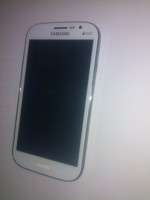
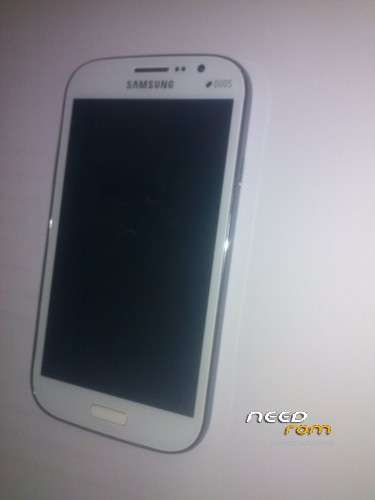
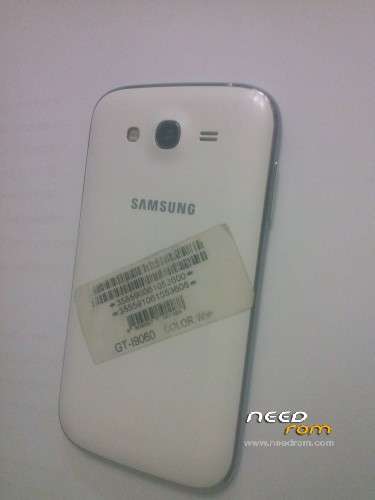
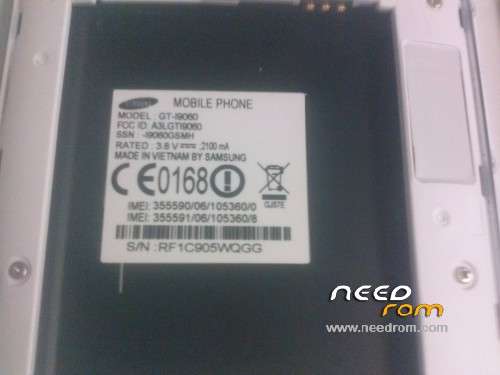
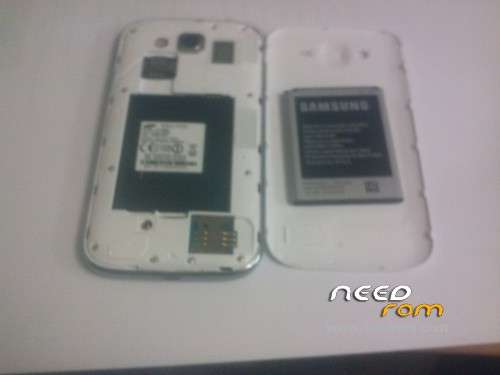
 Member Info
DESCRIPTION
1- extract rom image to a folder
2- extract preloader (with mtk droid tool)
3- flashe with sp tool (just preloder) don't forget to plug without battery and insert battery just after pluging usb
4- same process but now you will flash all (not user and cache)
5- wait one munite it will not boot and stuck on logo …… restart and clear mmc
6- enjoy
※Please make a backup of your device before installing or updating ROM
I did as you said. I got buttons that glow continuously and intermittent camera flash. Also, the phone responds to the charge – backlight touch buttons continuously. Other firmware that I could find on the Internet does not give any result. Do you have any ideas?
I had (only SIM cards are not determined)
What LCD driver in your firmware?
Sorry for the delay
you need to use the all property, to avoid any error.which means that it must'n left any file of the old files that affect the device
Dear Friend, I am doing format. Then everything for instructions. I suspect that I have a different type of display. So I do not get a picture on my phone. The phone is loaded and I get access to the files on the computer. What should I do?
bro .. i need full file
Need firmware:
Hardware : CAPRI_SS_BAFFIN
Model : GT-I9060
Build number : JDQ39.19060ZSUANA3
Build date UTC : 20150707-134201
Android v 4.2.2
Baseband v: —-
Kernel v : 3.4.5 (wIb@adserver-desktop) (gcc version 4.6 x-google 20120106 (prerelease) (GCC)) #2
SMP Wed Jul 8 09:41:18 CST 2015
Uboot build v: —– should be root shell
LCD Driver IC: —– should be root shell
IMEI 1 : null
IMEI 2 : null
how can extract preloader with mtk droid please explain
For extract preloader (with mtk droid tool) firt run
1- Open MTKdroidTools
2- Run tab root.backup.recovery
3- Click button to perepate blocks for flash tool
4- Select file.md5 from extaract download file in site mean to folder GT-I9060_150314_backup_150808-134839
6- After afew minutes in extarct GT-I9060_150314_backup_150808-134839 folder create !Files_to_FlashTool
7- open SP Flash Tool and select MT6572_Android_scatter text file
8- enjoy
how to extract preloader with droid tool
For extract preloader (with mtk droid tool) first run
1- Open MTKdroidTools
2- Run tab root.backup.recovery
3- Click button to perepate blocks for flash tool
4- Select file.md5 from extaract download file in site mean to folder GT-I9060_150314_backup_150808-134839
6- After afew minutes in extarct GT-I9060_150314_backup_150808-134839 folder create !Files_to_FlashTool
7- open SP Flash Tool and select MT6572_Android_scatter text file
8- enjoy
i bricked my phone … No stock rom made .. need stock ROM please…
any one have a preloader file ???
after write this file white display