
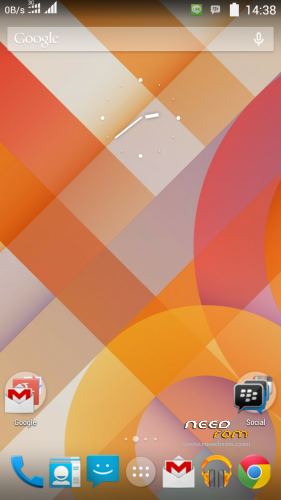
- Title: ZTE N986 SLIMKAT ROM
- Listed: March, 2014
- Last modified: 03/02/2014 3:22 am
- Version: V2
You must be logged for ROM download.
19234 total views, 2 today
3 Total favorites
 Member Info
DESCRIPTION
Very Important if you read the instructions carefully,
- Backup your previous rom via CWM-TWRP (Must!!)
- Download rom via the link above and save it to your sdcard
- Turn off and go into CWM or TWRP recovery (Power + Vol Up)
- Wipe Data, Wipe Cache, Wipe Dalvik Cache
- Select the Install from external sdcard
- Will Appear aroma installer …
- Follow the step until you reboot the phone automatically
- Wait a bit until the installer finished installing
- Completed, enjoy
FYI
- For all who have lost their own app shortcut problem fitting in a reboot please check back in the settings select the preferred storage location to install an internal or system default
- For all who have problems fitting Calling can not or ringtone does not sound .. the solution is to replace the default ringtones
- For all who have problems with the keyboard, mms, settings please download fix flashable above.
※Please make a backup of your device before installing or updating ROM
What phone is this for does it include gapps n is it fairly stable??
hi