
- Title: Sony Xperia Miro ST-23i
- Listed: December, 2014
- Last modified: 12/28/2014 2:50 pm
- Version: JBMP v5 Jelly Bean 4.1.2
You must be logged for ROM download.
14511 total views, 1 today
2 Total favorites
CUSTOM




 Member Info
DESCRIPTION
Jelly Bean Mini Project(JBMP) release 5 for Sony Xperia Miro ST-23i
Installed via custom recovery
Android 4.1.2 features :
- Based on CyanogenMod10 FXP 226 (hell lot modded) for miro FXP 226
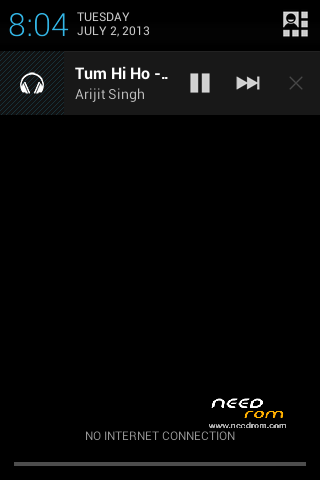
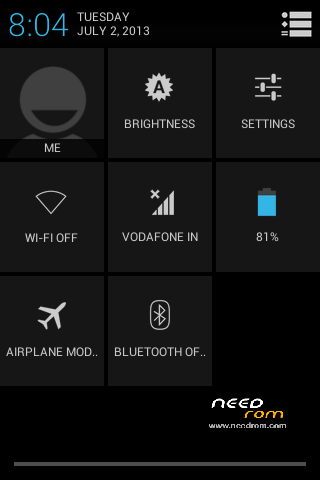
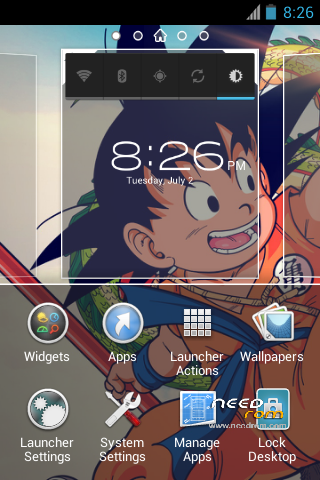
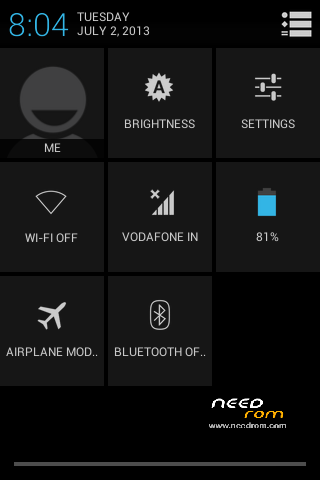
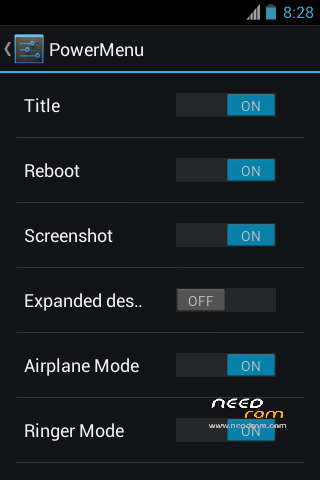
- Power Widget Toggles on Notification Bar (Can be disabled)
- Performance Settings
- Fast and Smooth like "Butter"
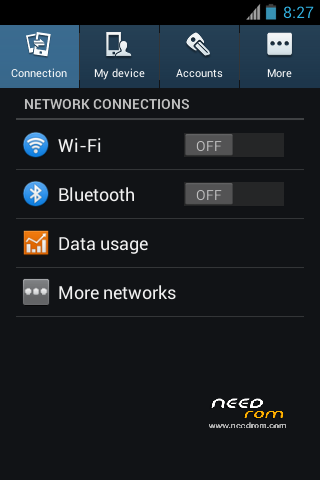
- Colored settings icons
- Good Battery Life
- Walkman,Xperia T Icons
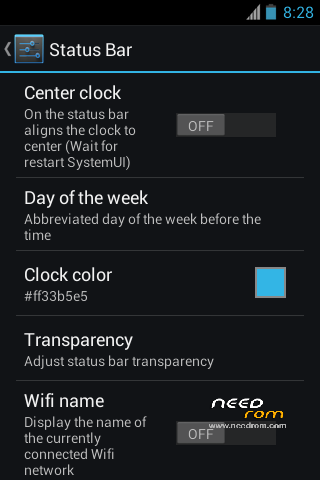
- JB Mini Extra Settings
- Navigation Bar
- Sense 4 style recent apps
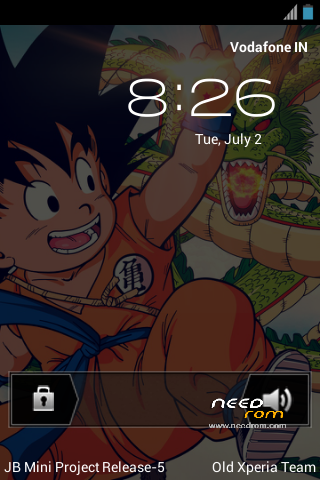
- Ability to change lockscreen style: Stock, Galaxy S3,BlackBerry Z10,Rotary Slide,Xperia S,HTC Sense,Etc
- Back/Menu button end call
- Pick up to call (WIP)
- Center Clock on statusbar
- JBMP theme
-
Install Instructions:
Download rom
- Place rom on your sd card
- Make backup of your previous rom
-
****(IF J
Flash boot.img from ROM ZIP)****
Boot to CWM (Volume Down button) - Make full wipe
- Wipe cache and dalvik cache
- Install the rom
- Install the Super Stripped Gapps
- Reboot
- Wait for the rom to boot completely
- Reboot again
- Enjoy
※Please make a backup of your device before installing or updating ROM
hi!i downloaded this rom .but there's no "ftf"file in it.i used to flash with falshtools software.but i don't know how to install rom with this your file
please help me to how to install rom !
1 root
2 install cwm
3 boot to cwm
4 install rom
wifi not work