
- Title: STAR N900W With Note 3 icons Touchwiz + CWM By MANANPA
- Listed: March, 2014
- Last modified: 03/02/2014 2:36 pm
- Version: ROM NOTE 3 Android 4.2.2 v1.0
You must be logged for ROM download.
25031 total views, 3 today
4 Total favorites
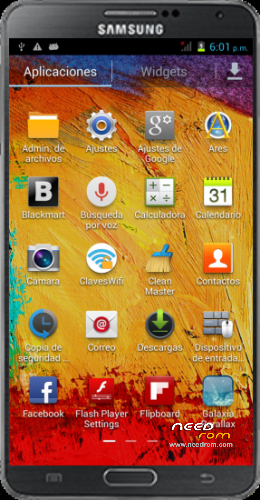
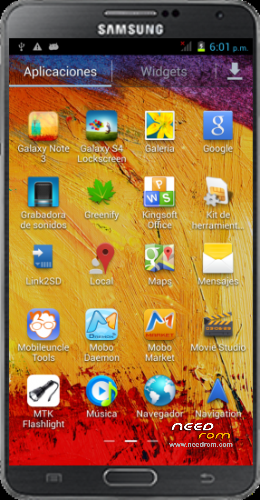
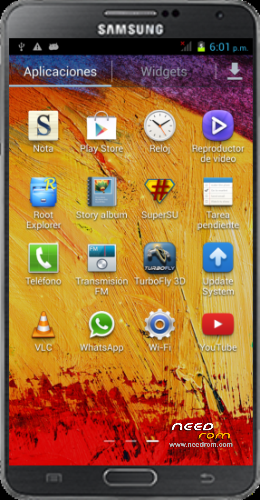
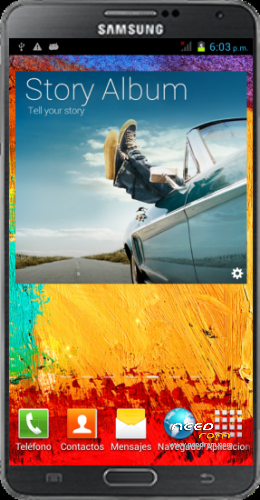
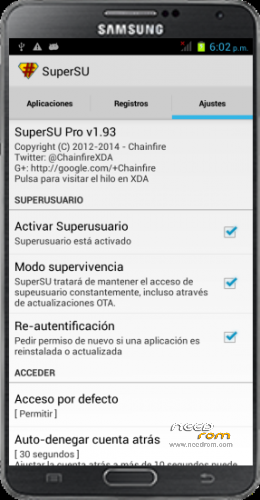
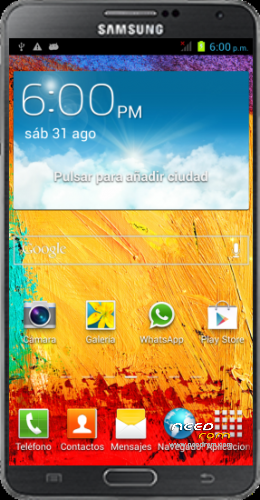
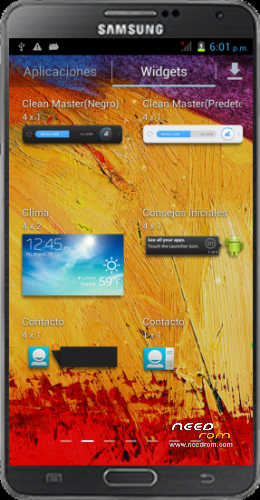
 Member Info
DESCRIPTION
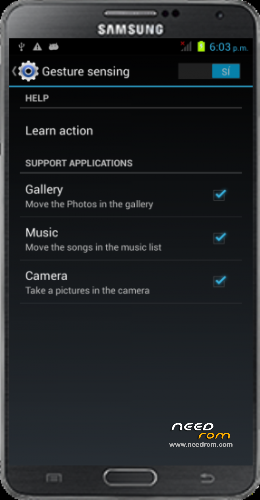
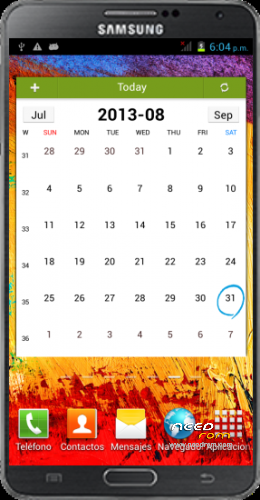
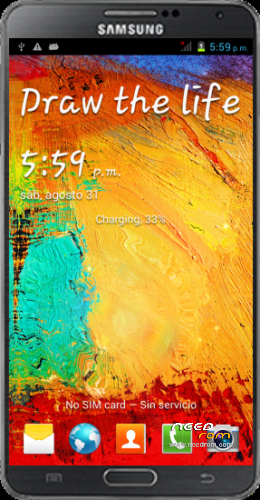
STAR N900W With Note 3 icons Touchwiz + CWM By MANANPA
Version Mod Star : ROM NOTE 3 Android 4.2.2 v1.0
Language support: Multilang
NOTE: Go to Settings – Apps – Swipe to All – Choose TurboFly 3D and Disable Show notifications. (This is to avoid Spam).
Install ROM:
To unpack FlashTool run Flash_tool.exe
Select a the MT6582_Android_scatter.txt in ROM with Flashtools
Click Flash_tool.exe interface Firmware-> Upgrade
Remove the phone battery
Press Vol+ + Power button and do not release
Connect the data cable
Press Home button and put the battery in the phone
The flash process is started
Flash finished with green circles appears
You need to rewrite the IMEI
Method 1:
Open (Mobileuncle Tools) and select Engineer Mode, select Mode Engineer (MTK), select GPRS and writes both IMEI (IMEI are engraved The back of the phone by removing the battery).
Method 2:
The solution is easy , your S4/S3/Note II 3 Chinese do not have the correct IMEI , you have to do is:
1. Turn off your phone.
2. Press the Vol – button and without releasing press the Power key.
( With the phone off , press Vol- first without pressing the release button
both on hold until the menu appears in English or Chinese with black background. )
3 . Wait between a test menu with black background.
4 . Connect your S4/S3/Note II Chinese to PC with Windows.
5 . Download and install the drivers MTK VCOM
MT6577 USB VCOM Driver ( W7/Vista/XP ) -> http://www.mediafire.com/?cypm22rgs2k83ji
MT6577 USB VCOM Driver ( W8 ) -> http://www.mediafire.com/?7yee2of64nhl947
6. Download MTK tools Droid http://dfiles.ru/files/ne1gnposp
7. Unzip and open MTKdroidTools.exe ( wait for the information to load Chinese S4/S3/Note II 3 ) .
8. Click on IMEI / NVRAM and put the 2 IMEI coming behind two Chinese S4/S3/Note removing the battery.
9. IMEI click on Replace .
10. Restart the Chinese S4/Note II 3 and ready.
For flash CWM Recovery:
(For: Settings —> System restore Please flash stock boot.img and stock recovery.img)
Note: to enter in CWM Recovery press Vol+ + Power button
For Nandroid Restore (In CWM Recovery):
Descompress Note3_W900_SM-N900_Clockworkmod_Backup_By_MANANPA.exe
copy clockworkmod folder into MicroSD Memory
Turn off the phone
Boot in CWM Recovery (Press Vol+ + Power button)
Select -Backup and restore
Select -restore
Select 2013-09-01.00.00.19
Select -Yes – Restore
Wait to restore process finished
Select -reboot system now
Enjoy!.
Thanks, Pleese Donate for support,
Tony Mananpa.
※Please make a backup of your device before installing or updating ROM
Does this ROM fix the issues with hearing somebody when on a phone call?
I decided to give this a try.
Unfortunately I cannot get it to work.
After following:
Press Vol+ + Power button and do not release
Connect the data cable
Press Home button and put the battery in the phone
The flash process is started
The flash process does not start and all I get is the factory menu on the screen.
After giving up, I rebooted the phone and now it is stuck on the Android logo screen, so I now have a non working phone.
I think I've just found the solution for the sound problem. After hundreds paremeters tried in MTK audio enginner, I eventually copied the same parameters than the mic hedaphones, and IT'S WORKING very well after two days using it.
Mobile Uncle Tools, MTk Enginner MTK, Hardware, Audio, Normal, Mic levels:
0-255, 1-192, 2-192, 3-180, 4-192, 5-192, 6-196, 7-184, 8-184, 9-184, 10-184, 11-0, 12-0, 13-0, 14-0
I hope it works for all of you!!
How do I get Dutch language as a system?
that does not appear in the list who knows a solution?
io ho un jiake n900w con firmware linux e mtk 6582 5,5 pollici e mezzo come posso installere una recovery compatibile e una custom rom? grazie
I have a Jiake n900w firmware with mtk 6582 and linux 5.5 inches and a half as I can installere a compatible recovery and a custom rom? thank you
Hi marex1, I've got a Jiake n900w too. I installed the CWM trough the UncleTools MTK. You can downloaded it form PlayStore for free.
1.- Copy your recovery.img from https://www.needrom.com/downlo.....star-n900w-cwm/ in your SD card
2.- Opne Uncle Tools - Change Recovery (be carefull selecting recovery.img copied in the first step)
3.- Reboot your phone with mobileuncletools in Recovery mode
4.- That's all…. BUT as you can see the screen in recvery mode is upside down. All functions work properly.
5.- Is the only Recovery I've found working on ours devices.
PS: After the installation, can you make a Backup of your rom and poste it here?. I needed it. Thnaks.
Thank you very much friend, great rom. Now my Jiake N900W looks perfect like real Note 3
OK! tks! Enjoy! :-P
Hello I need firmware for my note 3 mt6582V N9000, mainboard hare Q600_MB_V2.2 please help me.
pleace rom note 3 mt6572 lcd 5,7'