
- Title: StarOS
- Listed: February, 2018
- Last modified: 02/03/2018 6:30 am
- Version: 9.1.1
You must be logged for ROM download.
10175 total views, 2 today
1 Total favorites
 Member Info
DESCRIPTION
This rom works on the following devices:
Homtom HT16 w/ CPU MT6580 only!
Gapps: No
Rooted: Yes
How to Install:
- Download StarOS Rom
- Put on the root of the phone or sdcard
- Reboot into Custom Recovery
- Do a backup of your present rom (optional)
- Wipe Cache/Data/System
- Install StarOS ROM
- Install StarOS Camera Patch
- Don't Wipe Dalvik Cache If you've installed gapps with this rom!
- Reboot (It may take a while longer than usual. Up to 5 minutes on first boot). Please be patient, at the end you will have a fully working StarOS Marshmallow ROM.
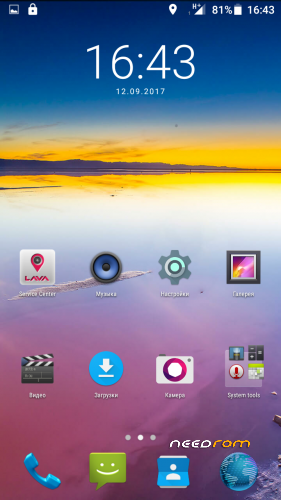
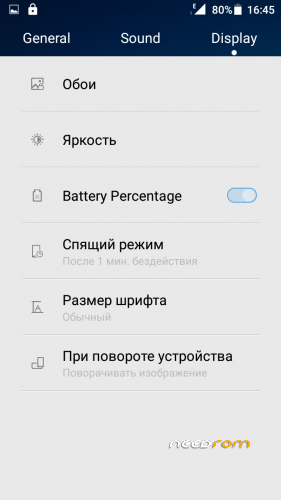
(It will be in Russian by default but if you manage to find the settings button and then click on the "A"/Globe button which stands for "languages", in the first line you can easily change into your own language).
Google Apps are pico version, which comprises only of Google Play Store and Google Services.
Warning!
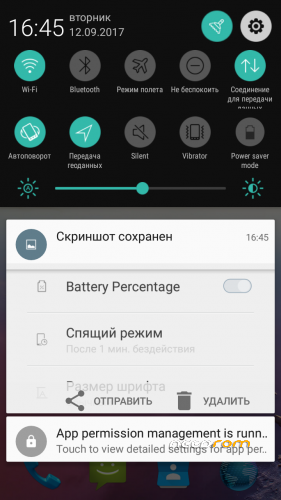
There might be some remnant Russian language at some icons on notifications menu since this ROM was ported by a Russian citizen. Just click on them and they will change to your designated language.
Bugs:
Camera doesn't seem to be working well on some devices.
Credits:
sten2222
※Please make a backup of your device before installing or updating ROM
There is a bug, after restart some widgets aren't loaded, they are just stuck loading.
Also, after restart Acessibility Settings for apps are reseted, for example McAfee is turned off after restart, so you have to manually turn it on.
Some apps don't start after restart, for example NetGuard don't start.
There are obviously some problems after restarting.
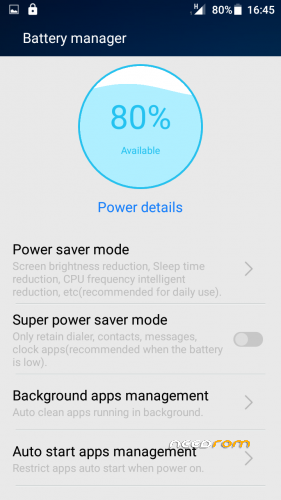
I didn't know that there is Auto Start Apps Manager in Battery manager that restricted apps from auto starting.
You can choose what to Allow to auto start, so now it's working fine.
I must say, there are some auto start issues with apps.
Some apps start, some don't, and sometimes they do, sometimes they don't.
Also, Background apps management in Battery manager always crash.
Bluetooth pairing has also issues, it doesn't pair automatically after longer period, but still testing.
I have renamed in Bluetooth phone name from iris702 to HT16 and that caused pairing problems.
Don't rename it and bluetooth will work ok.
HomTom_HT16_MT6580_V9.1.1_ OK.IGY–MÁR ÉRTEM.
Personally I don't like stock v9 roms. I prefer v6 type. v9 are more indicated for S8 that is virtually identical to ht16 fw.
But if you want it go here:
https://www.homtom.cc/DownFile
and choose HT16 of course.
Hy Rucaxp!
Camera doesn't working well on my Homtom Ht16 after ROM replacement. The Z axis (Its a fix value) of the accelerometer dosn't working.
There is no solution?