
- Title: Suppu F6 & Jeep F6 Rom
- Listed: August, 2016
- Last modified: 08/10/2016 4:08 pm
- Version: 1.1
You must be logged for ROM download.
18039 total views, 1 today
2 Total favorites

 Member Info
DESCRIPTION
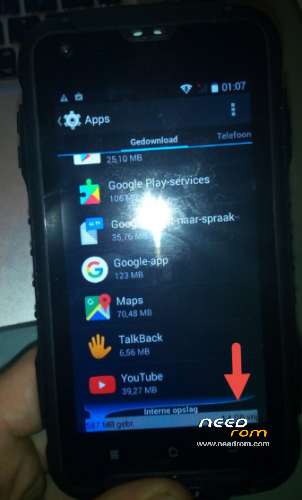
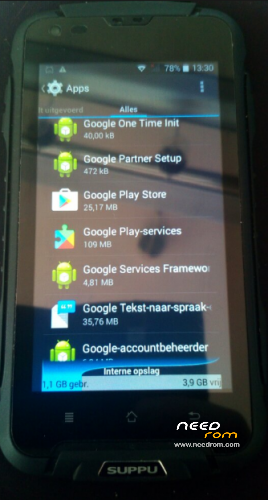
This is an original ROM slightly modified to make the internal storage bigger from 1GB to 5GB to enable you to install more apps. (http://forum.xda-developers.com/android/general/howto-modify-ebr-mediatek-devices-t2769604)
This rom includes google apps and work on both Suppu F6 and Jeep F6 (same phone hardware)
install instructions:
1 install drivers
2 open sp flash tool
3 select scatter file inside the extracted ROM folder
4 select "Format + download" and push download button
5 remove battery from phone.
6 connect phone to pc
7 wait for download to complete
8 done
Chrome update fix:
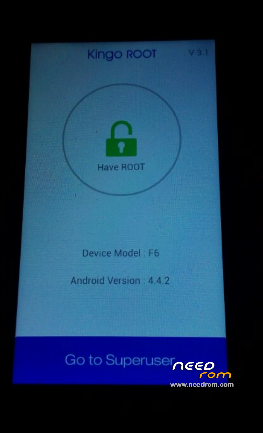
Root device with kingoroot app (apk included)
delete google chrome app.
delete playstore cache
reboot
reinstall chrome.
If you found this useful please donate.
ps. it is possible to port a recovery like CWM to these devices (google mediatek recovery port). If someone succeeds with a working recovery port please upload it on this site! (I got something working but the screen was upside down)
※Please make a backup of your device before installing or updating ROM
Absolutely NOTHING happening. Wondering what went wrong :-/
Have to say, instructins are a bit too simple.
Not all of us have done this before, so it would be a good idea to make it as "For Dummies" and tell every step including where to DL (phone or PC), which files are in what folder and also what do you mean by this "4 select "Format + download" and push download button" (realized it´s on the Download page in Flash Tool) etc. and possible also how long it normaly takes to do this.
Peace man.
Oh, and also…
With Windows 10 – how to install drivers.
Some good tips found here:
https://tehnotone.com/windows-.....rial/
https://tehnotone.com/sp-flash.....ricked-devices/
все вийшло спасибі ок