
- Title: THL T11 KK FEEL RoM by frakk
- Listed: February, 2015
- Last modified: 02/27/2015 5:57 pm
- Version: 4.2.2
You must be logged for ROM download.
13737 total views, 1 today




 Member Info
DESCRIPTION
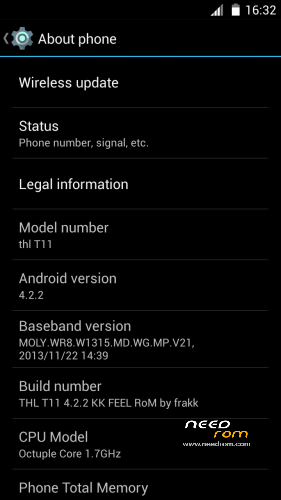
THL T11 KK FEEL RoM by frakk (4.2.2)
ROM Based on Official ROM ThL T11 version: thl_T11.159A.A1.JB9.HD.EN.16P128.OV8825.MT6592GW.20140623 – V1_WCDMA
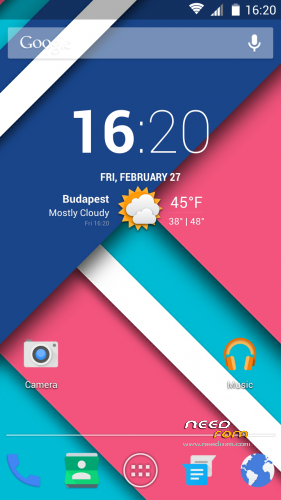
Who love the Jelly Bean, here's a simple rom, white statusbar icons and KITKAT shortcuts.
- Android version: 4.2.2
- 100 % Deodex
- Multilanguage version (default language:English)
- LED notifications FIX
- Gapps include
- Root (SuperSu)
- Add. busybox
- Add. New Black and White THL Bootlogo
- Add. New Black and White THL Bootanimation
- Add. GPS conf file Europe
- New default wallpaper (material design)
- New unlock sound ( THX cobra2)
- Smart wake works
- Build.prop edited
- USB Debugging icon from Status Bar Disable
- Modified Settings menu (white icons)
- Modified Statusbar icons
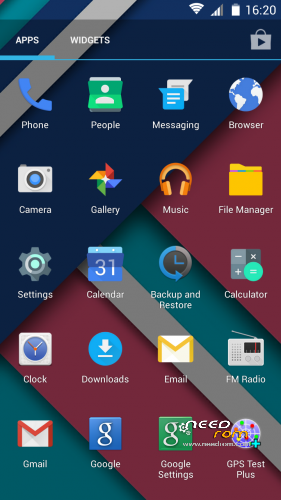
- Modified system apps icons, kitkat style.
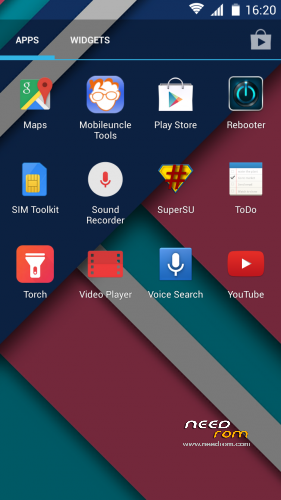
Add plus app:
Rebooter
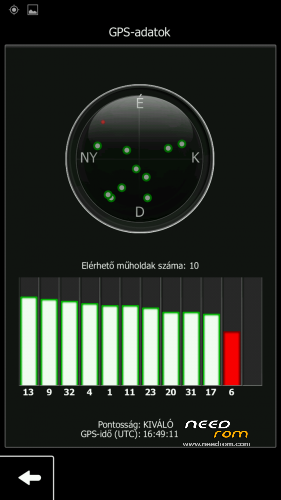
GPS Test
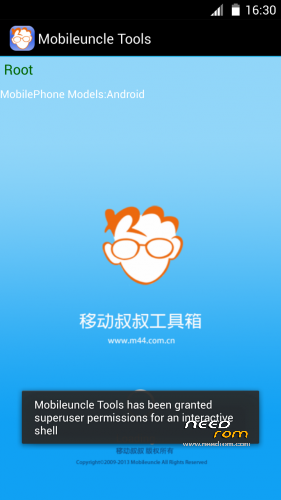
Mobileuncle MTK Tools
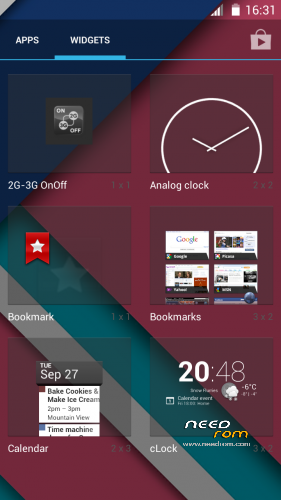
cClock widget (clock, alarm, weather and calendar widget)
2G-3G OnOff widget
Make a backup of your NVRAM/IMEI before flashing highly recommended !
Install ROM:
CWM.
Step 1: Download the custom ROM copied to an external SD card root directory.
Step 2: the shutdown state. While holding down:
– Power button + volume button up, to enter the recovery mode.
– Wipe Data / Factory Reset -> delete all user data.
– Wipe Cache Partition -> Wipe cache.
– Advanced -> Wipe Dalvik Cache.
Step 3: Return to recovery main interface Install zip from sdcard -> choose zip from sdcard -> Select your ROM.
Step 4: Brush complete, automatic restart
The phone Patience required – first boot takes a while.
Install Patch:
Step 1: Download the PATCH, copied to an external SD card root directory.
Step 2: the shutdown state. While holding down:
– Power button + volume button up, to enter the recovery mode.
– Wipe Cache Partition -> Wipe cache
– Advanced -> Wipe Dalvik Cache
Step 3: Return to recovery main interface Install zip from sdcard -> choose zip from sdcard -> Select your PATCH
Step 4: Brush complete, restart
※Please make a backup of your device before installing or updating ROM
thanks :p
Is a functional xposed & gravity box? Thank for reply ….
Ok gravity
The bar come down is empty….there is only wireless display
does'nt connect to wifi. See the wifi modem, but stay "ip adress…". Why? I try flash the original communication modul, but the problem not solved.
And the wifi list there is a weird line: NVRAM Error = 0×10.
Problem solved: NVRAM data overwrite with original NVRAM data…
Eddig nem jelzett senki nvram hibát, szerintem a telepítésnél történhetett valami nálad.