
- Title: THL T11 NBSP v5 RoM by frakk
- Listed: September, 2015
- Last modified: 09/15/2015 12:07 am
- Version: 4.4.2
You must be logged for ROM download.
43997 total views, 4 today
14 Total favorites
 Member Info
DESCRIPTION
NBSP v5 2015.09.15.
THL T11 NBSP ROM
(THL T11 New Base Stock Plus)
New Base: thl T11 Original KK
(Official ROM THL T11 version: thl_T11.159A.A2.KK.FHD.B1B5.EN.16P128.OV8825.MT6592GW.20141014)THL T11
Full description:
- Android 4.4.2
- 100 % Deodex
- Multilanguage version (default language:English)
- Gapps include
- Root (SuperSu)
- LED notifications OK
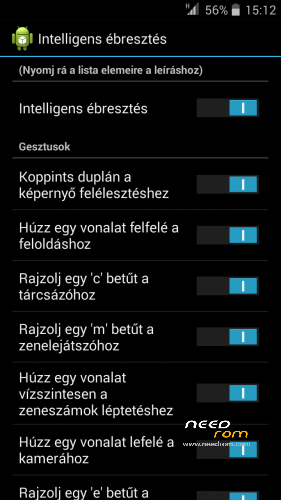
- Smart Wake OK
- Full White Statusbar Icon's
- Missing SIM-cards notify disabled
- Remove the Google search bar of Launcher
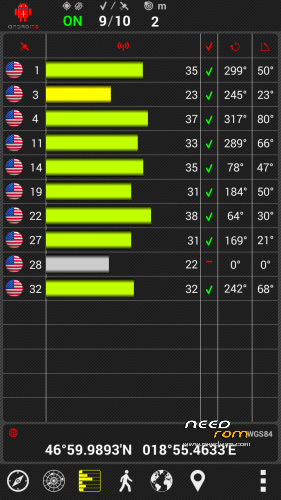
- GPS conf file Europe (other continent update above)
- Stock camera records mp4 format (not 3gp)
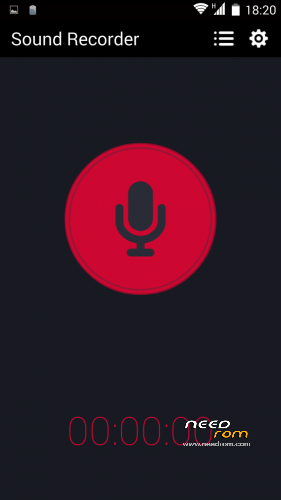
- Soundrecorder replaces another (AAC recording, not 3gpp)
- Ringtones, alarm, notification and system sound replaces Lollipop sound.
- Build.prop edited
- USB Debugging icon from Status Bar Disable
Plus Application:
- Add Stock Backup and Restore appilcation
- Add Browser bookmark sync email accounts
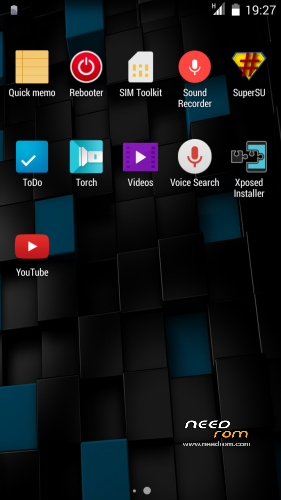
- Add Rebooter
- Add GPS Test app
- Add Mobileuncle MTK Tools
- Add Xposed
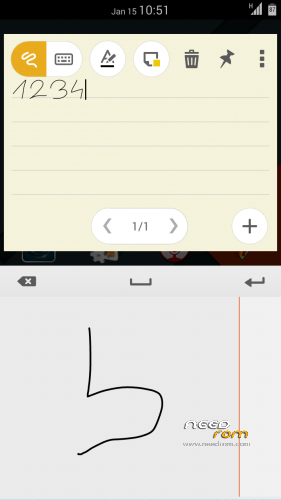
- Add QuickNote
- Add cLock widget
v5 features:
- Loud volume warning notification removed!
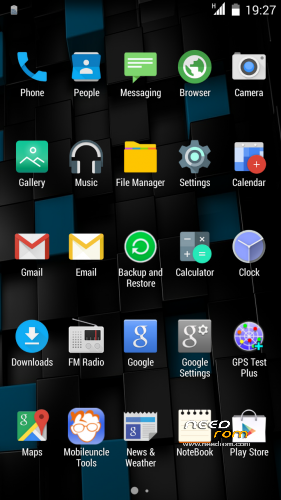
- plus material icons (browser, gallery, music, calendar, etc..) added
- plus old school (retro) ringtones added
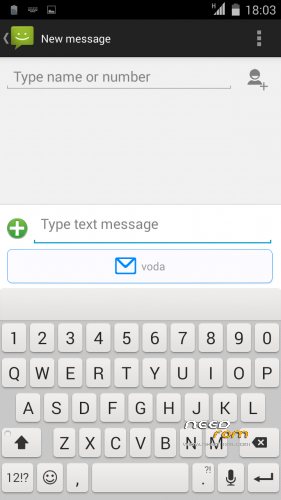
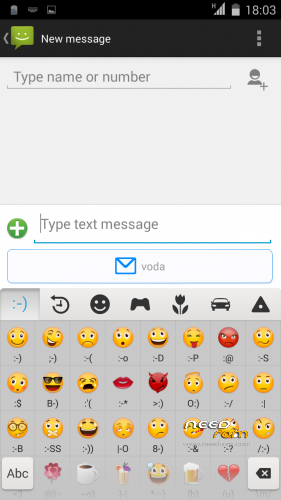
- plus new Keyboard (dark, white, mixed theme include) with numeric ROW!
- plus many Emoji added
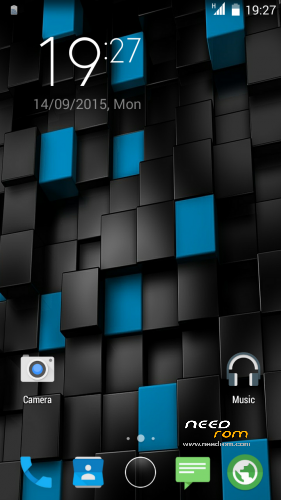
- new default wallpaper
- Smart Wake Hungarian language added (own translation)
- MIUI v6 Clock widget Hungarian language and date format added (own translation)
- REBOOTER Hungarian language added (own translation)
- Charging LED turns off 90%
- GPS Conf Europe incude (Asia, North America, Oceania, South America patch above)
- New Ring App drawer
- The Applications menu is a 5×5 grid
- New bootanimation
- Ringtones, alarm, notification and system sound replaces Lollipop sound.
- New Black THL Bootlogo
- New default wallpaper
- New 10 Local wallpappers
- MIUI v6 clock widget
- Basic icons are replaced, lollipop icons
2015.09.15.
v4 to v5 version update
If you do not want to install the entire system, in one update patch
Installation in the usual manner.
Full Wipe you do not need.
Recommended : Wipe Dalvik Cache.
Potential KK Problems and Solutions:
If you do not see 3rd party widget, when I Move apps to internal memory the problem is solved.
Or set Settings/Storage/Prefered insall loction/Let the system decide - choose
Please make a backup of your device before installing or updating ROM
CWM:
Step 1: Download the custom ROM copied to an external SD card root directory.
Step 2: the shutdown state. While holding down:
– Power button + volume button up, to enter the recovery mode.
– Wipe Data / Factory Reset -> delete all user data.
– Wipe Cache Partition -> Wipe cache.
– Advanced -> Wipe Dalvik Cache.
Step 3: Return to recovery main interface Install zip from sdcard -> choose zip from sdcard -> Select your ROM.
Step 4: Brush complete, restart
The phone Patience required – first boot takes a while.
THL T11 NBSP ROM v1
THL T11 NBSP RoM v2
plus updates:
1. UPDATE 2015.01.20:
2. UPDATE 2015.01.30:
THL T11 NBSP RoM v4
Please make a backup of your device before installing or updating ROM
CWM:
Step 1: Download the custom ROM copied to an external SD card root directory.
Step 2: the shutdown state. While holding down:
– Power button + volume button up, to enter the recovery mode.
– Wipe Data / Factory Reset -> delete all user data.
– Wipe Cache Partition -> Wipe cache.
– Advanced -> Wipe Dalvik Cache.
Step 3: Return to recovery main interface Install zip from sdcard -> choose zip from sdcard -> Select your ROM.
Step 4: Brush complete, restart
The phone Patience required – first boot takes a while.
※Please make a backup of your device before installing or updating ROM
Again with this rom can't move downloaded apps to "sd card"!!! only to "phone storage"!! so the sd card is usless!!
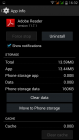
any solution for this Frakk??!!
I know it's KitKat features
https://groups.google.com/foru.....jY/UsxMYwu02z0J
for me it's not a problem, there is a lot of space
@frakk thanks for the reply! I also have problem with sim2…no internet connectivity! Only at sim1!any solution pls??
Two sim 3G capable, but at the same time only one can be used.
Put it through the first slot.
i know that!! but with 4.2.2 rom we could choose which sim is with 3G. but now only sim1 has data and sim2 not! can't be fixed without changing slots?
LED notifications not working when the battery is charged does not go off.
Indicators E/G/3G not removed and don`t change. I see icon E, when I use mobile internet and when I don`t use.
(LED notifications not working when the battery is charged does not go off.)
Led 95% off and 100 % off:
http://4pda.ru/forum/index.php.....#038;p=36235954
battery is charged does not go off : works like the original, it does not turn off (this did not change)

Icon shows which service is switched on. (connection type)
The working connection that the up and down arrow indicates.
I do not use gravity box never.
This rom is really good work ….
Known only two things, small annoyances but I think you can easily solve because in other Roma were working.
1: no close button sends phone call when you (when you receive is ok)
2: The alarm clock works even if the phone is off! This is a function that I have found so far only on Roma
thl T11_KK_MSB141014 .V2
the friendly 105kacsa, I always thought it could not work and I was using automatic ignition but I realized that randomly on that rom the phone turns on whether there is alarm set and then you can leave it shut down or hold on.
A very nice thing that maybe you can add
The rest seems everything perfect, thank you!
Thank you for all
You can use FasterGPS app For best gps results.
UPDATE 2015.01.20:: Continent Specific GPS Coniguration file's, faster GPS connection:
Install CWM (should not be wiped)
- GPS_CONF_Asia
- GPS_CONF_Europe
- GPS_CONF_North America
- GPS_CONF_Oceania
- GPS_CONF_South America