
- Title: THL T11 SonyZ RoM by frakk
- Listed: December, 2014
- Last modified: 12/02/2014 4:46 pm
- Version: 4.4.2
You must be logged for ROM download.
15189 total views, 1 today
135 Total favorites
 Member Info
DESCRIPTION
THL THL T11 SonyZ RoM by frakk
- Android 4.4.2
- 100 % Deodex
- Multilanguage version (default language:English)
- Gapps include
- Root (SuperSu)
- Add. busybox
- Add. Black THL Bootlogo
- Add. Xperia Bootanimation
- Build.prop edited
- LED notifications OK
SMART WAKE NOT INCLUDE!
Added:
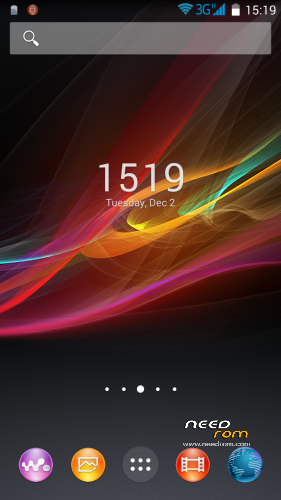
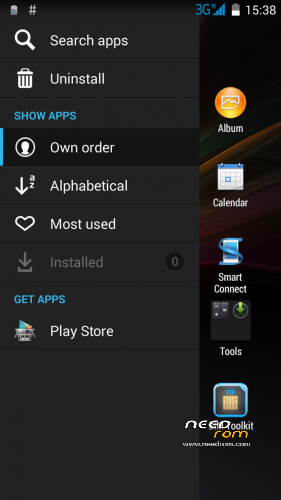
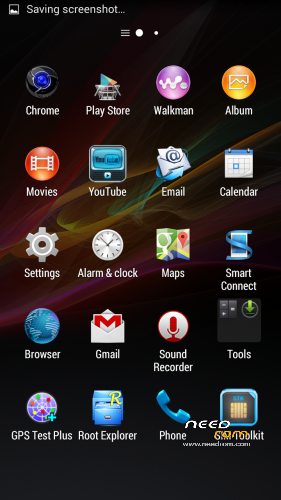
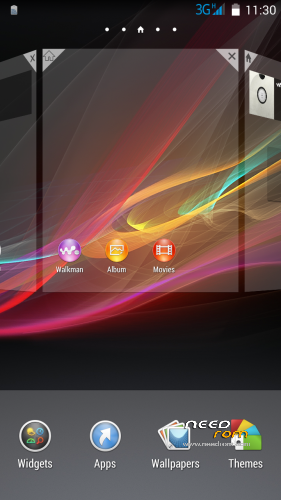
- Xperia Z3 Home and widgets
- Xperia Calendar + Widget
- Xperia Calculator
- Xperia Clock and alarm clock
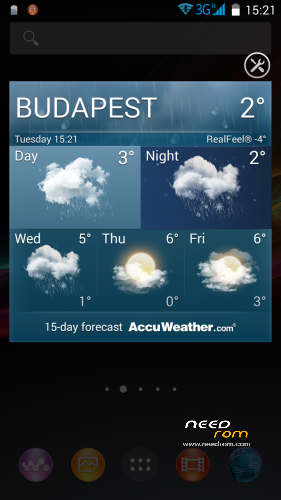
- Xperia Weather Widget
- Xperia Album + Widget
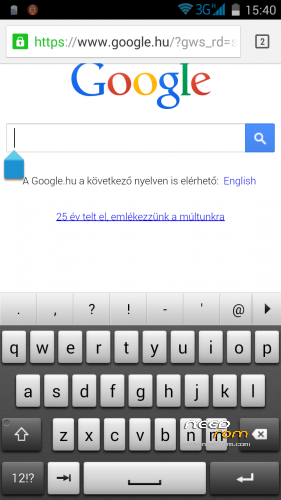
- Xperia Keyboard + Dictionary
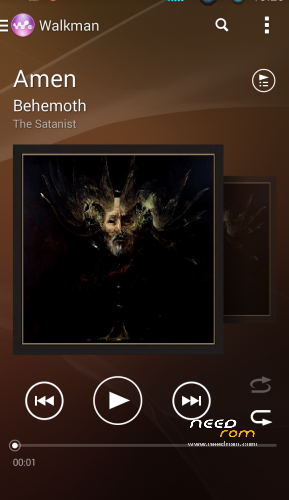
- Xperia Walkman Player + Widget (Clear Audio +, SRS, xLOUD)
- Xperia Sounds and Wallpapers
- Xperia Movies
- Sony Bravia Engine
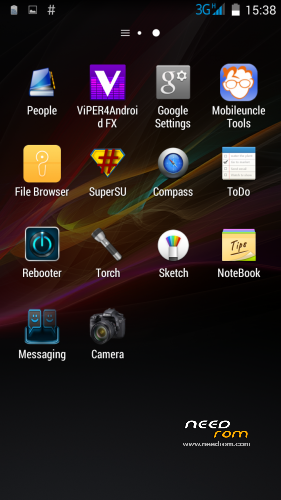
- Xperia Notes
- Widget weather
- File Manager
- Compass
- Rebooter
- Mobileuncle MTK Tools
- Chrome Browser
- Root Explorer
Plus:
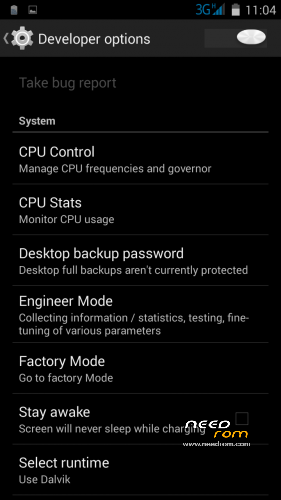
- Advanced Settings Menu: Autostart, CPU Settings, CPUstats Tasks, Engineer Mode
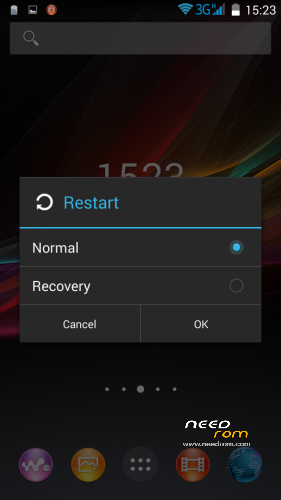
- Extended Restart Menu – Restart normal and Restart CWM option
- Missing SIM-cards notify disabled
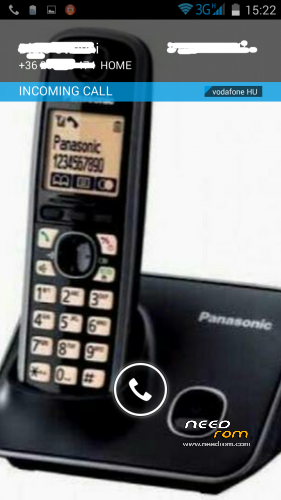
- Full screen photo on incoming / outgoing call- Sony Sketch
Thanx to mods and inspiration: dr.dimo, grisha84, lacettiy, Arhitektor58
CWM.
Step 1: Download the custom ROM copied to an external SD card root directory.
Step 2: the shutdown state. While holding down:
– Power button + volume button up, to enter the recovery mode.
– Wipe Data / Factory Reset -> delete all user data.
– Wipe Cache Partition -> Wipe cache.
– Advanced -> Wipe Dalvik Cache.
Step 3: Return to recovery main interface Install zip from sdcard -> choose zip from sdcard -> Select your ROM.
Step 4: Brush complete, restart
The phone Patience required – first boot takes a while.
※Please make a backup of your device before installing or updating ROM
Enyone who tried this rom..some reviews?
Great Work !
But it is proximatif sensor work in this rom ?!
Just tried this really like the icons
Battery looks good
Would love smart awake
Also one app or sevice keeps running saying devices are running – have no idea what this is and cannot uninstall it
strainge with all the kitkat roms for t11 is
when i will ad beautiful widgets they are not visible to add
the rom is nice
I could remove the logo of 3g and letter g with gravitybox but like to do to remove the small logo that appears in the signal, all the time appears without having activated the 3G, the same goes with the letter g appears
can you guys give a tutorial how to instal this roms?
Copy the zip file to you SD card
Shut down the phone
Switch back on using the power and UP buttons (keep pressed until you see menu screen)
Select the first option using the up button, press the down button to select option
The follow the instruction from the top of this page
ps you need a custom recovery first
Great work. everything working fine like a sony experia. But
The only issue i found is that time to time is disconnected from wifi. i don´t know why but 30 minutes and again dot disconnected.
Somebody got a solution?
Randomly reboot