
- Title: THL T11 SSW 4.2.2 RoM by frakk
- Listed: January, 2015
- Last modified: 01/26/2015 2:37 pm
- Version: 4.2.2
You must be logged for ROM download.
12477 total views, 1 today



 Member Info
DESCRIPTION
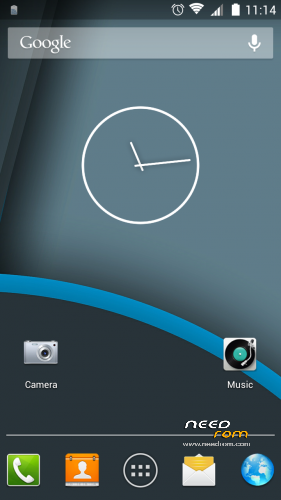
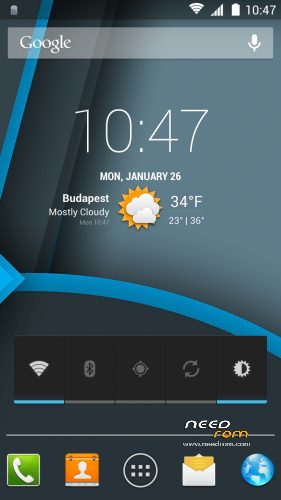
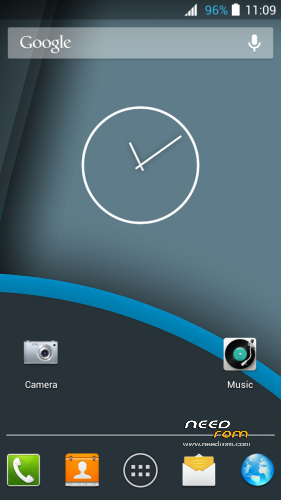
Who love the Jelly Bean, here's a simple rom, white statusbar icons.
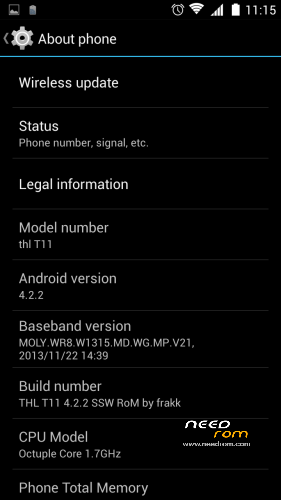
THL T11 SSW RoM by frakk (4.2.2)
(THL T11 Simple Stock White RoM)
ROM Based on Official ROM ThL T11 version: thl_T11.159A.A1.JB9.HD.EN.16P128.OV8825.MT6592GW.20140623 – V1_WCDMA
- Android version: 4.2.2
- 100 % Deodex
- Multilanguage version (default language:English)
- LED notifications FIX
- Gapps include
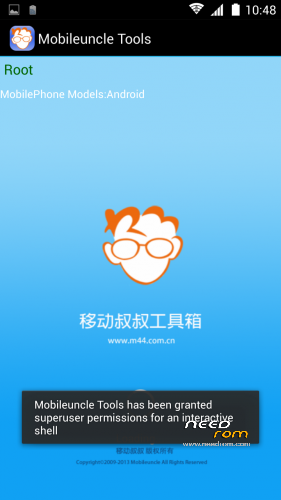
- Root (SuperSu)
- Add. busybox
- Add. Black THL Bootlogo
- Add. New Android L Bootanimation
- New default wallpaper (material design)
- New unlock sound ( THX cobra2)
- Smart wake works
- Build.prop edited
- USB Debugging icon from Status Bar Disable
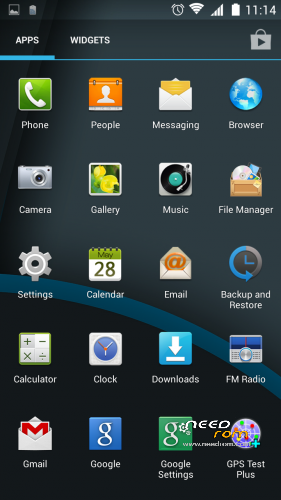
- Modified Settings menu (white icons)
- Modified Statusbar icons (white icon's, except battery percentage notice (blue))
- Xposed OK (not installed)
- GravityBox OK (not installed)
(recommended version:Xposed installer 2.7 and the GravityBox 3.5.2)
thanks the test and and the encouragement: fv1ede colleague
Add plus app:
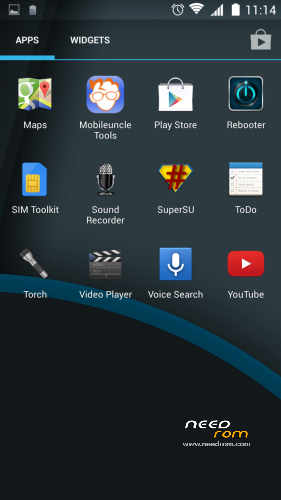
Rebooter
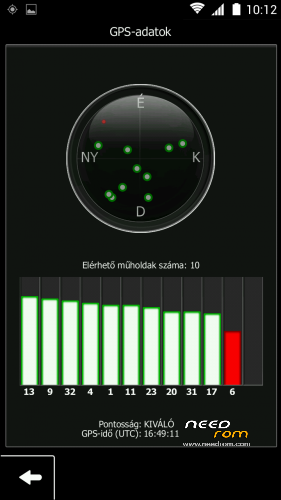
GPS Test
Mobileuncle MTK Tools
cClock widget (clock, alarm, weather and calendar widget)
2G-3G OnOff widget
(thank's danielpinto8zz6)
Make a backup of your NVRAM/IMEI before flashing highly recommended !
Install ROM:
CWM.
Step 1: Download the custom ROM copied to an external SD card root directory.
Step 2: the shutdown state. While holding down:
– Power button + volume button up, to enter the recovery mode.
– Wipe Data / Factory Reset -> delete all user data.
– Wipe Cache Partition -> Wipe cache.
– Advanced -> Wipe Dalvik Cache.
Step 3: Return to recovery main interface Install zip from sdcard -> choose zip from sdcard -> Select your ROM.
Step 4: Brush complete, automatic restart
The phone Patience required – first boot takes a while.
Install Patch:
Step 1: Download the PATCH, copied to an external SD card root directory.
Step 2: the shutdown state. While holding down:
– Power button + volume button up, to enter the recovery mode.
– Wipe Cache Partition -> Wipe cache
– Advanced -> Wipe Dalvik Cache
Step 3: Return to recovery main interface Install zip from sdcard -> choose zip from sdcard -> Select your PATCH
Step 4: Brush complete, restart
※Please make a backup of your device before installing or updating ROM
Gravitybox works 100%
This rom is works! for me.
Thank you..