
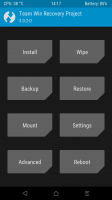
- Title: TWRP 3.0.2.0 THL5000
- Listed: April, 2016
- Last modified: 04/19/2016 4:03 pm
- Version: 3.0.2.0
You must be logged for ROM download.
17973 total views, 1 today
7 Total favorites
CUSTOM




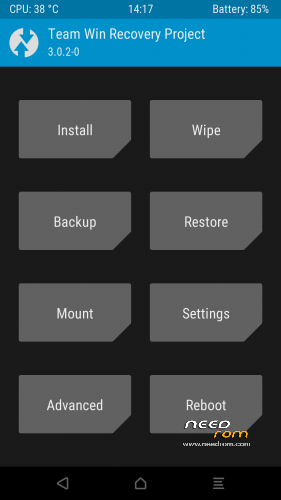
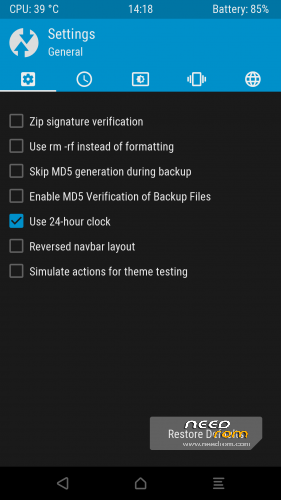
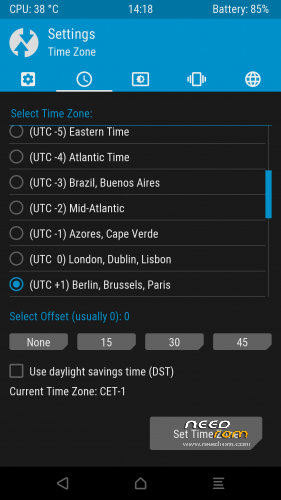
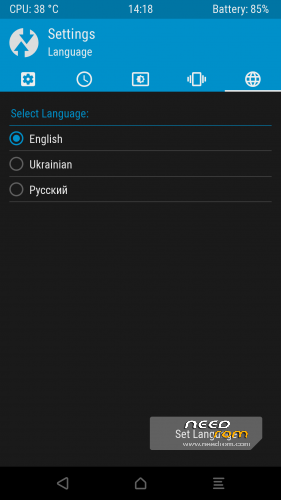
 Member Info
DESCRIPTION
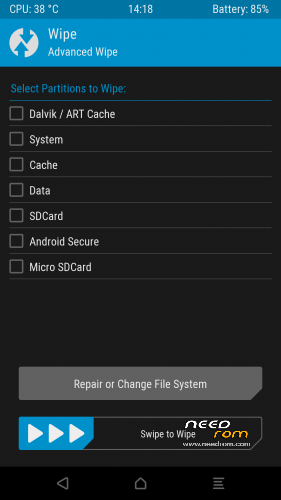
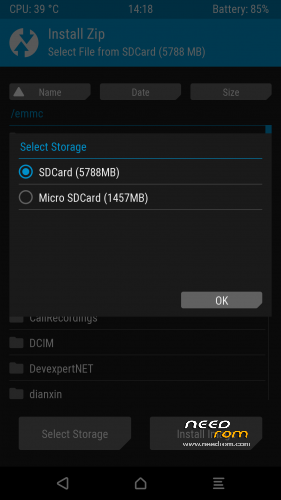
1. Copy .zip file TWRP3.0.2.0 THL5000.zip to your SD card.
2. Boot to custom recovery
3. Find WRP3.0.2.0 THL5000.zip swipe to right and flash this file
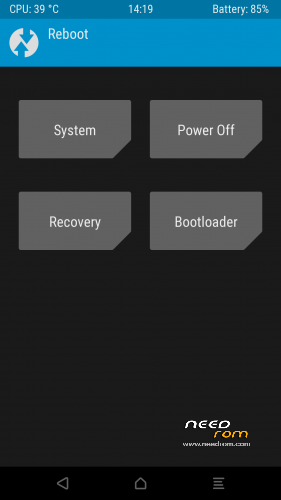
4. Reboot
※Please make a backup of your device before installing or updating ROM
Internal storage is system storage, wherw is internal RAM????
Change name of this crasy folder 00000000000000000.
Test yourself before port on Needrom.
How did your install go?
The file image is identical to TWRP 3.0.0.0? What's happen?
There are major difference's in the 3.0.0-0 and 3.0.2-0
If you have installed this, please report back.
The THL 5K is my only phone and I do not have a standby if this recovery bricks it.
@Vladimir
Please read the TWRP site and you can check that it's a TWRP standard.
@pennknig
You can estraxt from zip file the .img file and flash it with Flashtool using stock ROM scatter file in DOWNLOAD ONLY mode.
Or if you already have a custom recovery you can load the ZIP file via recovery.
This a standard for recovery and Mediatek.
The file are not dientical.
TWRP 3.0.0 and TWRP 3.0. are different version. pelase read TWRP site to know the differences.
"You can estraxt from zip file the .img file and flash it with Flashtool using stock ROM scatter file in DOWNLOAD ONLY mode.
Or if you already have a custom recovery you can load the ZIP file via recovery".
I have TWRP 3.0.0-0 installed.
"The file are not dientical.
TWRP 3.0.0 and TWRP 3.0. are different version. pelase read TWRP site to know the differences".
Read the 1st line in my post! … "There are major difference's in the 3.0.0-0 and 3.0.2-0"
Anyways, you have not left a comment on how your install went, what is broken and what is working … Do you even have a phone to install it in or are you just commenting on the recovery?!
were is the scatter file??
@pennking
Of course I ahve the phopne. Please read carefully my answer.
And don't claim if you didn't read carefull the answer and you know what are you talking.
Installation: if you already have a custom recovery you can install the ZIP file via current mod recovery.
Differences between TWRP 3.0.0 and 3.0.2: please read the TWRP site changelog: https://twrp.me/
Please didn't expect already done. make a minum activity (read the answer).
You havn't commented on what is broken or not working, this leaves me skeptical on you reply.
You are making all sorts of comments and voicing your opinion, this has nothing to dio with the recovery and its function, stay on topic ….
@pennknig
I believe that you don't want to understand. Nothing is wrong. Both variant of TWRP is working, Are different version.
Please read TWRP changelog.
Nice work from 4pda.ru MTP works, but need more langagues. On my repack this recovery all langagues included.
good recovery thanks
Confirmed working with English language.
TY …
I am a newbie,
My phone constantly brings up 'unfortunately com.android.aoas has stopped' and other programs do this, so I think the ROM is the issue, it is the ROM 4.4.2 kitkat rom from THL 5000, so I am guessing if I changed Rom by installing twrp and then another rom I would be ok, any tips on how do to this if TWRP is not on my phone?
Harry
Installed on THL5000 via TWRP 2.8.2.0 "Install zip". So far, everything looks OK. Thank you very much.