
- Title: TWRP Easy&Clean Install
- Listed: September, 2014
- Last modified: 09/28/2014 2:23 pm
- Version: 4.4.2 locked bootloader
You must be logged for ROM download.
31313 total views, 3 today
2 Total favorites
CUSTOM
 Member Info
DESCRIPTION
-unzip flashrec.zip
-run flashrec.bat
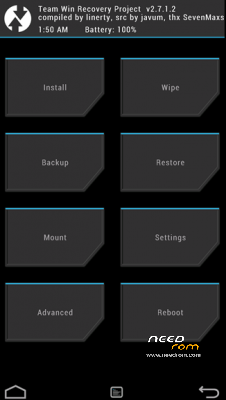
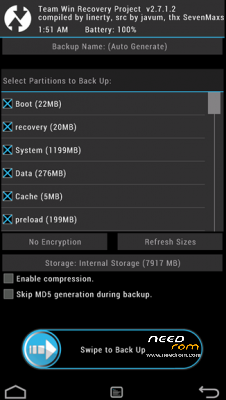
-Hold-down-don’t-let-go the "VOL DOWN" + "VOL UP" buttons. Press "POWER ON" button until
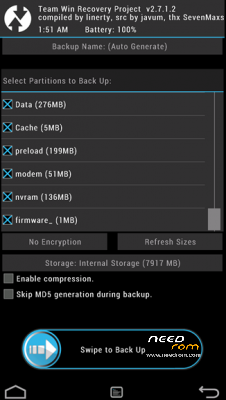
you feel a vibration, let go "POWER ON" button. Once you see the “TWRP screen” (i.e. Black-White
logo), let go "VOL DOWN" and "VOL UP" button.
※Please make a backup of your device before installing or updating ROM
And 1 last question , after i flash this twrp recovery i can update system via OTA ? Or i need find stock recovery to flash back if need update ?
its working. after I update to 4.4 cwm cannot be used. but now a i can use twrp.
thanks dude!!
you are wellcome bro .)
hi
it working . very thanks for your work.
you are wellcome bro
hi
I have dual sim 4.2.2 when I tried to install this , after restart message my phone didn't restart and only the blue notification led is on . what should I do to fix this problem ?
hi bro,
i tried to install the TWRP Easy&Clean Install
followed the steps and run flashrec.bat
it was successful. but after that, i could not start twrp as per instructions
now i cannot turn on the phone. when press power button, only lenovo logo appears and nothing happens after that
i also cannot access bootloader by pressing volume+ and volume- and connecting usb cable
please help
It doesn´t work for me.
It says:
/system/bin/sh: su: not found
I see this message for the first two files in the transfering section and for all files in the unlocking section.
What am i doing wrong?
PLEASE HELP
I need to get Gapps on my Phone!
Thaxx