
- Title: Vernee MIX 2 TWRP
- Listed: November, 2017
- Last modified: 11/28/2017 5:01 pm
- Version: TWRP 3.1.1-0
You must be logged for ROM download.
10280 total views, 1 today
3 Total favorites
CUSTOM

 Member Info
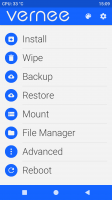
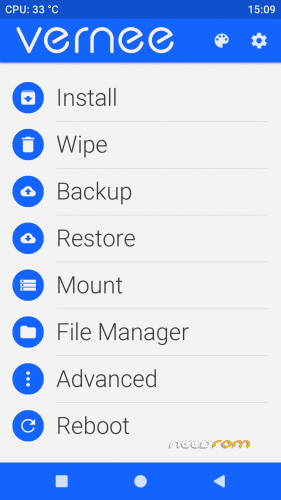
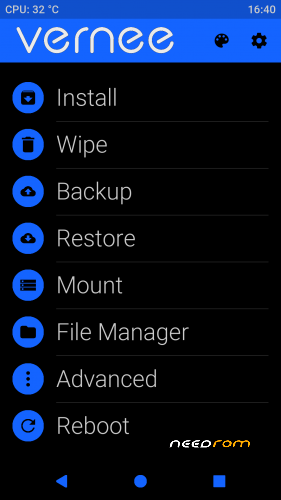
DESCRIPTION
Install TWRP Fastboot
1) Developer options > OEM unlocking enabled and USB debugging enabled
Tap on Settings > About phone > Tap Build number seven times
2) Connect USB cable
3) Unlock.bat
4) Install_twrp.bat
Mount the internal memory!
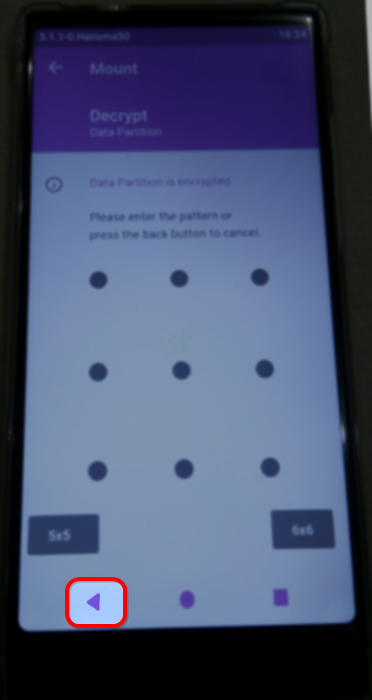
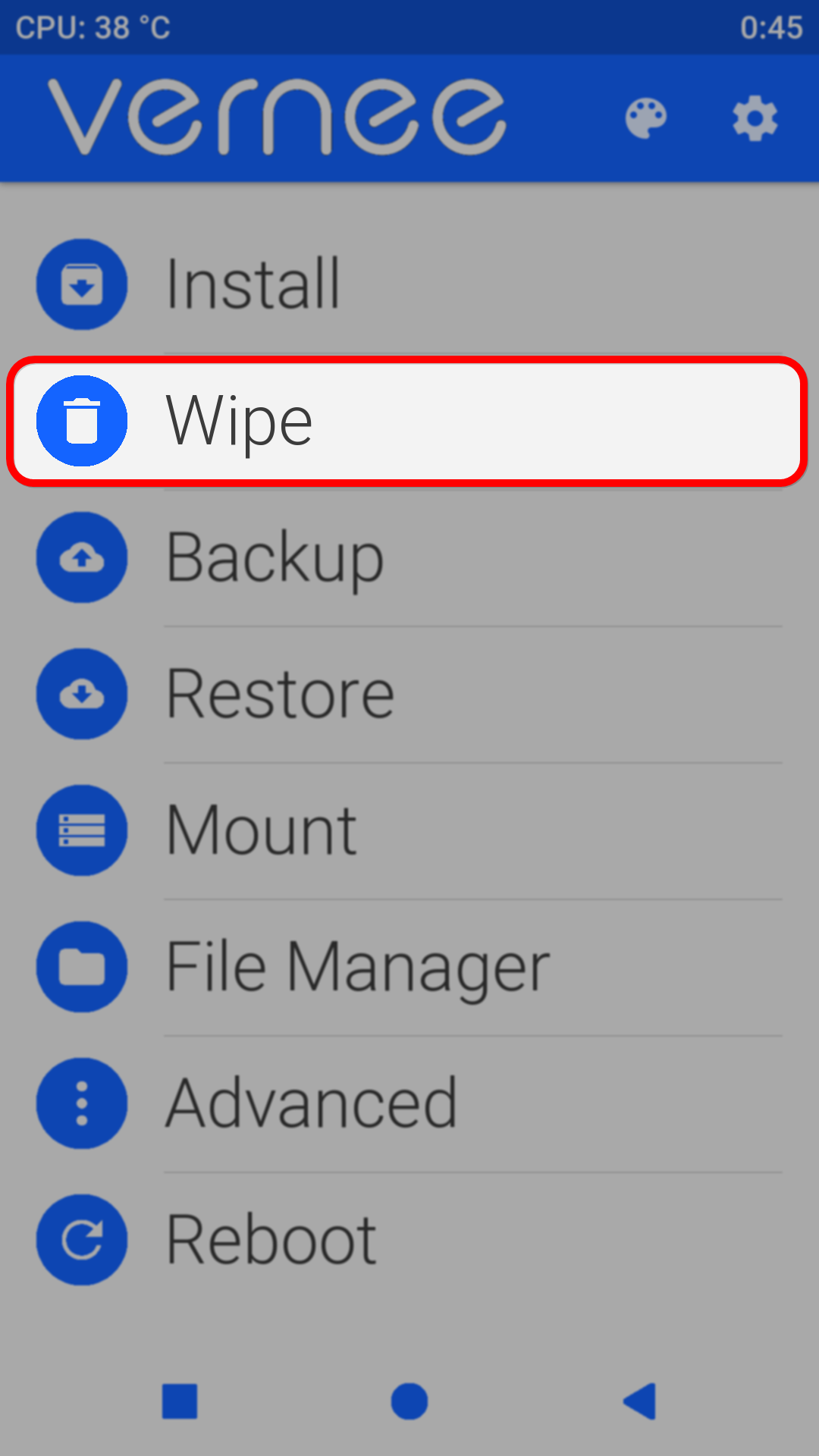
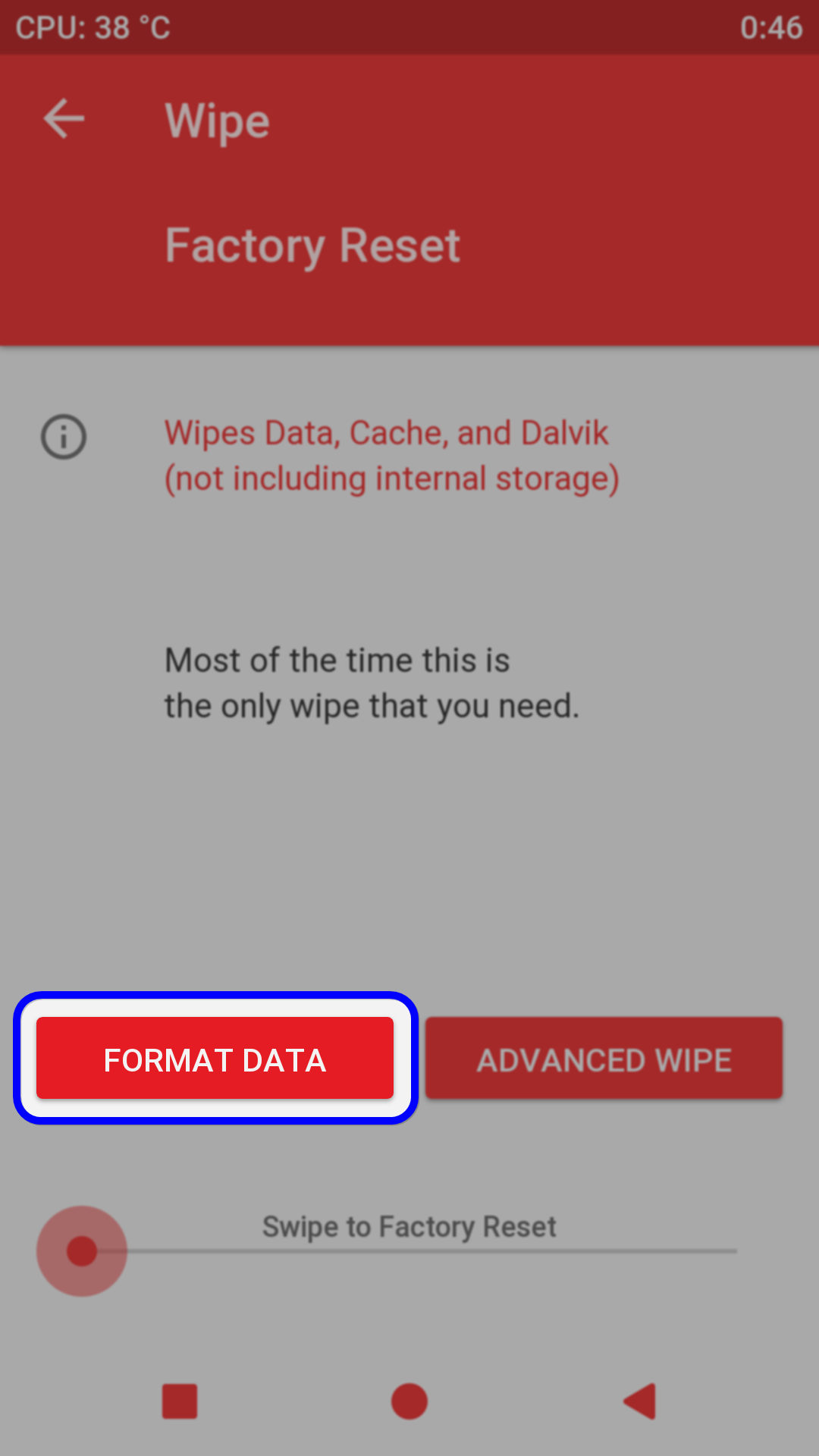
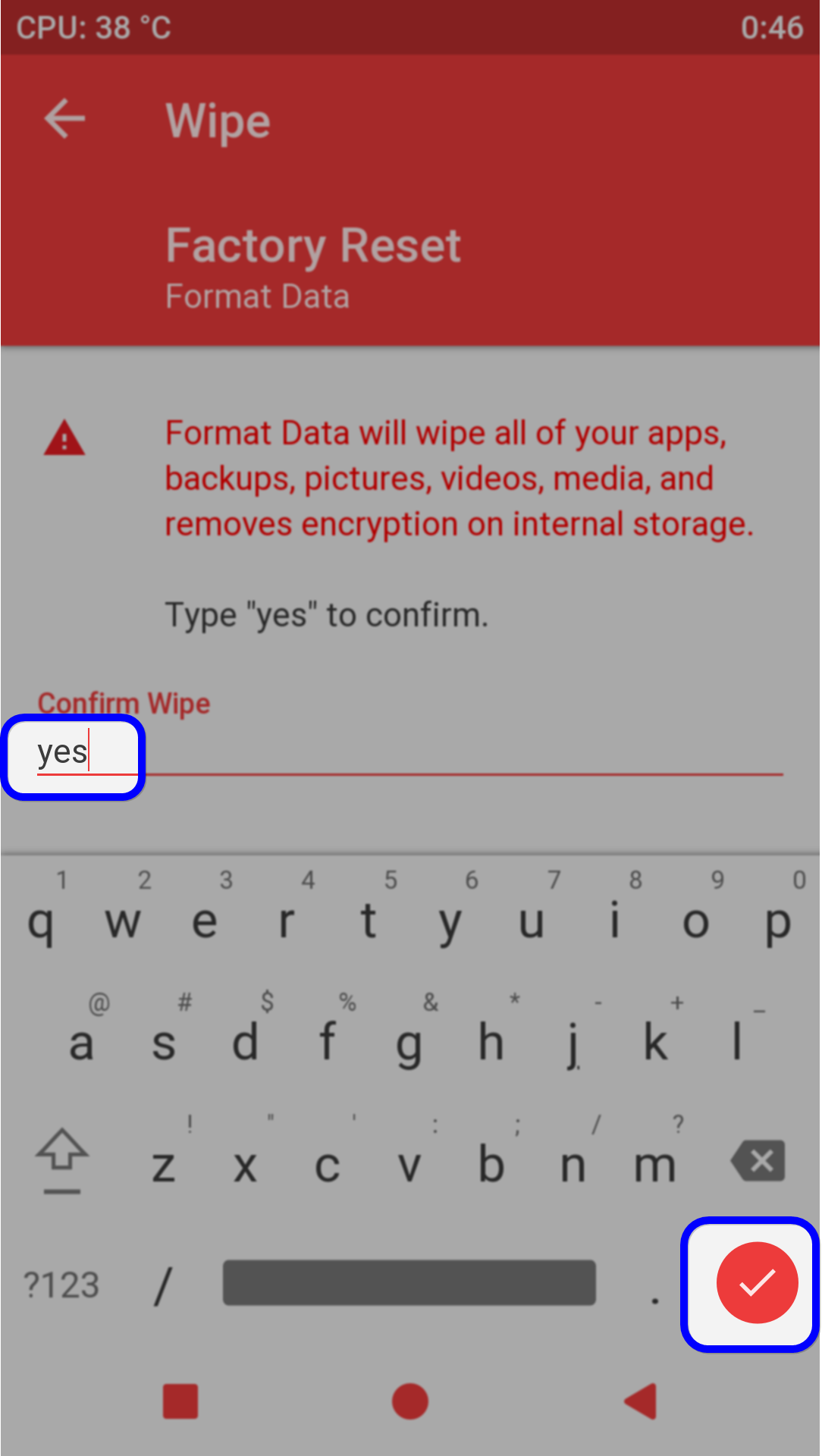
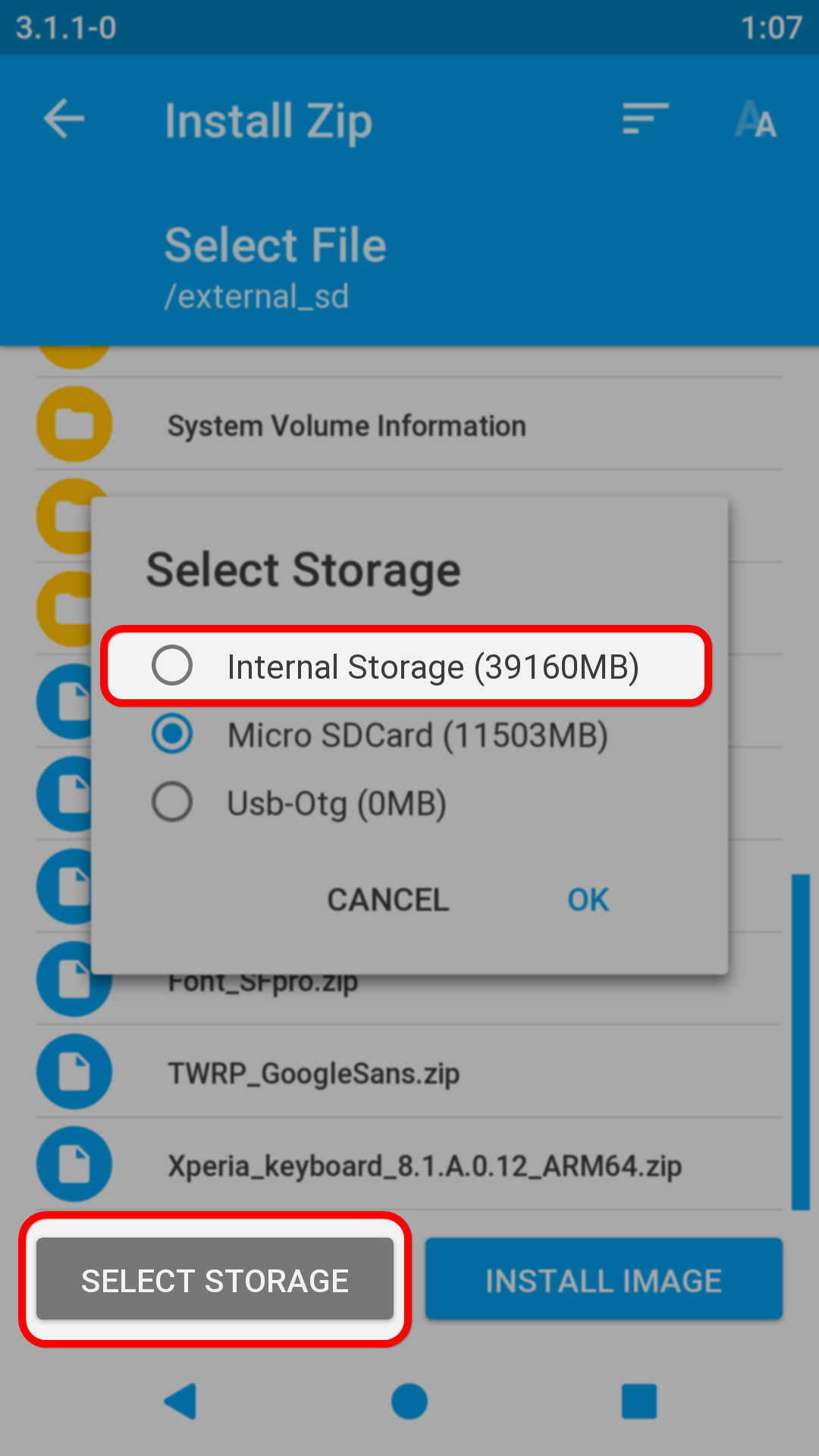
※Please make a backup of your device before installing or updating ROM
Hi Great ,nice to see you again!
unfortunatly the recovery like the one that we have build not run and not mount the internal memory .
I have checked also that , obviously not do right root.
Look here:
https://forum.xda-developers.c.....rmware-t3709819
where i studing the partitions of this vernee mix2 and i have also rebuilded the official firmware.
I'm glad if you take a little look there.
thanks
List of devices attached
0123456789ABCDEF device
ôñá½Ñ¡¿Ñ ßÔáÓÙÕ õᮽ«ó
rm: /sdcard/TWRP/theme: No such file or directory
ÅÑÓѺáúÓÒº¬á ó Bootloader
ôßÔá¡«ó¬á Recovery
< waiting for device >
target reported max download size of 134217728 bytes
sending 'recovery' (16030 KB)…
OKAY [ 0.814s]
writing 'recovery'…
FAILED (remote: not allowed in locked state)
finished. total time: 0.833s
ÅÑÓѺáúÓÒº¬á ó TWRP Recovery
…
OKAY [ 0.002s]
finished. total time: 0.004s
çáóÑÓÞÑ¡«
Habe immer diesen Fehler, warum ????
unlocked bootloader?