
- Title: W200s VANILAMODY
- Listed: July, 2014
- Last modified: 07/08/2014 2:27 pm
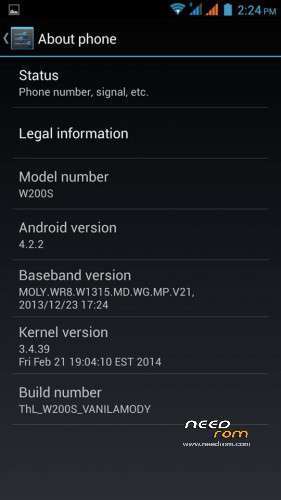
- Version: Android 4.2.2
You must be logged for ROM download.
17732 total views, 2 today
 Member Info
DESCRIPTION
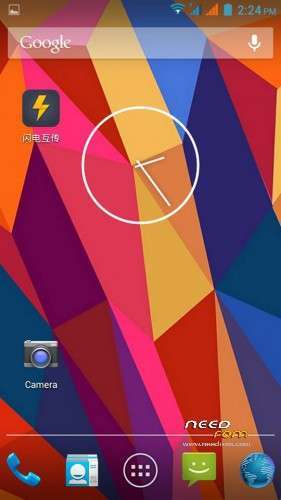
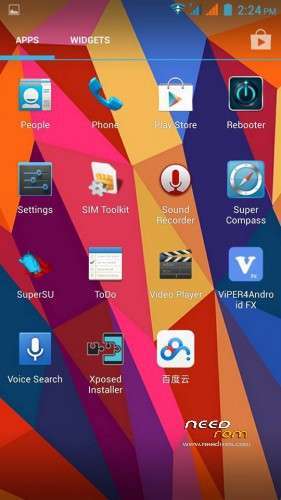
My custom Rom for W200S
I don’t test it a lot. but work on my W200S
Please be sure to make a backup of your phone before !
Then just Wipe Data/Cache/dalvik
And update from CWM
From ThL Thailand Club
for W200S (MT6592) Only
Install ROM:
CWM
Step 1: Download the custom ROM copied to an external SD card root directory
Step 2: the shutdown state. While holding down:
– Power button + volume button up, to enter the recovery mode.
– Wipe Data / Factory Reset -> delete all user data
– Wipe Cache Partition -> Wipe cache
– Advanced -> Wipe Dalvik Cache
Step 3: Return to recovery main interface Install zip from sdcard -> choose zip from sdcard -> Select your ROM
Step 4: Brush complete, restart the phone Patience required – first boot takes a while.
※Please make a backup of your device before installing or updating ROM
thank you.
Xposed Support – Not tested
ViceoCall Screen – NOK
Front camera image format incorrect
Excellent ROM ….
Multilanguage?
Multilanguage!!! Xposed, GravityBow works perfectly (The last version pre-installed)!!!
excellent ROM, updating will be.
good ROM, but I have a problem. Stock camera work faster than Lenovo SnapIt or other custom camera. On Feb stock, Stock camera work slower than Lenovo SnapIT
It is the most stable ROM izvseh I've tried. The only downside – not started GravityBow Thank you for the good work. I recommend it.