
- Title: ZenUI
- Listed: March, 2016
- Last modified: 03/31/2016 7:04 pm
- Version: 5.1.1
You must be logged for ROM download.
11583 total views, 2 today
3 Total favorites

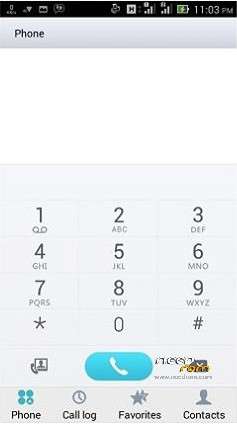
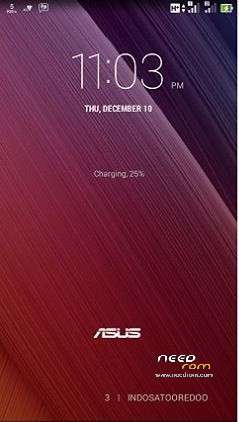
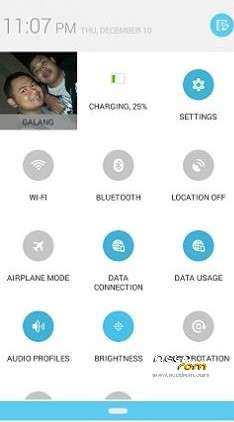
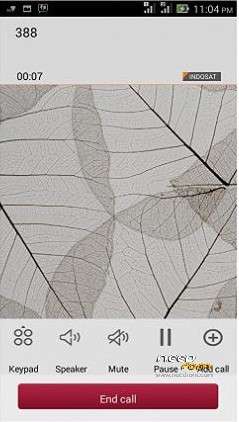
 Member Info
DESCRIPTION
A328 ASUS ZenUI RoM
(Version 2.0 was incorrectly uploaded, repaired)
- Android 5.1.1
- 100 % Deodex
- Multilanguage version (default language:English)
- Gapps include
- Root (SuperSu)
- Add. busybox
- Add. Black THL Bootlogo
- Add. ASUS ZENPHONE Bootanimation
- Add. ASUS ZENPHONE Boot Sound
- Full White Statusbar Icon's
- Build.prop edited
- LED notifications OK!
- SMART WAKE OK!
- NFC OK!
- Missing SIM-cards notify disabled
- Charging LED turns off 90%
- USB Debugging icon from Status Bar Disable
Added:
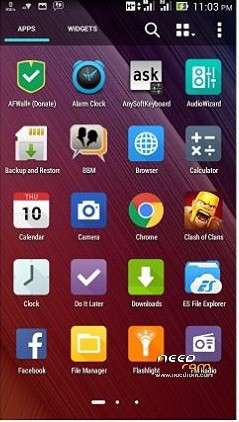
- ASUS Launcher
- ASUS Calendar + Widget
- ASUS FileManager
- ASUS Camera(removable apps)
- ASUS Backup and Restore
- ASUS Calendar
- ASUS Calculator
- ASUS Clock and Alarm Clock
- ASUS Weather Widget
- ASUS Keyboard + Dictionary
- ASUS Player + Widget
- ASUS MyWater Live Wallpapers
- ASUS MicroFilm-Slideshow Maker
- ASUS Browser
- ASUS Quicmemo
- ASUS WhatsNext
- ASUS Share Link
- ASUS FLASHLIGHT
- ASUS Supernote
- ASUS SoundRecorder
- ASUS Weathertime
- Asus Do It Later
- Asus MyASUS
- Asus WebStorage
- Dolby Digital Plus
- Rebooter
- GPS Test
- Mobileuncle MTK Tools
- Other app icons replaced ASUS icon
Potential Problems and Solutions:
- if you do not show up in the city of the weather widget:
Remove the main view of the weather widget, and then put it back.
Immediately displayed and added to the city.
Please make a backup of your device before installing or updating ROM
install.
Step 1: Download the custom ROM copied to an external SD card root directory.
Step 2: the shutdown state. While holding down:
– Power button + volume button up, to enter the recovery mode.
– Wipe Data / Factory Reset -> delete all user data.
– Wipe Cache Partition -> Wipe cache.
– Advanced -> Wipe Dalvik Cache.
Step 3: Return to recovery main interface Install zip from sdcard -> choose zip from sdcard -> Select your ROM.
Step 4: Brush complete, restart
The phone Patience required – first boot takes a while.
※Please make a backup of your device before installing or updating ROM
5.1 Really ?
when move app to sd and restart the phone apps unistalled
have bugs?
GApps doesn't work!
vpn fix or not