
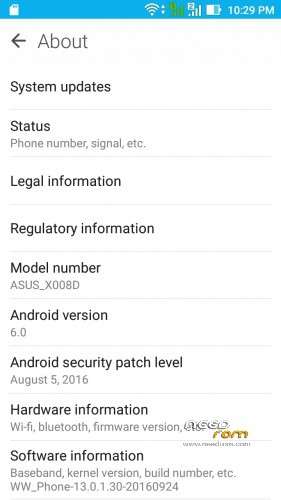
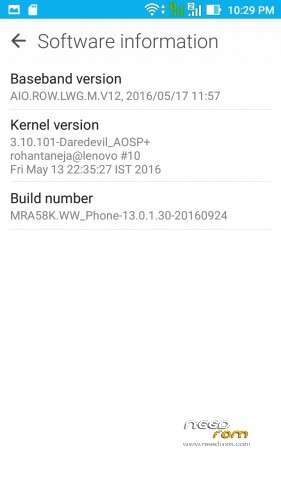
- Title: ZenUI v13.0.1.30
- Listed: October, 2016
- Last modified: 10/23/2016 2:41 am
- Version: 6.0
You must be logged for ROM download.
10913 total views, 3 today
4 Total favorites

 Member Info
DESCRIPTION
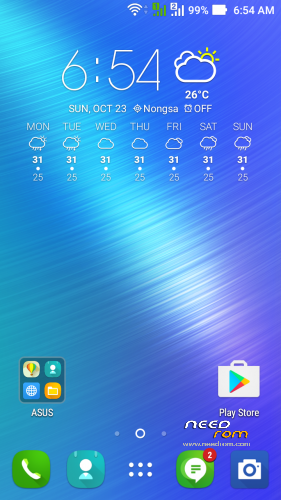
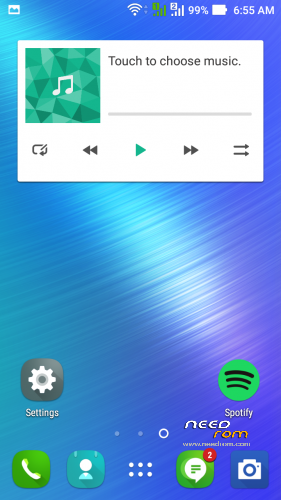
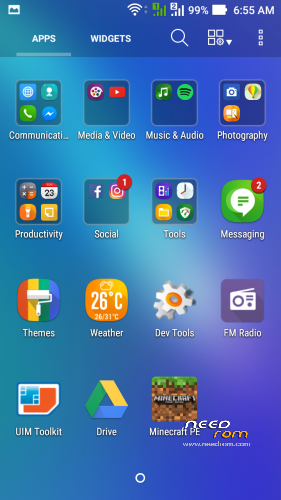
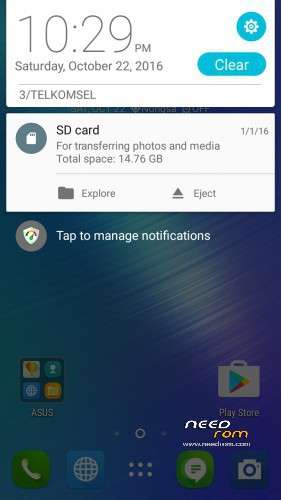
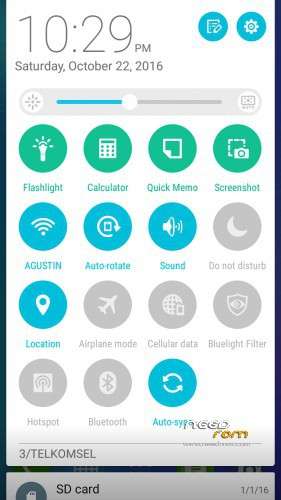
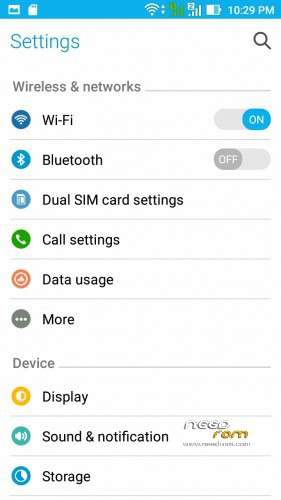
Asus ZenUI for Lenovo A7000-a
From Asus Pegasus 3
/*
* Your warranty is now void.
*
* I am not responsible for bricked devices, or dead SD cards,
* nuclear war, penguin invasions or that you are getting fired because the alarm app failed.
* before flashing it! YOU are choosing to make these modifications, and
* If you point your finger at me for messing up your device, I will laugh at you. Hard
* If you dont like this rom, Stay away from this thread!
*/
Not working/Bug :
- Setting FC pop-up after reboot (just click ok)
- LED Notification (Read fix section)
-
Well i think there i'll more bug, you tell me

Working :
~All working expect which I put on not work list
Installation Instructions :
- Go To CWM/TWRP
- Wipe System,Data,Cache,Dalvick
- Wipe Internal (Optional)
- Flash The ROM zip From Recovery
- Reboot
- Enjoy
Porter :
HDHR
Credit :
~Asus ZenUI Team
~AMT
~Yonathan Aryanda Wijaya
~Nobita Iful
~Rohan Taneja
~You guys for always supporting me
Fixed Known Issues :
1. Led Doesnt work (That because busybox on this rom outdated)
~First Download Busybox Installer
~Then open it and update/install latest Busybox
~Reboot and donee….Your LED now blinking 
2. Internal not detected (This happend if you from CM 13)
~Go to TWRP
~Select WIPE
~Select Advanced Wipe
~Select internal only then click wipe
~after that go back and select Format Data
~type Yes
~Reboot…Done…. 
※Please make a backup of your device before installing or updating ROM
Fix the link i like the rom