
- Title: Carliv Recovery Touch 2.2
- Listed: January, 2014
- Last modified: 01/27/2014 5:38 pm
- Version: v.2.2
You must be logged for ROM download.
21433 total views, 1 today
 Member Info
DESCRIPTION
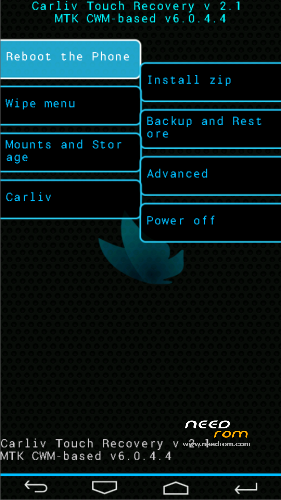
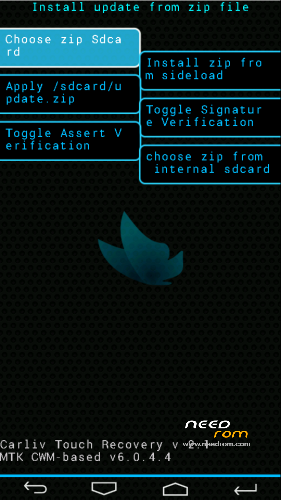
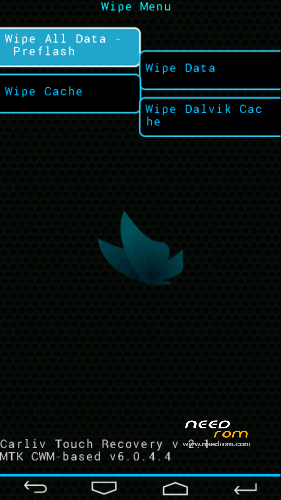
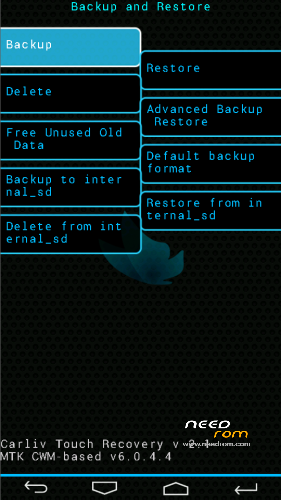
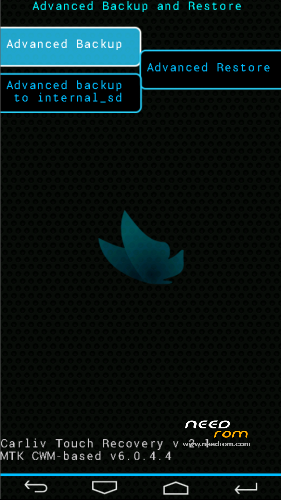
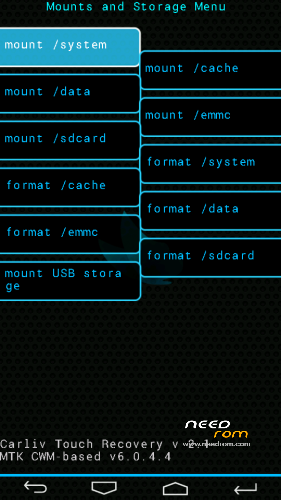
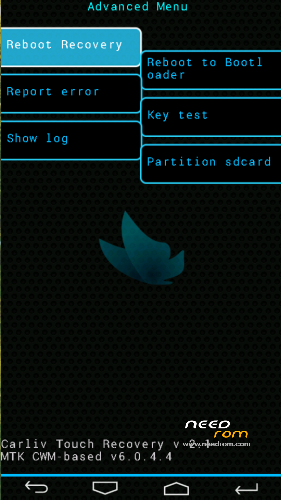
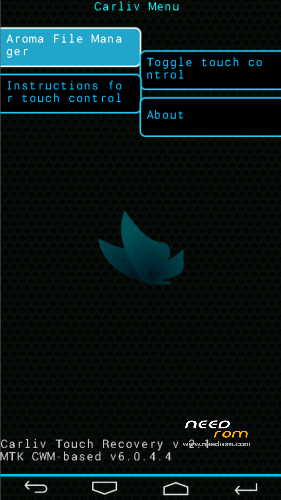
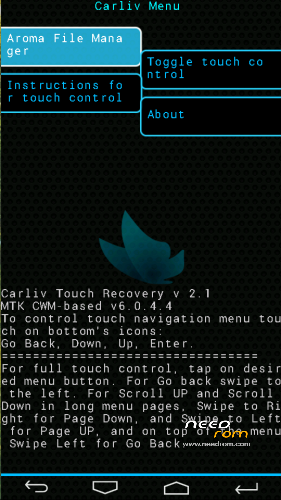
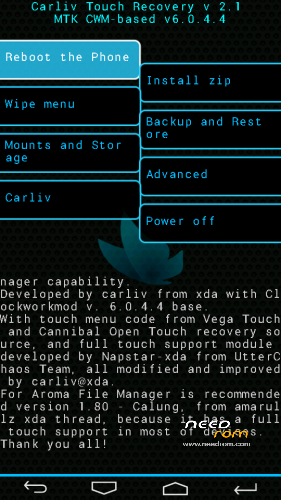
Basically is a recovery CWM 6.0.4.4 with full touch support and touch buttons menu. It has all functionality of CWM Recovery and there is added extra the Aroma File Manager support.
Instructions for flashing in your phone:
1. Download the recovery and Put it in root of your SDCARD
2. Open the app Mobileuncle MTK Tools and select Recovery Update
3. Flash recovery file
4. Done
Instructions for getting Aroma File manager in CWR:
1. Download the flashable zip
2. Extract to root of your SD card
3. Next boot into recovery goto Carliv option and Choose Aroma File manager
Instructions for flashing using SP Flash Tools:
1. Extract the Stock ROM folder and replace recovery.img with cwm recovery.
2. Open the SP Flash Tools.
3. In SP Flash Tools, click on Scatter-Loading and select the mt6589 scatter file.txt
4. Check only recovery.img, preloader and uncheck all others.
5. Switch off your phone (Remove the battery to make sure it is switched off).
6. In Flash Tool, click the Download option and the flash tool will start looking for your phone.
7. Connect your phone now. The Flash Tool will start the flashing process, the progress of which can be viewed from a yellow progress bar at the bottom of the flash tool.
Warning 1 – Don't interrupt this process as it can potentially brick your device.
Warning 2 – Make sure no power interruption takes place. (Use a laptop to ensure this).
8. After the process completes, a green ring will appear on your device signalling that the process was successful.
9. Disconnect your phone.
Finally now, you can enjoy this my touch recovery for the device Star N9500
※Please make a backup of your device before installing or updating ROM
Please enhance that the recover Is not good for any N9500.
The recovery is OK for N9500 (MTK6589). Is not OK for N9500 (MTK6582)
ok thanks bovirus
Working 100% great work.
thanks mickrick
Hello!
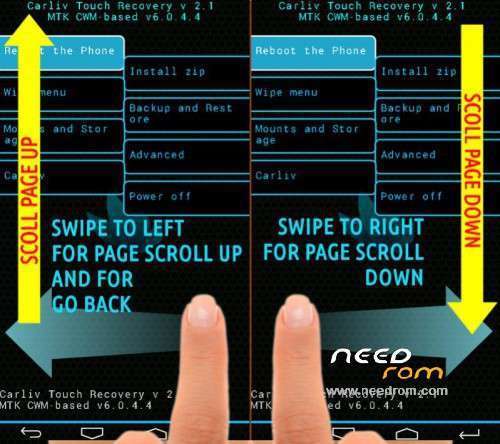
Why I can not scroll list of folders when choosing ROM file from a SDcard? How can i do wipe battery status as in the previous version CWM!
Thanks for you work!
Hello
it seems that Google developers have agreed that wipe battery is useless and was removed from all future Cwm recovery.
You can scroll down doing swipe to the right
thanksssss
Works great! thx.