
- Title: Carliv Touch Recovery
- Listed: December, 2014
- Last modified: 12/15/2014 2:48 pm
- Version: 2.7
You must be logged for ROM download.
16607 total views, 1 today
CUSTOM
 Member Info
DESCRIPTION
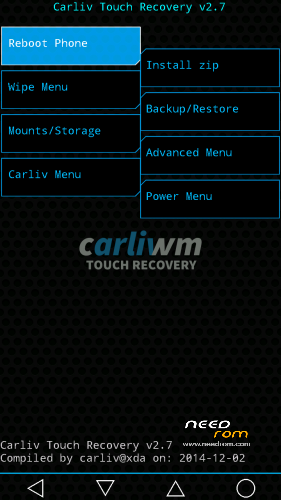
Carliv Touch Recovery v2.7 ported to UMI X1S by me. Credits go to Carliv for his work on this project.
Orginal thread: http://forum.xda-developers.com/showthread.php?t=2471479
Installation Instructions:
- Download recovery-carliv-touch-2_7-UMI-X1S.img file from the link above
- Put it in the root of your sdcard
- Download Mobileuncle MTK Tools
- Launch app and give it root access
- Tap on Recovery Update and select recovery-carliv-touch-2_7-UMI-X1S.img file you put in your sdcard, click ok and reboot
※Please make a backup of your device before installing or updating ROM
wipe battery lacks
Finally an English recovery I could install on my umi x1s ! Thanks !
You are welcome!