
- Title: Lenovo A820
- Listed: April, 2013
- Last modified: 04/06/2013 10:43 pm
- Version: ROM Android 4.2.1
You must be logged for ROM download.
20200 total views, 1 today
 Member Info
DESCRIPTION
ROM Phone Lenovo A820 – ROM Android 4.2.1
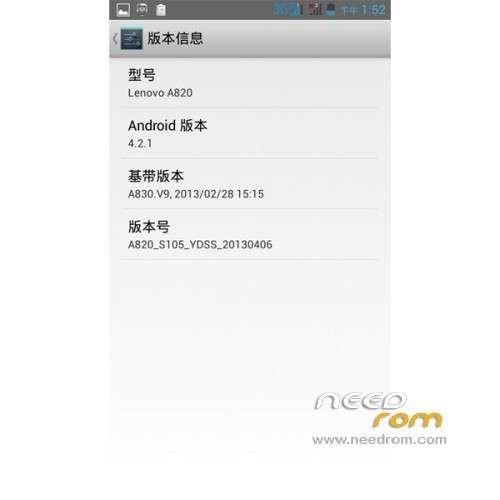
Model name:Lenovo A820
Andrews version:4.2
ROM Author:I was the spring of Columbia
ROM version number:A820_S105_20130406
Based on the official version:The hybrid rom Andrews version 4.2
Features ROM:
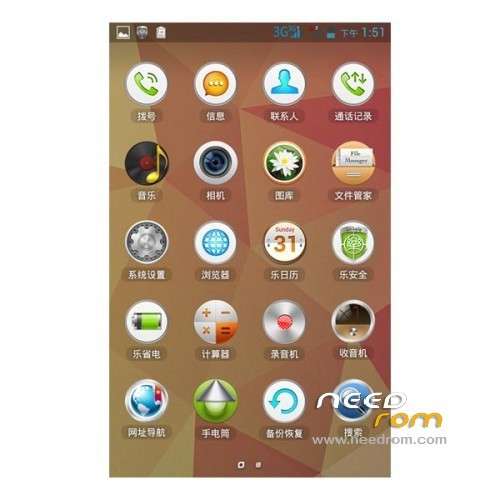
- core transplant Andrews 4.2rom, trial version, the current camera is not yet able. Everything else is normal.
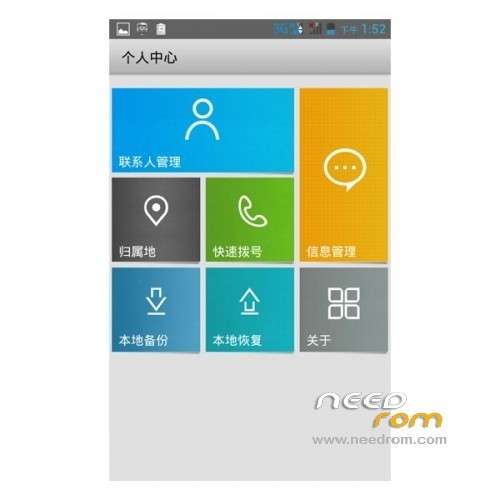
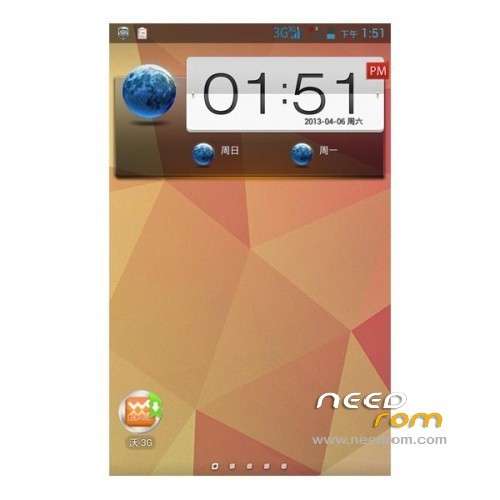
- default is Lenovo's desktop, calls, contacts and other optimization.
- Android 4.2 optimization features in this version are early experience can try this version.
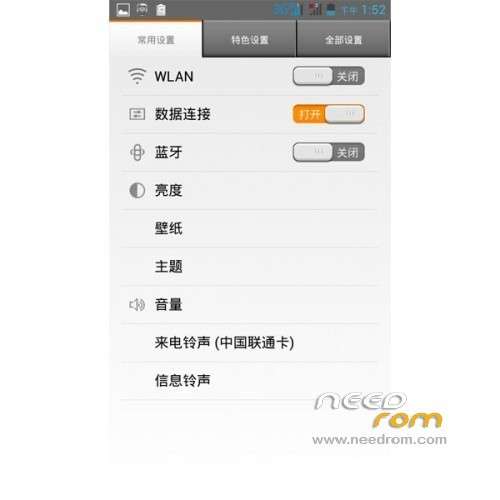
- commonly used settings setup menu, the feature set, set all three optimization.
- optimized graphics processing system, switching animation Caton
- lowered WIFI search frequency for the power-saving settings
- SD Card Speed ??modify 1024 (to improve the SD reading and writing speed)
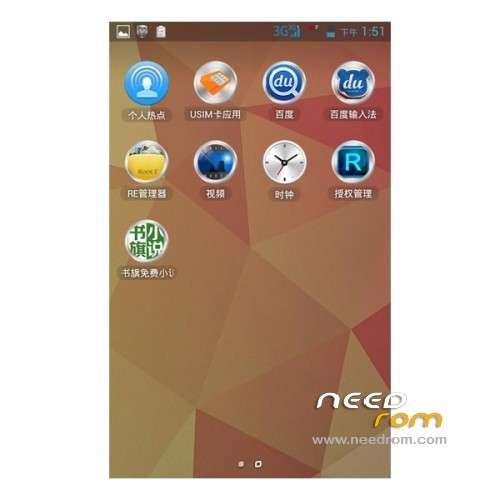
- delete some seldom-used software, and the software on the data area, do not like can be deleted directly
- default Baidu input method
- kernel to obtain permanent root, using latest version Superuser3.1.3, update binary su file to get the highest authority smoother!
- adding new hosts, can shield more advertising;
- join the Sony BRAVIA ENGINE picture quality optimization engine, the screen sense more shocking!
- to optimize GPS positioning parameters, the replacement of the corresponding conf faster positioning, optimizing Internet parameters, faster Internet
Language support: EN/CN
Install ROM:
1. Download this package rom,flash,recorvery.
2. Extract all the files in the package to your desktop.
3. now, turn your phone off/remove the battery/put it back in/don’t turn it on.
4. Install your usb driver.disconnect your phone after driver installation,remove the battery and put it back in/don’t turn it on.
5. Run flash_tool.exe located in SP_Flash_Tool folder.
Select a the MT6589_Android_scatter_emmcin Recovery with Flashtools
Click Flash_tool.exe interface Firmware-> Upgrade
Phone after taking the battery in put something
Connect the data cable
Brush finished with green circles appears
-First boot will take time.
※Please make a backup of your device before installing or updating ROM
how to install………………
This rom has a hebrew?
This rom has a hebrew?
ERROR
1) camera not working
2) after sleep cant enable phone…
sure ?