
- Title: Yxtel G928 v1.0.6 ionModv1.0 Xperia Based Custom Rom
- Listed: March, 2014
- Last modified: 03/08/2014 7:18 am
- Version: ion Mod v1.0
You must be logged for ROM download.
25940 total views, 1 today
2 Total favorites

 Member Info
DESCRIPTION
ionMod v1.0
I prefer that before using my rom please make a full backup of your phone.
http://forum.xda-developers.com/showthread.php?t=2195780
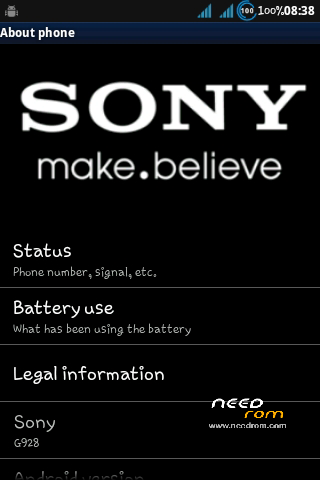
Before Download/Flashing Match Your G928's version with this
To Check Go To Settings>>About Phone
NOTE- This Rom Is for YXTEL G928 V1.0.6 Dual Sim
Flashing Procedures Given Below
NOTE - DISABLE DRIVER VERIFICATION IF YOU ARE USING 64 BIT VERSION OF WINDOWS
Removed Unwanted System Apps
Android 2.3.6 Based
Automatically creates 150mb of Virtual Ram on your SD Card
This will Increase all over amount of Ram From 217MB to 345MB
Optimized System Stability
Pre-Rooted
Battery Tweaks
Auto Shutdown Bug Solved
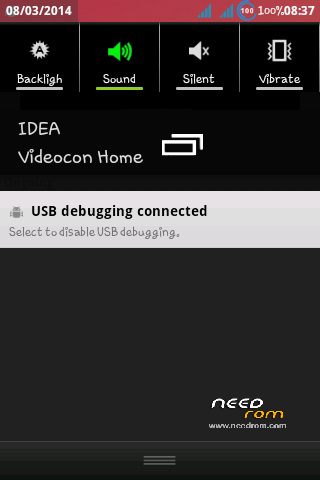
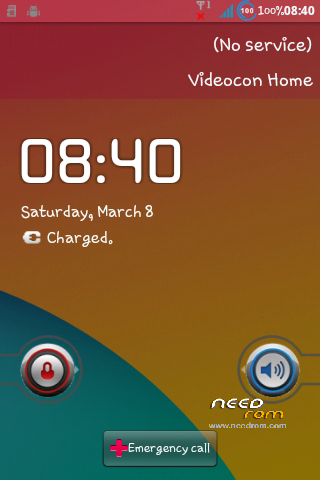
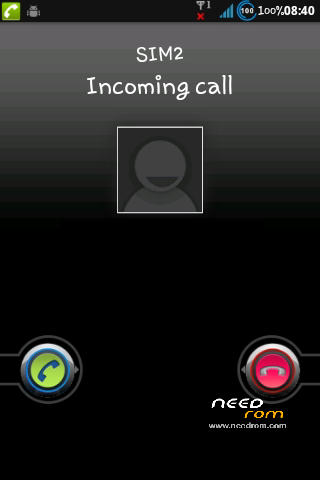
Transparent Status Bar
Changed Lock / Call Screen Bars
Real Time Speed Meter in StatusBar
Network Battery icon Replaced
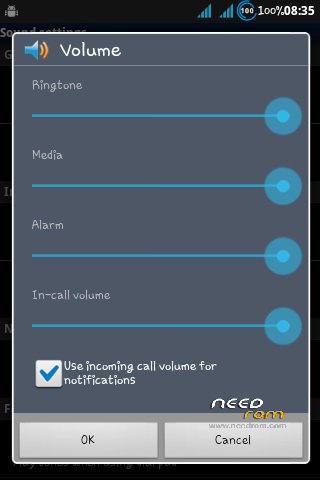
Sound Mod
Ram Optimization Mod
Seek Bar Moded
Blue Holo Theme Based
Swap Support added (Virtual Ram)
Network Tweaks(for better Internet speed)
Increased Touch Senstivity
Battery % added
Beats Audio Mod Added
Bootanimation/Logo Replaced
Audio/Ringtones/Effects Replaced
Googleplay will take time to update this will happen once only
BUG – Don't Use or Enter "Internal Spk" feature In DSPManger Else Everything Is Perfect
How to Install -
1. Install Drivers Given
2.Unzip Flash Tools/Rom File
3.Open Reasearch Download Tools.exe From Unzippped Folder
4.Click On 1st icon On left
5.Choose "ion Mod V1.0 Non-Sensor Version 1.0.6.pac" File
6.Click On Play/Start Button
7.Remove Battery From Phone
8.Press And Hold Volume Down And Power Button Untill Process Starts
9.Plug USB cable (Keep Holding Buttons)
10.Put Battery In (Keep Holding Buttons)
11. Flash Will Start (After Start Release Buttons)
12.After 2-3 Min. Flashing will Finish and "Passed" Will appear
13.Pull out and reinsert Battery Start your phone and Enjoy
(Screen shots are also given inside Flashtools.zip)
Donations Are Accepted!
NOTE - DISABLE DRIVER VERIFICATION IF YOU ARE USING 64 BIT VERSION OF WINDOWS
I'm Not Responsible If Somehow You Bricked Your Phone!
※Please make a backup of your device before installing or updating ROM
Thanks for Creating by My Request, Hope Its Works
Error Comes
what kind of error u facing?
Flashed the phone as instructed. Now he does not turn… Black screen, no sound…
have u checked your g928′s version before flashing?
yes. my version 1.0.6.
https://www.needrom.com/mobile...../yxtel-g928-2/
please use this version
https://www.needrom.com/mobile.....sed-custom-rom/
I used the firmware with this topic. In the subject link to a picture of my phone.
after flash touch not working
after flash touch not working plz help me
why u people wont read before flashing please use version 1.0.4 of this rom
my phone ersion 1.0.6 i cheaked
i flashed 1.0.6 set dead
after i flash 1.0.4
set on but touch not working plz help me
please tell me how its even possible
when 22 people reported a working rom
your phone must be of different version !!
this is new hardwer version i soled ……..backuped via another phone thanks
how did u fixed?
can u share that file?
its ok!
Can you please create similar rom for yxtel g926 triple sim?
sure make a full backup of ur rom upload it and send me the link