
- Title: C. Rom Mars V1 And7
- Listed: February, 2017
- Last modified: 02/26/2017 10:13 pm
- Version: Android 7 V1
You must be logged for ROM download.
10517 total views, 1 today
 Member Info
DESCRIPTION
Details:
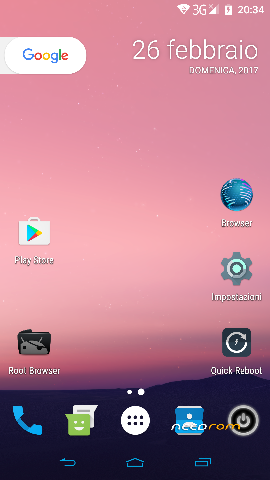
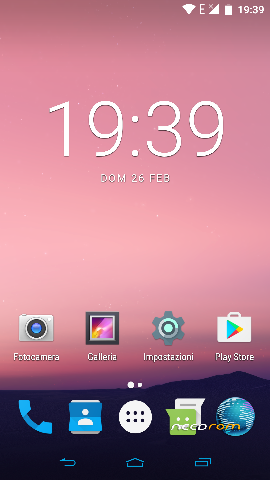
- Custom Rom Based Android 7 aosp official firmware (Version For FLASHTOOL)
- Pre root with Busibox
- SuperSu must be installed after installed the custom rom through flashtool
- new launcher add nova basic (must be upgraded to prime version)
- Recovery Cwm Touch
- New melodies added
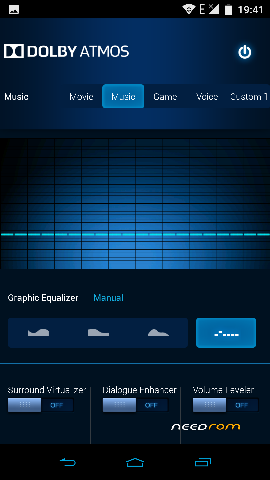
- Dolby Digital
- New arrows inside
- New tricks and apps .
How Install The Custom Rom V1
1) Step
Download the new firmware.
Unzip the compressed file
Phone off without usb cable ….connected!
Run Flashtool version octa-core ….. select the file scatter,
and then check that all flags are selected
also check if in the menu in the top is selected firmware upgrade
and then push the button download (green arrow) in flashtool …… NOW ONLY CONNECT USB CABLE not before!
Wait for the end of the installation procedure of the firmware and eventually restart the phone!
This' whole simplified procedure for installing the original firmware.n progress…..
2) Step
This Step is to receive the right root at 100%
(in android 6 & 7 Chainfire have found one ne exploit to receive right root correctly in one temporary partition .
for this moment i'm not able to save that partition and so probably in the V2 Custom rom probably will be)
1) reboot in android system (7) after flashing process ..firmware in the step 1
2) So..copy in your exsternal SD card the file supersu xxx 2,79.zip
2) Restart the device in recovery (modded) run the compressed file and reboot in android system and you will find the supersu app and the right root .
P.S. Attention to not select in flashtool the function to format all …after you will probably lost your imei
※Please make a backup of your device before installing or updating ROM
Hi after flashing this Rom i get IMEI invalid i see the 3G on top right of the phone but when i try to call it says
No cellular network what should i do know i dont have a phone anymore
Hi Jaytec, i think you do not have red the right steps…..probably you have selected in flashtool format all…..!
No problem Check one of my threads around in the web…xda or androidiani …how to reinstall the imei in a mtk phones or Zopo devices…
you will find a solution to your mistake!
Hi tanks for answering so fast and ur right i did the format all option cause i wanted to be sure that everything was wiped to start with a
new phones and to be sure there was no old files and folder. Just a little after i send this message i was able to insert imei with an app.
My phones works alright now no problem with my network but i still see invalid imei on my lockscreen but it doesnt matter
the most important is to have my phones working again
Also an other thing, before i was getting 4G automaticly when i go outside my house but since android 7 update im not sure if its something to do with the update but now im always on 3G. I have to reset network setting to get 4G everytime i get outside, i dint test it since i flash with ur rom cause i dint go outside but il let u know if i still get this problem.Before when i received the phone i was getting 4G with no problem all the time but like i was saying i think its after the 7.0 update i started having this problem. tanks again
1)The problem with GPS in Android 7 solved?
2)The problem with the sound fluctuation in headphones on Android 7 solved?
gps still not working correctly
@jaytec,
try to reinstall your imei number to the contrary the network (of your operator) will not run correctly….
The gps is too slowly…but run…use gps test to fix the first time the satellities places..
ok tanx il try that and let u know
finnally was able to fix with SN write tool
Hello, is the gyroscope bug fixed?