
- Title: Samsung Galaxy E7 – SM-E700H
- Listed: September, 2015
- Last modified: 09/16/2015 1:04 am
- Version: ROM Android 4.4.4
You must be logged for ROM download.
20035 total views, N/A today
7 Total favorites


 Member Info
DESCRIPTION
Samsung Galaxy E7 (SM-E700H)

Model SM-E700H
Model name GALAXY E7
Country Algeria
Version Android 4.4.4
OS KitKat
Build date Fri, 19 Jun 2015
Product code TMC
PDA E700HXXU1AOF3
CSC E700HOJV1AOF3

Instructions
Extract the firmware file
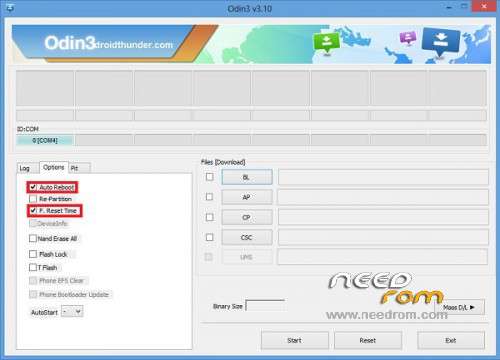
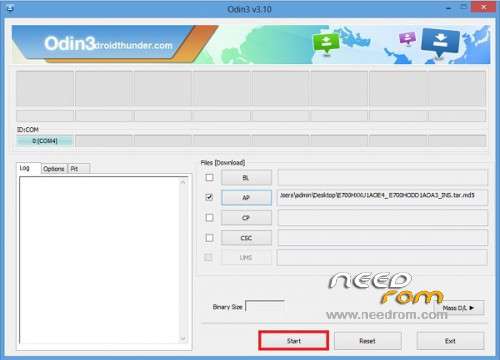
Open Odin v3.10.7
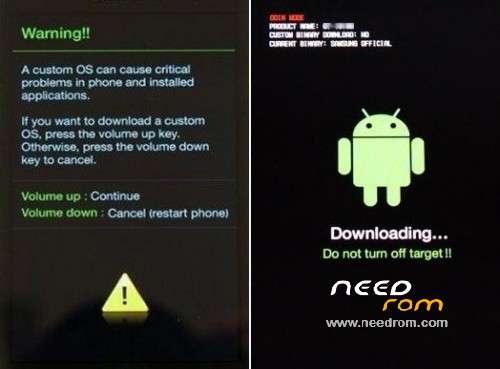
Reboot Phone in Download Mode (press and hold Home + Power + Volume (-) Down buttons)
Connect phone and wait until you get a blue sign in Odin
Add the firmware file to AP / PDA
Make sure re-partition is NOT ticked
Click the start button, and wait few minutes.
How to Root Samsung Galaxy E7 (SM-E700H) ?
Simply flash the .tar file by odin.
CF-Auto-Root-e73g-e73gxx-sme700h.tar
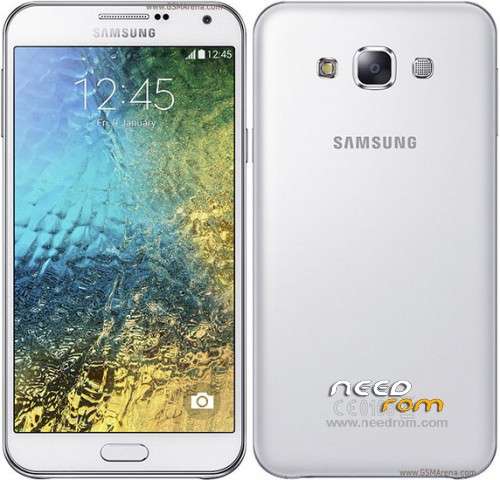
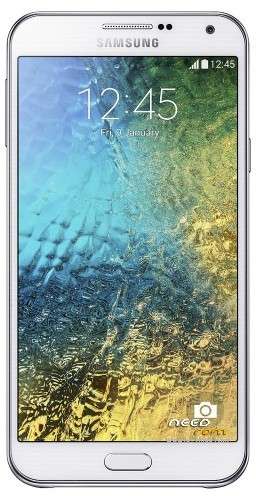
Galaxy E7 is top of the line in this series. Its design is a combination of Galaxy A7 and the Galaxy S flagships. However its plastic body, rounded edges and metal band, doesn’t make it different from the standard Samsung design.

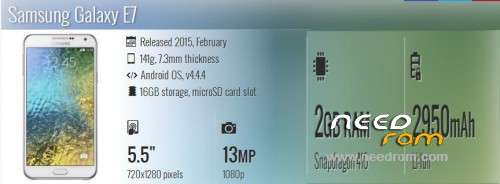
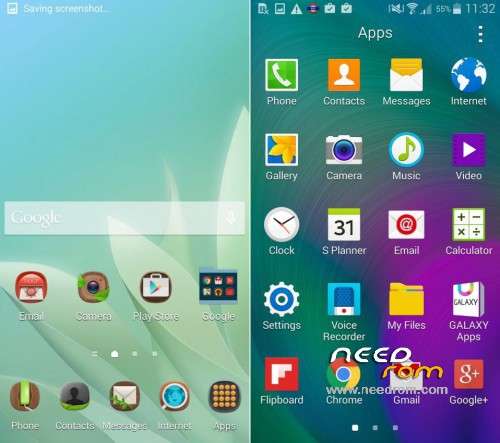
The Galaxy E7 comes with Android 4.4 KitKat OS with TouchWiz user interface. It has 5.5″ Super AMOLED screen with dimensions of 720×1280 pixels. E7 is powered by a quad-core Snapdragon 410 chipset clocked 1.2 GHz processor. It has 2 GB of RAM and 16 GB internal storage. You can expand storage by another 64 GB, if you choose not to use the second SIM. The 13 megapixel rear camera that this phone has can capture your favorite moments beautifully. Video recording up to 1080p can be easily done. For selfies, there’s a 5 megapixel front-facing snapper too. Galaxy E7 comes with a 2,950mAh battery which is an upgrade over the more expensive Galaxy A7. More of it features include Wi-Fi, Wi-Fi Direct and hotspot, Bluetooth v4.0 with A2DP, NFC, GPS with A-GPS, FM radio with RDS and recording.

※Please make a backup of your device before installing or updating ROM
buen aporte