
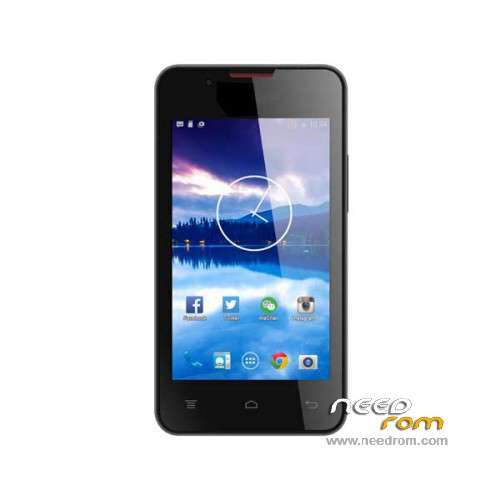
- Title: Hisense U601
- Listed: February, 2016
- Last modified: 02/18/2016 12:38 am
- Version: ROM Android 4.4.2
You must be logged for ROM download.
20739 total views, 1 today
12 Total favorites
OFFICIAL
 Member Info
DESCRIPTION
ROM Phone Hisense U601 – ROM Android 4.4.2
ONLY SC7731
Official ROM Hisense U601 Version: Hisense_U601_W503_M00_S10_150604 – scx35_sp7731geaplus_dt-user 4.4.2 KOT49H
Gapps include – No Rooted
Language support : Multilang
Install ROM :
FactoryDownload/UpgradeDownload
1 Unpack ROM and extract Hisense_U601_W503_M00_S10_150604.pac
2 Run UpgradeDownload or FactoryDownload, connect your android device to the computer
3 Click on "Load packet" and add the .pac
4 Click on "Start"
5 During the flashing your mobile will restart automatically
6 Finish
※Please make a backup of your device before installing or updating ROM
ممتاز
How do I tell if it is the right ROM for my U601?
it will work on U60 ?
I cant detect device but it makes a sound when inserted to pc
thanks needrom this file is the one bro 100000000% ok
Worked well for me too…. thanks needrom
thanks buddy … it is working…. press and hold vol+ and vol- thern insert usb and install drivers before anything else
Hi
Where do i get the usb drivers. I am running Win7 64bit
after flash only 2g no 3g no service
100000000000000000000000000000000000000000000000% working
thanks needrom this file is the one bro 100000000% ok
Very good