
- Title: GFIVE F7 S4UI
- Listed: January, 2014
- Last modified: 01/31/2014 2:07 am
- Version: ROM Android 4.2.1
You must be logged for ROM download.
15249 total views, 1 today


 Member Info
DESCRIPTION
ROM Mobile GFIVE F7 - ROM Android 4.2.1
Features ROM:
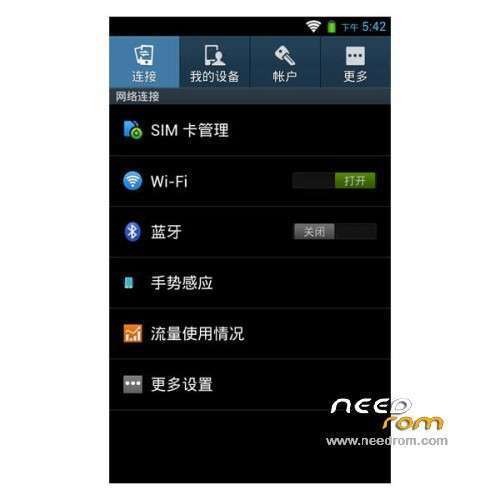
S4UI for Gfive F7
Google service include – Rooted
Language support: Multi Lang
Install ROM :
CWM ( CN )
Step 1: Download the custom ROM copied to an external SD card root directory
Step 2: the shutdown state. While holding down:
– Power button + volume button up, to enter the recovery mode.
– Wipe Data / Factory Reset -> delete all user data
– Wipe Cache Partition -> Wipe cache
– Advanced -> Wipe Dalvik Cache
Step 3: Return to recovery main interface Install zip from sdcard -> choose zip from sdcard -> Select your ROM
Step 4: Brush complete, restart the phone Patience required – first boot takes a while
※Please make a backup of your device before installing or updating ROM
This is only rom which is working smoothly on F7 (aka G10). How do we change/edit lockscreen wallpaper?
u can try gravitybox apk, but firstly u must install xposed installer to use gravity box module, then u can change the lockscreen wallpaper from gravity box option. It works for my advan vandroid S5G aka gfive F7.
Anyone can fix front camera in this rom?
If i switch the camera to front camera, it will be stuck and become a blank screen.