
- Title: GP S4 MEGA MIUI
- Listed: August, 2013
- Last modified: 09/12/2013 7:39 pm
- Version: ROM Android 4.2.2 MIUI
You must be logged for ROM download.
18494 total views, 1 today
 Member Info
DESCRIPTION
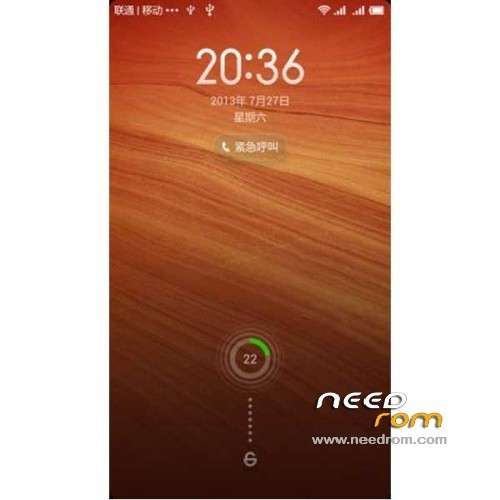
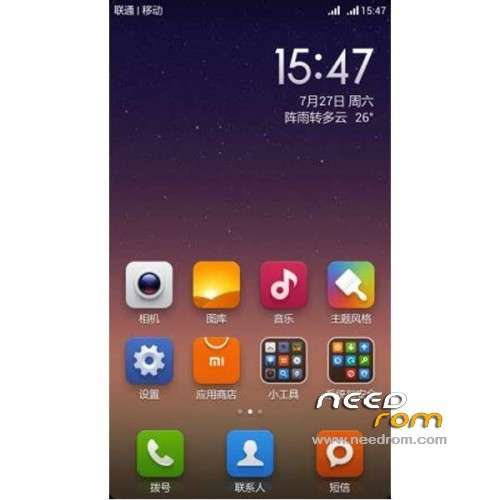
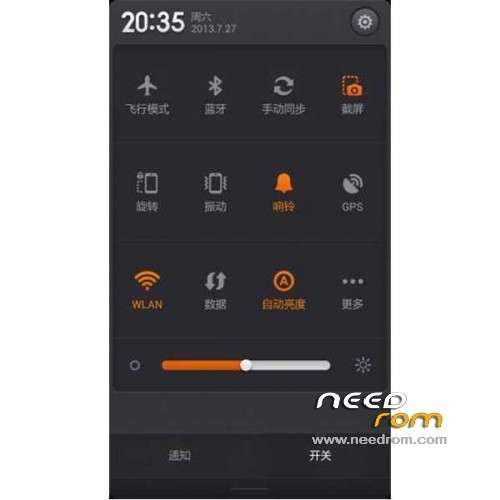
ROM Goophone S4 Mega – ROM Android 4.2.2 MIUI
Update MIUI V5 – 3.9.6
Fix no sound, cameras, and other small BUG
Increase the volume parameter
Millet original camera camera
Fix the calendar and weather with no icons BUG
Fix weather problem can not be used
Audio modification
————————————————————————————————————————————–
Features ROM:
MIUI v5 – 3.8.24
Currently known BUG: loud sound mode does not function properly
Gapps not include
Language support: EN/CN
Install ROM :
CWM
Step 1: Download the custom ROM copied to an external SD card root directory
Step 2: the shutdown state. While holding down:
– Power button + volume button up, to enter the recovery mode.
– Wipe Data / Factory Reset -> delete all user data
– Wipe Cache Partition -> Wipe cache
– Advanced -> Wipe Dalvik Cache
Step 3: Return to recovery main interface Install zip from sdcard -> choose zip from sdcard -> Select your ROM
Step 4: Brush complete, restart the phone Patience required – first boot takes a while
※Please make a backup of your device before installing or updating ROM
Do not try to load this ROM on your goophone s4 mega.
1)You will not have Sound.
2)No Sim card detected after reboot.
3) if you want to try to move to another menu from the main page. you need to swipe and hold the finger from the right edge of the screen to the left edge in order to change screen.
I believe the original UI is good. But it is not going to work for now. BEWARE