DESCRIPTION
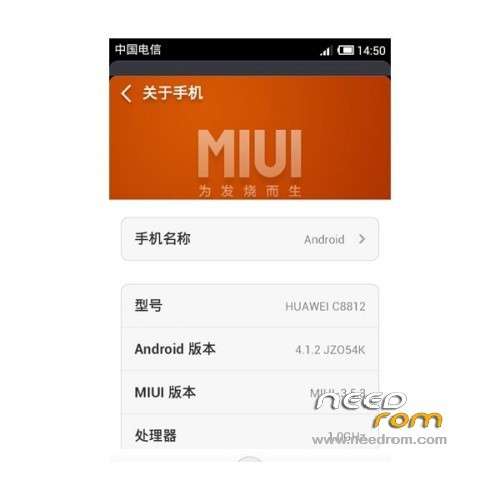
ROM Phone Huawei C8812 – ROM Android 4.1.2 MIUI
Update MIUI v5 – 5.1.4
| Changelog - 5.1.4 |
SelectShow> |
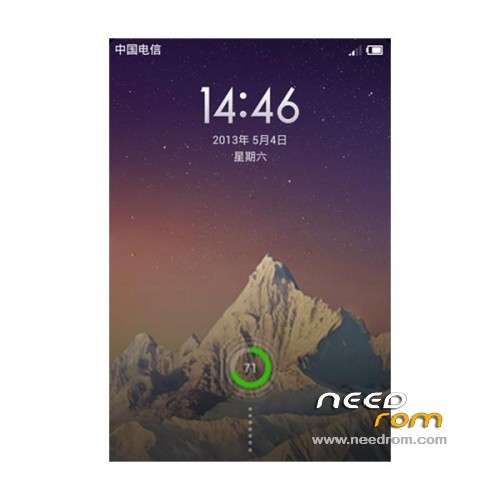
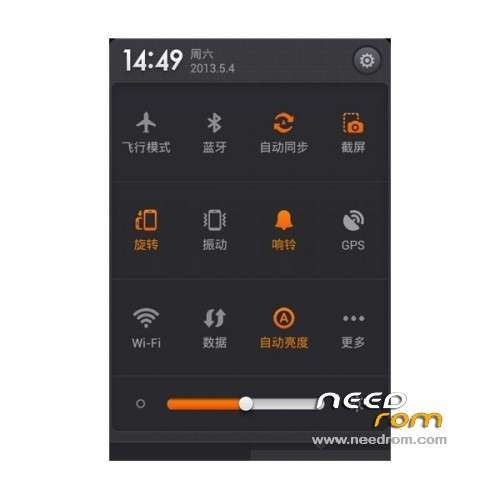
[Lockscreen, Status bar, Notification shade]
Optimization – It will only show '…' when there is no enough space after enabling 'show notification icon on status bar'
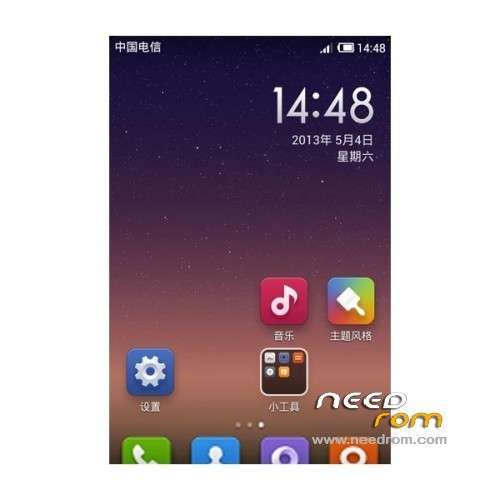
[Home screen]
Optimization – Wallpaper setting procedure (Settings – Additional settings – Display – Wallpaper)
[Gallery]
Optimization – Gallery cover UI details
Fix – Sometimes Gallery FCed after taking screenshots
[Mail]
Optimization – Pages switching animation effects
Optimization – Swipe to delete mails animation effects
Fix – Downloaded attachments were deleted when deleting the original mails in Sent box
[Security]
New – Scheduled power off and on
|
Gapps not include – Language: EN/CN/TW
—————————————————————————————————————————————————
MIUI v5 – 4.12.17
| Changelog - 4.12.17 |
SelectShow> |
[Music]
Optimization – Start page launching speed
Fix – Sometimes play error occurred when playing music from Explore
[Apps]
New – New share module in apps details page
Optimization – Optimized permissions details page style
Optimization – Launching speed
Optimization – Keyboard will show after pressing 'clear' button in searching page
Optimization – Adjusted conversion units of file size to be the same as that in Downloads app
Optimization – Show prompt when it cannot connect to the internet with refresh button
Optimization – Timing of showing permissions popup page during non-background installation
Optimization – Added details page link when sharing
Optimization – Do not show 'share' button when searching for third party apps
Optimization – Changed 'Installed' to 'Launch' button in apps list
Optimization – Load images using WEBP format to reduce data usage
Fix – Keyboard did not show when entering searching page again
Fix – Sometimes it FCed when checking for updates
Fix- Apps could not update automatically after they were deleted from 'Download history'
Fix – 'More collections' button overlapped with 'Refresh' button when there was no internet connection
[Gallery]
New – Upload albums created by third party apps automatically to Mi Cloud
[Mail]
New – Stop downloading all attachments in one press
Optimization – Smoothness when switching pages
Fix – Mail content reloaded repeatedly in reentering after it's first loaded
Fix – Synced mails that were deleted on PC
Fix – Notification for a mail showed repeatedly in Notification shade
Fix – Sometimes, mail content didn't show after opening it from Notification shade
[Data usage]
New – Show data usage info in Notification shade
[Cleaner]
New – Clean trash automatically in set schedules
|
Gapps not include – Language: EN/CN/TW
Install ROM:
download attachments recovery5.5.0.4_c8812.exe
disconnect the USB connection, turn off the phone fast shutdown, turn off the phone
press the volume + power button and hold 6 seconds into fastboot mode [stay in Huawei interface]
Phone connected via USB cable to the computer
Run the downloaded attachments, follow the prompts to complete the
continue to the next step will brush into recovery, then restart
1, shut down, press the volume keys (+) and the power button at the same time, do not let go, then wait for a return into Recovery mode.
2, choose to clear all the data enters the Erase Data menu press OK ()
3, Select Yes – Empty all determined after the completion of the clearing of data to return to the main operating menu.
4, select Empty Cache data and press OK (enter erase cache data menu)
5, the choice is – empty the cache will return to the main operating menu press OK, empty the cache after completion.
6, press OK to enter the next level menu, choose Brush from the SD card.
7, select ZIP file from the SD card into the SD card root directory press OK.
8, select the file you want to brush machine package, such as my ****** ZIP press OK to enter the confirmation menu.
9, Select – install ** brush, press OK to start the machine. (** Is a brush machine package file name)
10, the following prompt instructions Brush completed, return the keyboard to return to the main menu on OK to restart the phone.
※Please make a backup of your device before installing or updating ROM
HELLOOOOOOOO