
- Title: iOCEAN X7-X7T YOUTH
- Listed: August, 2013
- Last modified: 08/02/2013 5:16 pm
- Version: ROM Android 4.2.1
You must be logged for ROM download.
17638 total views, 1 today
119 Total favorites
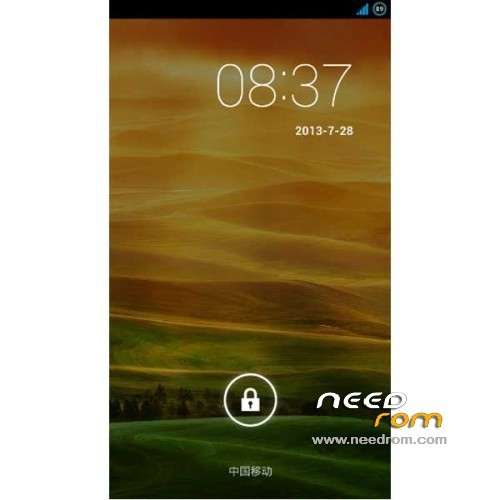
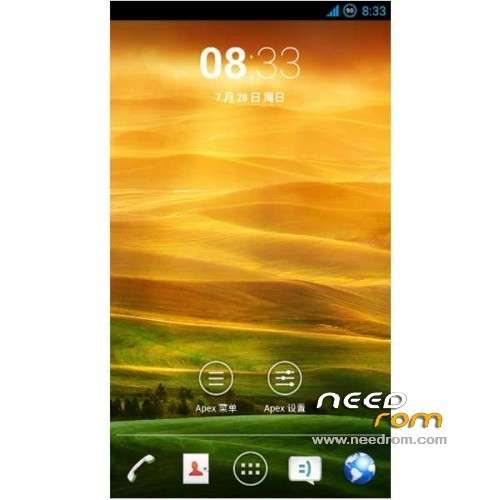
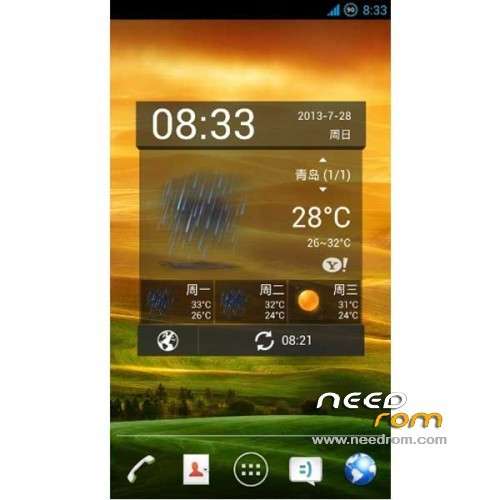
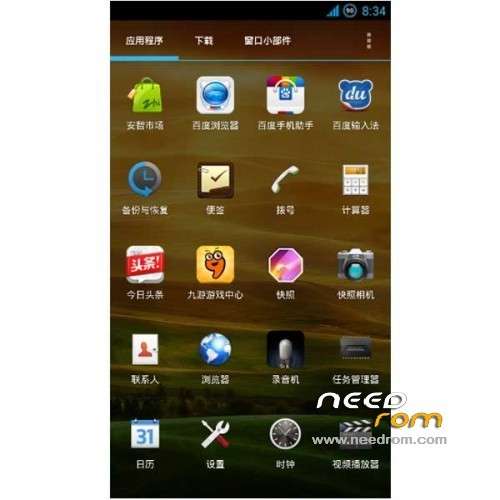
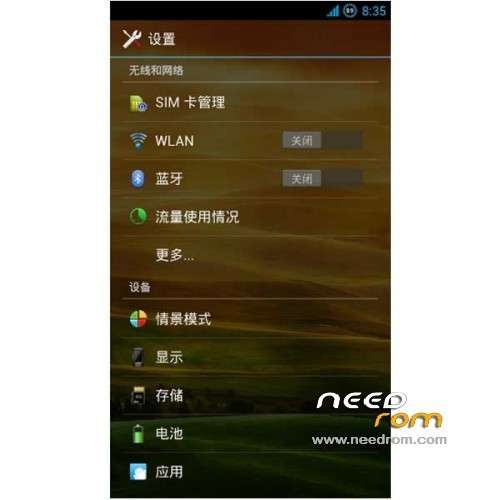
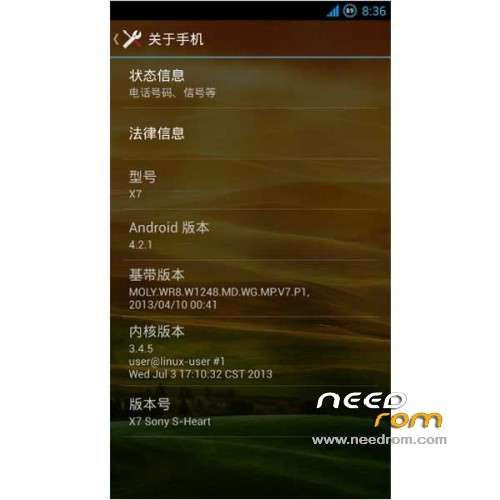
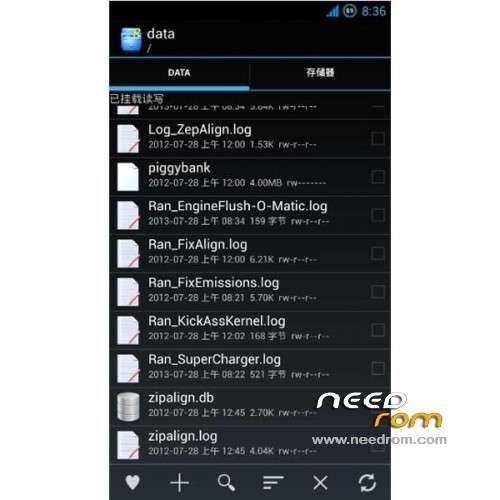
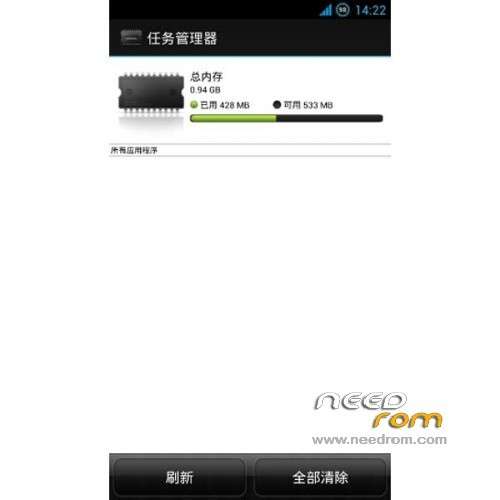
 Member Info
DESCRIPTION
ROM Mobiles iOCEAN X7 & X7T YOUTH – ROM Android 4.2.1
ONLY For iOCEAN X7 Youth & X7T Youth ( mode Turbo ) – NOT FOR ELITE OR Other
Features ROM:
Authors:Susan
Ported Sony xperia s on iocean X7
1. Join v6 script, adding init.d support, adding series init.d script optimization, first start automatic operation, automatic ziplign of
2.Add OTG support, support U disk loading (FAT32), mouse, keyboard, joystick, etc.
3.Add wallpaper library support, starter replaced Apex Launcher V2.0.3 version, smooth and strong custom
4 front camera interpolation 5000000, rear interpolation 13000000
5 Add re manager v3.0 version
6 join the so-called boot saving patch
7 Some interface transparent effect
8 default input method Baidu input method
9 Join snapshot camera version 3.3.0, comes with HDR
10 add powerful video player MX player
11 full root privileges, not **
12 base package comes with Sony a key lock screen
13 Delete unwanted parts of the system application
14 battery charge icon changed to the ring
15 Single card single display / dual sim dual display, no sim card does not display
16.GPS profile optimization, hosts latest ads shielded
17 Delete sony original boot animation, boot animation replace iocean
18.google components must be separate brush
Gapps not include – Rooted
Language Support: Multilang
Install ROM :
CWM
Step 1: Download the custom ROM copied to an external SD card root directory
Step 2: the shutdown state. While holding down:
Power button + volume button up, to enter the recovery mode, Perform factory reset (wipe data, cache, dalvik cache)
Step 3: Return to recovery main interface Install zip from sdcard -> choose zip from sdcard -> Select your ROM
Step 4: Brush complete, restart the phone Patience required – first boot takes a while
※Please make a backup of your device before installing or updating ROM
Not usable for me…
I get half in Dutch, the other half in japanese/chinese language