
- Title: JIAYU G3
- Listed: March, 2013
- Last modified: 03/20/2013 2:53 pm
- Version: ROM Android 4.1.2 MIUI
You must be logged for ROM download.
21555 total views, 1 today
 Member Info
DESCRIPTION
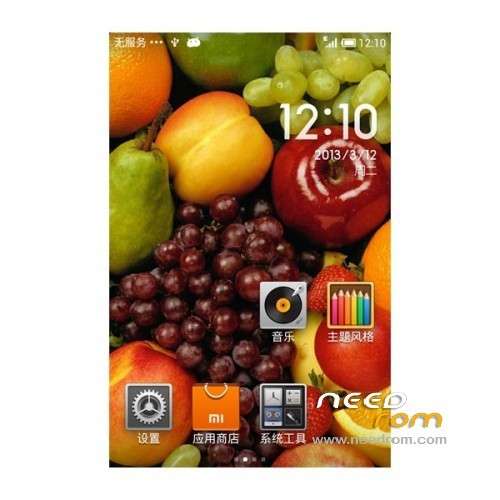
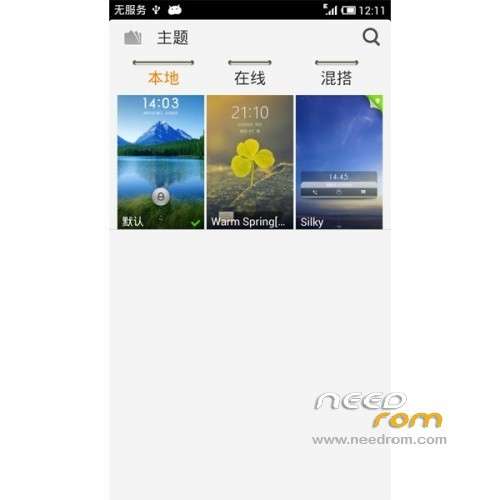
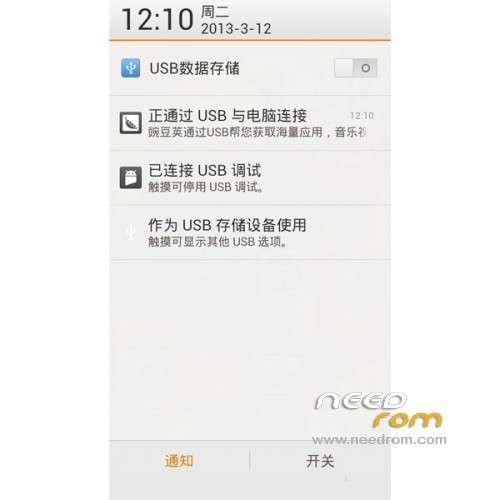
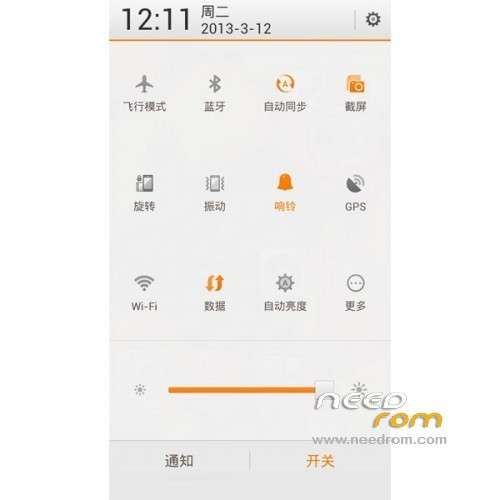
ROM Mobile JIAYU G3 – ROM Android 4.1.2 MIUI
ROM Information Introduction:
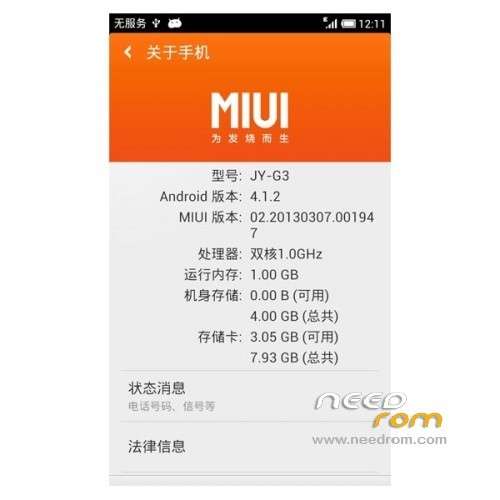
rom Code: G3 20.13032 million
MIUI version: 3.2.22
System Version: Android 4.1.2
developer: 592zn MIUI Development Group (kqstone, hasz, December, Yueyue wheat, symbean)
ROM Features:
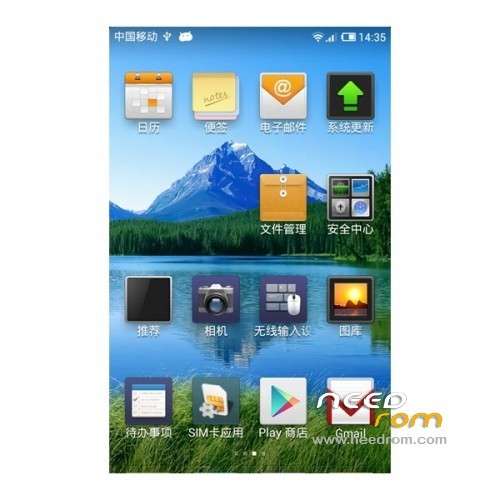
optimized modify the card brush rom compiled based on official compile, MIUI interface is smooth.
Perfect support OTA upgrade, follow-up part upgrade available OTA upgrade
Language support: EN/CN
bugs found:
1: shows a single signal (operator dependent)
2 contacts problem only shows the SIM card
3 Gallery is very slow
so problem MMS change mms.apk in /system/app
ROM Install :
CWM recovery:
Power button on the phone + Key plus of volume
To enter the selection mode
Select key on the volume
Select recovery volume button to confirm
or
Install MobileUncle Tools avaialble on market
Download: recovery.img and put in the root of SD card
Open MobileUncle Tools
Click on update Recovery
Choose the recovery.img and follow the instructions
※Please make a backup of your device before installing or updating ROM
Will try this. Hope deep sleep is working..
Not working here. Gives a error in the installation..
you can tell the error
Assert failed: getropt (“ro.product.device”) ==”h958″
E:error in sdcard/jiayu…….
Status 7
- Open ROM: \ META-INF \ com \ google \ android \ updater-script
- Delete the first line
- assert(getprop("ro.product.device") == "H958" || getprop("ro.build.product") == "H958");
- Save the file,
- and install ROM.
i also got this error, can not up this rom
only chinesse and english language
stop on bootanimation… damn…
wash the cache and davilk
I tryt Wash the cache and dalvik ,but this always stuck on bootanimatio.. Any idea??help mee..
ROM is broken, probably wrong boot.img for the phone, since it remains stuck on the Jiayu logo built in UBOOT.
Disregard me, reflashing the stock 4.1.2 from Jiayu and then reflashing MIUI worked successfully. I hope it is going to be updated to MIUI v5!