
- Title: LENOVO K860 & K860i
- Listed: June, 2013
- Last modified: 09/20/2013 12:19 am
- Version: ROM Android 4.1.2
You must be logged for ROM download.
19778 total views, 1 today

 Member Info
DESCRIPTION
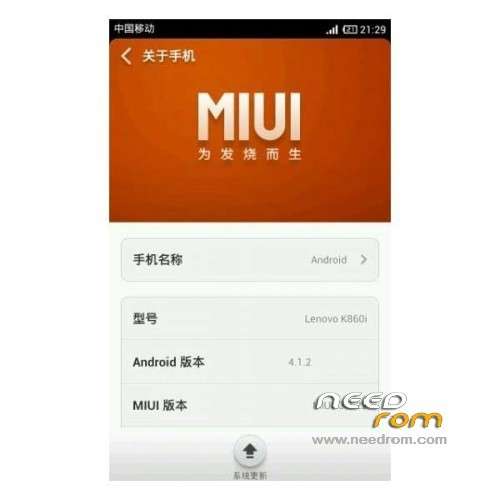
ROM Mobile LENOVO K860 & K860i - ROM Android 4.1.2
Update MIUI v5 – 3.9.20 For K860i ( i don't know changelog )
—————————————————————————————————————————————————
Update MIUI v5 – 3.9.13 For K860i ( i don't know changelog )
Gapps include
—————————————————————————————————————————————————
Update MIUI v5 – 3.9.6 For K860i ( i don't know changelog )
—————————————————————————————————————————————————
Update MIUI v5 – 3.8.30 For K860i ( i don't know changelog )
—————————————————————————————————————————————————
Update 08/23/2013 MIUI v5 3.8.23 For K860i
——————————————————————————————————————————————————————
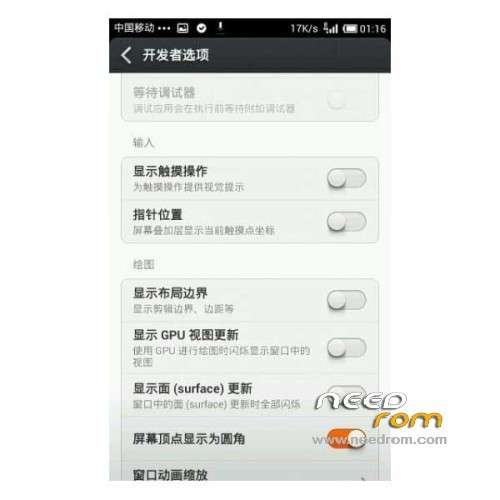
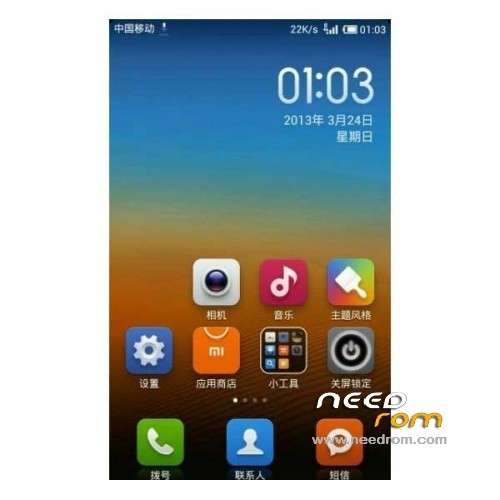
Features ROM:
1 icon design into a rounded rectangle, the interface becomes more comfortable
2 free desktop position longer without restrictions. Also supports folder integration capabilities. Furthermore,
3 MIUI V5 new animated interactive, Gaussian blur …… These details allow the system to optimize undoubtedly more beautiful, more mature.
4 30 seconds is not the answer ring auto zoom function, we can reduce the noisy because the chance of missing important telephone answering
5 SMS areas increased PC directly login to send Internet SMS, SMS Sticky and regularly send functions.
6 native player interface style, MIUI V5 more literary, play page also has more three-dimensional sense of
Exhibition, put together three functions of the upper floating in the album cover and a split-level animation.
7 at the interface, MIUI V5 also increased contacts and SMS interface with a similar animation,
The content of the page sequentially into the screen, a little data is loaded meaning.
8 camera and photography features on the depth optimization, and adds voice-activated camera functions,
Not only can shoot suspension, shoot the moon, shoot at night can also shoot time-lapse photography.
GAPPS not include
Language support : EN/CN
Rom install :
Step 1: Download the ROM copied to an external SD card root directory
Step 2: the shutdown state. While holding down:
– Power button + volume button up, to enter the recovery mode.
– Wipe Data / Factory Reset -> delete all user data
– Wipe Cache Partition -> Wipe cache
– Advanced -> Wipe Dalvik Cache
Step 3: Return to recovery main interface Install zip from sdcard -> choose zip from sdcard -> Select your ROM
Step 4: Brush complete, restart the phone Patience required – first boot takes a while
※Please make a backup of your device before installing or updating ROM
it is not having gapps!
how can i get gapps working?
also it is not pre rooted
hi @pixion94 u still have this ishu's or u got working gapps and root for this rom. if yes please send the links tnx in advance.
oi need compass application in my K860, can this rom aplicable to this compass?
i need compass application in my K860, can this rom aplicable to this compass?