
- Title: MIUI V5 ZP990/980
- Listed: November, 2013
- Last modified: 09/01/2014 2:36 pm
- Version: 4.8.29
You must be logged for ROM download.
108750 total views, 1 today
5 Total favorites
 Member Info
DESCRIPTION
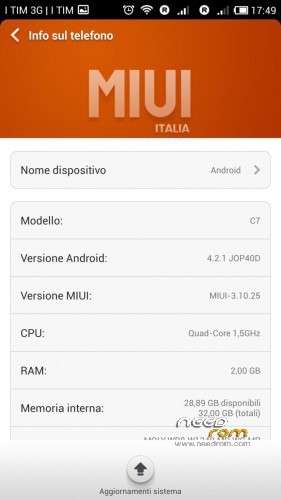
From version 4.1.4 this rom is compatible with zopo 990/C7 and 980/C2/C3
I used aroma installer to allow you to choose which phone to install
Now in aroma installer you can select if you have a model with 1GB ram (for better memory manager), install the sony xperia keyboard and swap sd for use the External SD as a main storage memory
from 4.8.11 version I added the ability to activate a swapfile of 370MB
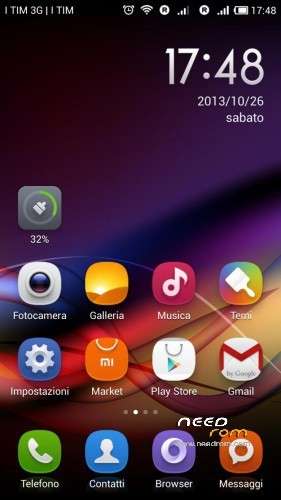
MIUI V5 port from C2 hasz version for zopo 990/C7/980/C2/C3
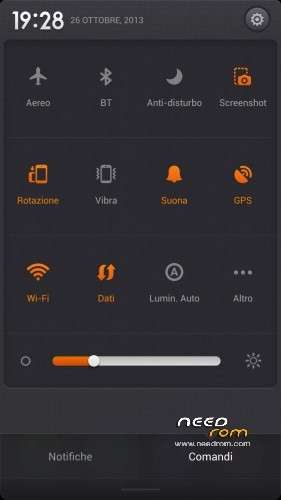
language: chinese, english and I added italian, spanish, french, czech, slovak, german, russian, polish
Features:
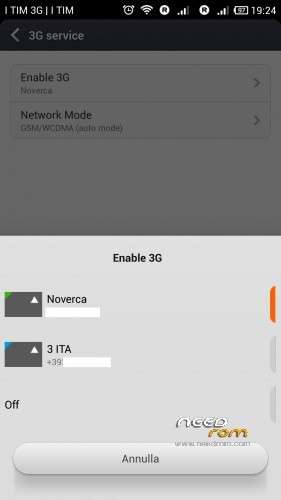
3G active sim card switch
Fix for network locations in google maps via wifi/3g
Fix led notification for missed call
removed all chinese apps
new baseband V7.F2.P2 2013/11/08
support for init.d script
fix chinese in theme app
fix crash in clean app
for search widget install "google search" (from google play) and use this widget instead of the original miui
4.8.29 official changelog: http://en.miui.com/thread-39205-1-1.html
Install ROM :
flash in clockworkmod recovery
Step 1: Download the custom ROM and copy to an external SD card root directory
Step 2: start phone in recovery (volume+ and power)
Step 3: perform wipe data factory/reset (for upgrade from previous MIUI just do wipe cache and advanced->wipe dalvik cache without factory/reset)
Step 4: install zip->choose zip from sdcard and select the rom zip
Step 4: Brush complete, restart the phone
first boot takes a while
※Please make a backup of your device before installing or updating ROM
thank you very much by a french user
https://www.youtube.com/watch?.....8;v=kZX2ng9Dzgk
thank you very much.
Hi,
Is GPS fix included in this ROM
Kind regards
Yes It is .
Hi and thank you.
Very good ROM.
GPS fix in 23 secondes for the first time.
I had problem with this rom can't restore App and data by using Titanium Backup.
hi, the 2 links not work
i added an external link
yes, it’s work thanks;)
HI,thank you very much, can use flip cover?
Hello,
When I push the volume+ and pwr noting happens
Step 2: start phone in recovery (volume+ and power)
ANy ideas why?
Hallo Zopo Users,
Thanks for new update.
I just installed and tested little bit the 3.11.15 ROM.
Flip cover works not completly the same as on original rom, but it works.
It is a good ROM, but is not "super" smooth. Original rom is in some cases faster.
Works good with CWM recovery, thus you can always go back to your old rom.
For "Step 2: start phone in recovery (volume+ and power)" the easiest way is restart into recovery through "mobileuncle" app.