
- Title: Nubia Z5S Mini MIUI V5
- Listed: January, 2014
- Last modified: 08/02/2014 3:55 am
- Version: ROM Android 4.2.2 MIUI
You must be logged for ROM download.
26813 total views, 1 today
136 Total favorites
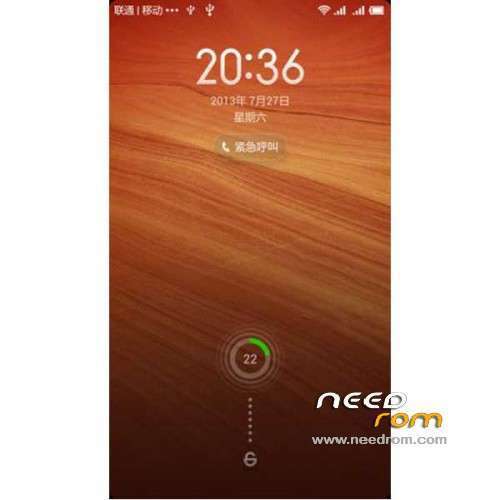
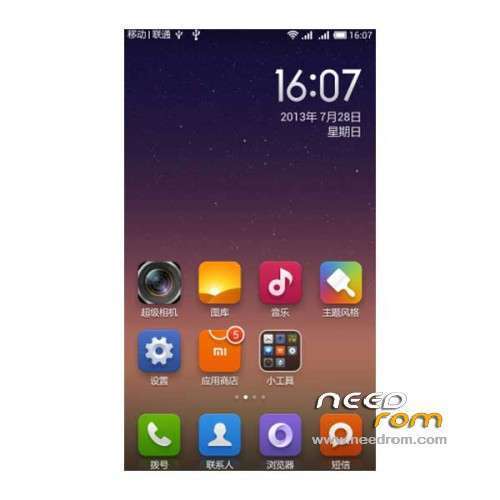
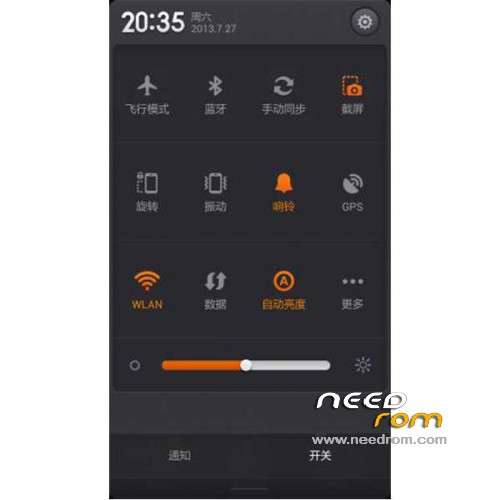
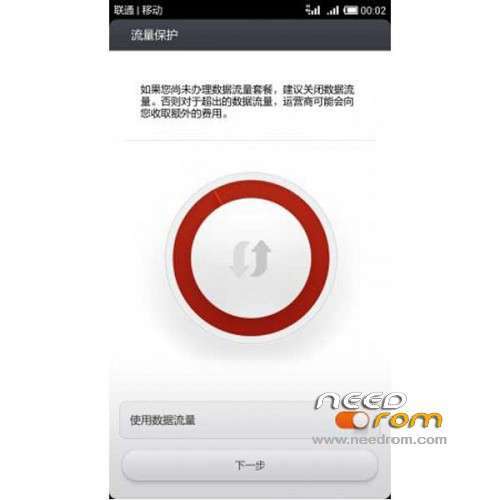
 Member Info
DESCRIPTION
ROM Mobile ZTE Nubia Z5S Mini – ROM Android 4.2.2 MIUI
ROM Features:
Update MIUI V5 – 4.8.1
——————————————————————————————————————————————–
MIUI V5 – 4.7.25
Gapps not include – Rooted
Language support: CN/EN/DE/ES
Install ROM :
CWM ( If you use "this recovery" Run "z5s_mini_Recovery.exe" (CN ) and just tap 1 and Enter your phone reboot in recovery )
Step 1: Download the custom ROM copied to an external SD card root directory
Step 2: the shutdown state. While holding down:
– Power button + volume button up, to enter the recovery mode.
– Wipe Data / Factory Reset -> delete all user data
– Wipe Cache Partition -> Wipe cache
– Advanced -> Wipe Dalvik Cache
Step 3: Return to recovery main interface Install zip from sdcard -> choose zip from sdcard -> Select your ROM
Step 4: Brush complete, restart the phone Patience required – first boot takes a while
※Please make a backup of your device before installing or updating ROM
Hi.
Can I also use this ROM in the Z5s mini LTE version?
Or only in the non-ZTE version?
Hallo skan
u test it?is this rom now for LTE or non LTE version?
regards Mira
Hallo
a question to step 2:
how can i find – Wipe Data / Factory Reset -> delete all user data
– Wipe Cache Partition -> Wipe cache
– Advanced -> Wipe Dalvik Cache
in the chinese CWM?
regards Mira
Second option is "Wipe Data / Factory Reset -> delete all user data"
Third option is " – Wipe Cache Partition -> Wipe cache"
The last is advanced and then u will see dalvik name.
To confirm u must choose second option in question window.
Hope u understand cause my english sucks anyway good luck
No Miui for Z5s (no mini) ?
how is the battery and ram in this rom ? better than the original rom ? can you give us a screenshot of the ram and battery usage ?
I don't understand the previous step: " CWM ( If you use "this recovery" Run "z5s_mini_Recovery.exe" (CN ) and just tap 1 and Enter your phone reboot in recovery ) " anyone can explain me? I have the english CWM recovery. THANKS
Support this ROM Czech language when is a multilang? Did you try somebody how going this Rom?
I have phone from Aliexpress from ET..
ZTE Nubia Z5S Min – 4.3.14 update works perfectly, but after some unexpected errors at the beginning that I don't know if they already happened with other roms
how to remove clock mode recovery..pls tell
Hello, I m trying to flash my ZTE Z5S Mini NX403A, I m following all the steps, but when I select the rom files it says :
- Install / ext_sdcard …
Finding update package …
Opening update package ..
Verifiying update package ..
Installation aborted.
I tryed to do it from an external SD card and from the root of the phone directly, and I get same message. Also tried a previous version of the ROM, still got the same error message. Pleaaaaase help me :'( …