
- Title: X1 7D-503L
- Listed: June, 2014
- Last modified: 08/17/2014 4:13 am
- Version: ROM Android 4.4.2
You must be logged for ROM download.
24927 total views, 1 today
2 Total favorites
 Member Info
DESCRIPTION
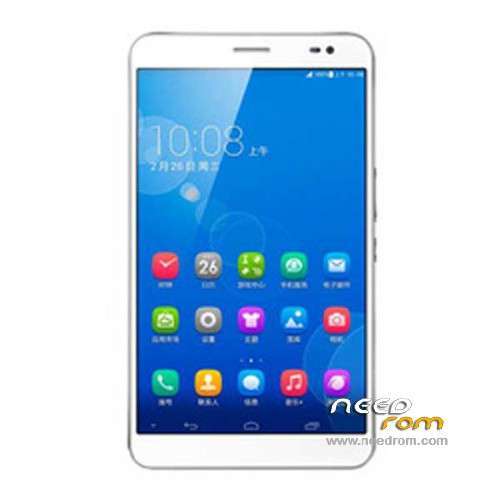
ROM MediaPad X1 7D-503L – ROM Android 4.4.2
Official ROM MediaPad X1 7D-503L version: 7D-503L_EMUI_2.3_V100R002C233B010 Channels – Android 4.4.2
Gapps include – No Rooted
Language support: Multi Lang
ROM install :
Step one: Prepare an SD card, it is recommended to use Sandisk, Kingstone, or Kingmax, size is recommended that more than 1G.
Step Two: Formatting SD card (optional).
The step three: copy a large package path UPDATA.APP to the SD card dload UPDATA.APP.
Step four: Check the root directory of the SD card you dload UPDATA.APP.
Step 5: SD card into the phone is switched on in the main screen, press the Menu key, the system updates -> SD card upgrade -> confirm -> upgrade, backup data, select the backup data; upgrade.
Step Six: The upgrade process progress bar shows after the finish of the pending progress bar, the phone automatically restart.
or
Step one: Prepare an SD card, it is recommended to use Sandisk, Kingstone, or Kingmax, size is recommended that more than 1G.
Step Two: Formatting SD card (optional).
The step three: copy a large package path UPDATA.APP to the SD card dload UPDATA.APP.
Step four: Check the root directory of the SD card you dload UPDATA.APP.
Step Four: cell phone turned off, insert the SD card, while pressing the volume up button + volume down key switch button, the phone automatically enters the upgrade mode, and then begin the upgrade in Figure
Step Five: After the progress bar to go full fixed, the phone will automatically restart If you do not manually remove the battery.
※Please make a backup of your device before installing or updating ROM
Thanks for uploading. I bought the Huawei Mediapad (Honor) X1 from China. Will I get rid of the Chinese stuff if I install the stock rom? Also, I don't understand steps three and four:
Step three: copy a large package path UPDATA.APP to the SD card dload UPDATA.APP. Does this mean "extract the contents of the .zip file into your SD card"?
Step four: Check the root directory of the SD card you dload UPDATA.APP. Why do I need to check it? To make sure that the "dload" folder is there?
Many thanks.
are this X1 7D-503L competible with X1 7D-501L ?
Dear Sir, can you post new firmware for 7D-501L international version? please….
Hi, please let us know what is channel B006, B007, B010 channels?
Mine is 7D-503LV100R002C597B005, which rom should i download?
Best regards.
Luc
I have updated to B010 but no change noticed. I am looking for the Europeen rom for gapps, if someone got it let me know.
Impossible yet to root with several root tools and techniques.
u know if its 320 DPI OR 400 DPI?? I DOWNLOADED THE ROM B007, AND IT WAS 320 DPI, WHAT A PITY.
i just flash it out, its a 320dpi ROM WITHOUT THE GAPPS BUNDLED.
this firmware still is China version not Global firmware