
- Title: ZTE N860
- Listed: June, 2013
- Last modified: 06/02/2013 11:54 pm
- Version: ROM Android 2.3.5
You must be logged for ROM download.
20421 total views, 1 today
4 Total favorites


 Member Info
DESCRIPTION
ROM Mobile ZTE N860 – ROM Android 2.3.5 V1.5.5
What's inside the rom:
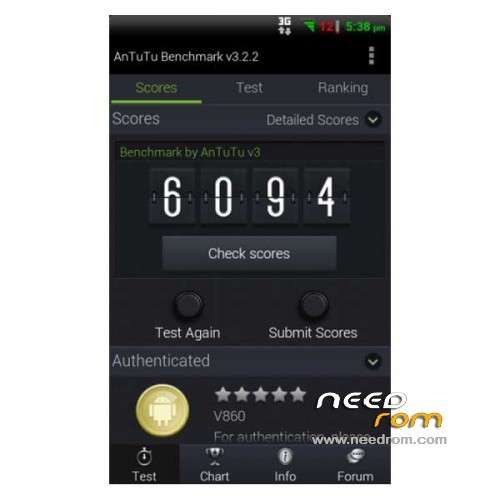
DTM's original overclocked glitch kernel @ 1.6 Ghz – I know there are faster out there, but this thing is like a 68 ford pickup. You can't kill it, and it just keeps running.
LatinIME.apk from 2.3.7 modded for the ZTE Warp. That means working suggestions.
Modified B10 ramdisk with flashlight fixed an modified low memory killer
Init.d support
CPU governor script by voltage control
Swap file enabled on data partition
Boat browser – Replaced by modified stock browser in version 1.5.5
FTL Launcher – Replaced by Launcher2.apk in Version 1.2.1
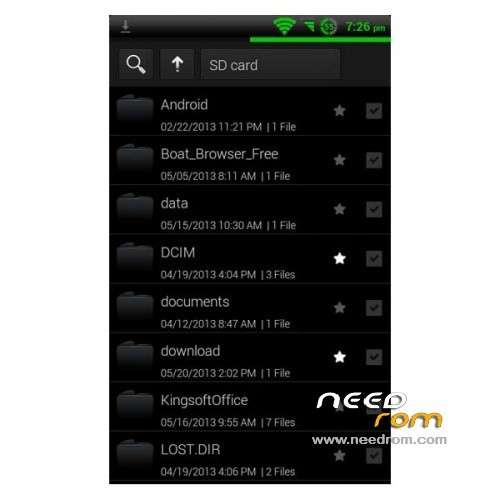
MiFileExplored – themed to match the rom
MIUI camera
MIUI Music – removed and replaced by sotck music.apk in version 1.2.5
Extended Power Menu – Shutdown, Reboot, Recovery, and Screenshot
Debranded lock screen
Build.prop tweaks
What's not in the rom:
ZTE/Boost bloatware
Stock Camera – replaced with Miui Camera
Stock Music.apk – replaced with Miui Music – Switched back to stock Music.apk in version 1.2.5
Driver CD image
XT9 keyboard
Plans for the future:
Modded android keyboard with auto correct – Added in Version 1.3.
Improved theming
and much much more
Known issues:
First boot takes a while, and the boot animation has been disabled. Don't worry it will boot, and it rocks along after the first boot.
Language support: Multilang
Thx to jimsmith80 on Androidforums
Install ROM :
Installation Instructions:
Prerequisites: You must have a custom recovery (e.g. CWM or TWRP) installed to be able to load this ROM. DroidSmith is not for all
versions of the ZTE Warp, only Boost Mobile customers. A version for Public Mobile is not available.
1. Download the most recent version from the download center above to your SD card.
2. Reboot into recovery.
3. Make a complete backup of your device!!
4. Use the install from zip (CWM) or Install (TWRP) option to navigate to where you saved the DroidSmith ROM on your SD card and select it.
5. When the installer script finishes, reboot your phone.
※Please make a backup of your device before installing or updating ROM
AMAZING!!! Thumbs up
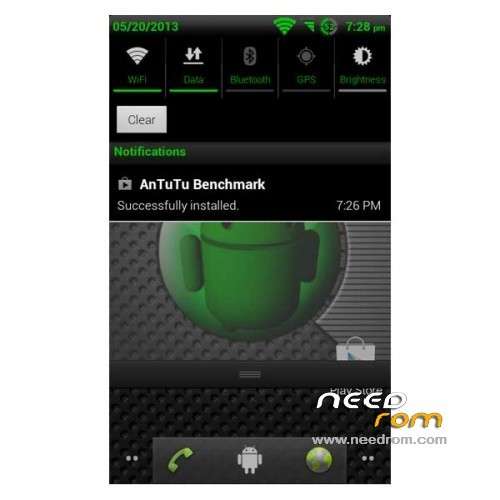
But an option to change the main color from green to another color would be great
MUY BUENA ROOM PARA DESBLOQUEAR ZTE N860 ,N861 se las recomiendo
is the best thanks for you help .is very good
buen post me gusto mucho