
- Title: ZTE V970T
- Listed: April, 2013
- Last modified: 04/10/2013 2:26 pm
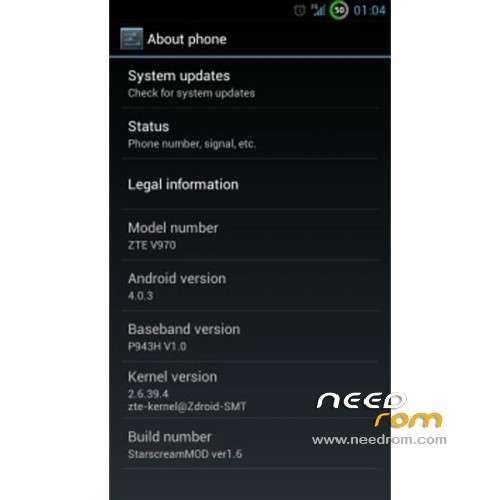
- Version: ROM Android 4.0.3
You must be logged for ROM download.
17386 total views, 1 today

 Member Info
DESCRIPTION
ROM ZTE V970T Grand X – ROM Android 4.0.3
Thx on the Forum
Featured ROM :
What is removed:
Gmail
TouchPAL
Google Talk
Mi-EasyAccess
Google Chrome
VoiceDialer
Twitter
MusicFX
Street
VoiceSearch
Standard launcher
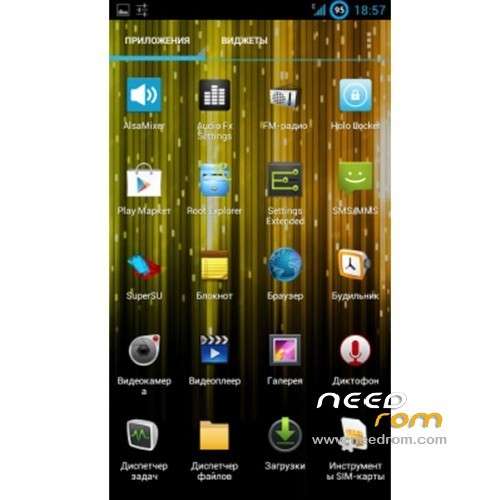
What added:
Root Explorer
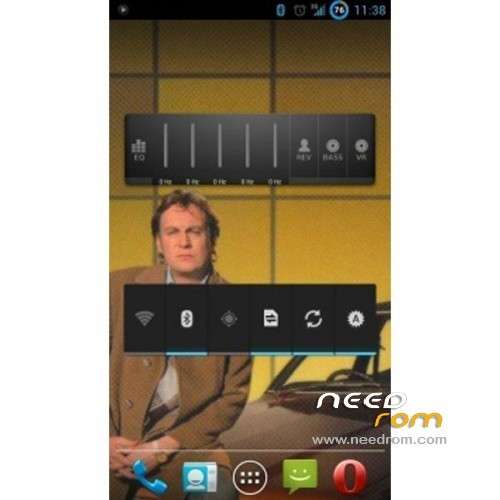
Nova Launcher
Holo Locker
Google Play Music
CRT EFFECT
just put in your sdcard and flash with cmw
Language support: AM/EN/FA/HI/JA/KO/IT/LV/MS/RU/TH/TL/TR/UK/VI/ZH
Install ROM :
1)copy the ROM to the SD card
2)to get into recovery,there to ways a)download recovery manager from play(as it gives you a quick way to boot into recovery.or b)plug the phone via a usb cable into the computer press the start icon and in run….. and type adb reboot recovery, or via terminal emulator
3)(in recovery)select `back up and restore`(use the vol buttons move up/down and power button to select)select back up and the recovery will back up your present ROM and settings)
4)go back to main menu and select `wipe data/factory reset.
5)then select wipe cache partition then go back to main menu
6)go into advanced and wipe dalvik cache then go back to main menu
7)go to mounts and storage select format system then go back to main menu
8)go to install zip from sd card and select starscream zip/ROM
9)after it installs go back to main menu and select reboot system now a fix root icon should come up and select yes or you will lose root.
10)enjoy the ROM!
this maybe long winded,but after a while it will become second nature to do this,its just the the first few times installing ROMS can be a pain.
When you start the phone is in russina language, but you can select english
※Please make a backup of your device before installing or updating ROM
Is in there ES (SPANISH) Languaje?