
- Title: 1516_multilang
- Listed: June, 2015
- Last modified: 07/25/2015 8:43 pm
- Version: Android 4.4.2
You must be logged for ROM download.
23770 total views, 1 today
31 Total favorites
 Member Info
DESCRIPTION
VIBEUI_V2.0_1516_7.25.1_DEV_mod
Запрещено перезаливать на 4PDA в связи с хамскими действиями представителей её администрации (Маннур, Kenter, Smartecs, snekt@).
Updated 25.07.2015 (firmware reuploaded)
1. Fixed the sound timer
2. Fixed sound lockscreen
Updated 08.07.2015 (firmware reuploaded)
1. Added items Shows the frequency and scheduling of the processor in real-time in the status bar
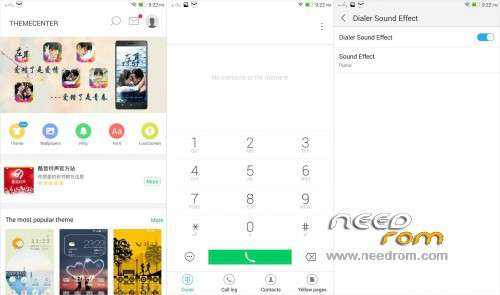
2. Add to setting sound engine DOLBY ATMOS
3. Add to the standard firmware Bootlogo
Updated 19.06.2015 (firmware reuploaded)
1. The new modem (WCDMA-GSM-900) – MT6592_S00_MOLY_WR8_W1315_MD_WG_MP_V35_P7_1 (A separate patch for all of Recovery (CWM, TWRP…)
2. Correcting bugs.
3. Optimization of modes of operation of the processor.
Updated 06.05.2015 (firmware reuploaded)
Fix Engineering menu – Preferred network mode
Nothing extra
Port S8
Added:
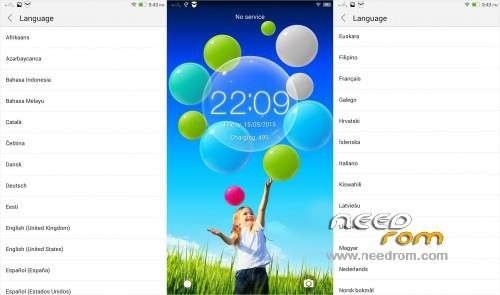
root, gapps, multilanguage
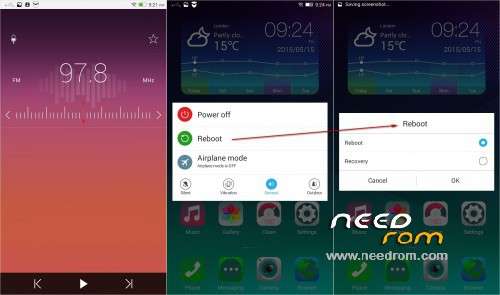
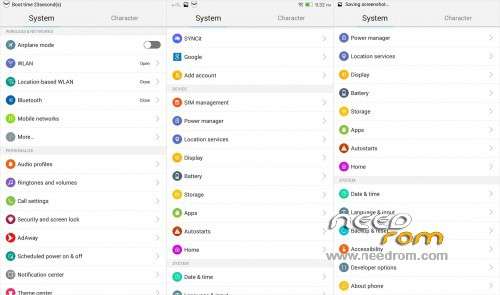
Power Menu
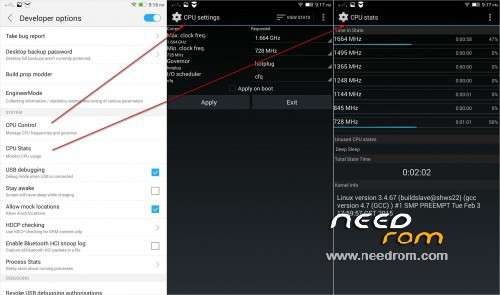
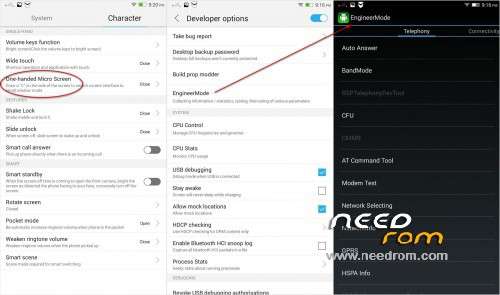
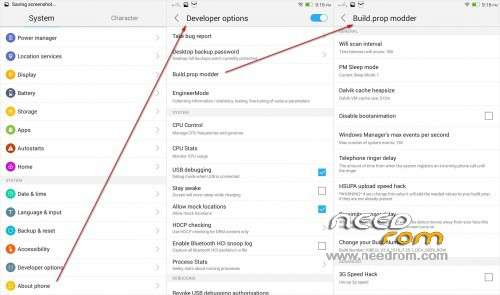
Advanced Menu for developers.
Item Engineering mode
Items CPUcontrol and CPUstats.
Item density setting screen (dangerous function)
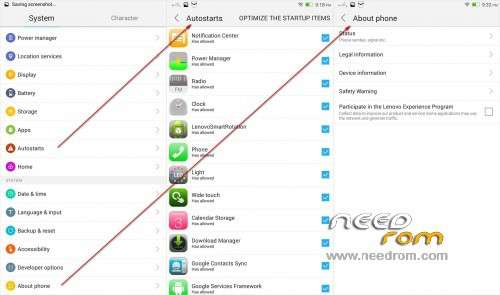
Item Autostart
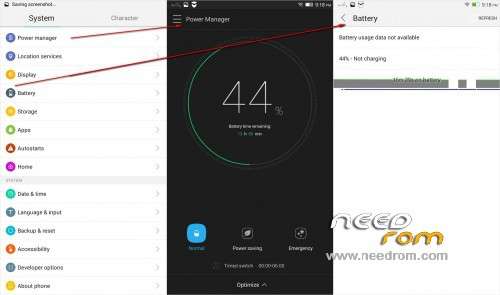
Item Battery
Item AdAway
Item Power Manager
Item Viper4android (useless function)
Item selection frequency wi-fi
Total optimization applications
…
Removed some Chinese application
Please be sure to make a backup of your phone before !
Then just Wipe Data/Cache/dalvik
And update from CWM
Install ROM:
CWM
Step 1: Download the custom ROM copied to an external SD card root directory
Step 2: the shutdown state. While holding down:
– Power button + volume button down, to enter the recovery mode.
– Wipe Data / Factory Reset -> delete all user data
– Wipe Cache Partition -> Wipe cache
– Advanced -> Wipe Dalvik Cache
Step 3: Return to recovery main interface Install zip from sdcard -> choose zip from sdcard -> Select your ROM
Step 4: Brush complete, restart the phone Patience required – first boot takes a while
You can help to see the continuation
WebMoney WMZ-Z399645955213 WMR-R170522227748
Описание и обсуждение на русском языке
※Please make a backup of your device before installing or updating ROM
gps working?
thx for update bro
Modem have 900 wcdma wich don't work on S939. In towns wcdma 2000 is OK and I'm on 3g - H. When I'm outside town , my friends work on H , and I'm on Edge. My gsm provider is 900 wcdma. outside towns
Simply 900 wcdma on 3g don't work on this phone. I tried almost every modem for S939. wcdma 800, 850, 900….and nothing works.
Any suggestions ?
900MHz за s939 хардуер не работи
I know that but I can’t stop trying Always seeking.
Very good rom ws2. Clean and fast.
Favorite for now. Good work thanks
hi ima. how can i change the first boot image 'welcome imasoft edition'
hi mamatt.
Firmware from ima in a different location. In this firmware standard Bootlogo.
hi ws, sorry my bad. i flash your latest firmware (VIBEUI_V2.0_1516_7.25.1_DEV_mod_multilang) but when i connect usb mod to my notebook (media device MTP) there is no drive shown at window explorer. then i change to USB storage mod but only 1 storage shown( internal storage). how to fix it. sorry my bad english. thank for your firmware update.
Hye, how to disable this> frequency and scheduling of the processor in real-time in the status bar. Overall, this rom is fine as hell except for gps.
Settings – Developers – Performance Processor – supply and remove the two checkboxes
very good rom, if can add OTG function will be perfect.
thanks a lot
Is GPS working ?