DESCRIPTION
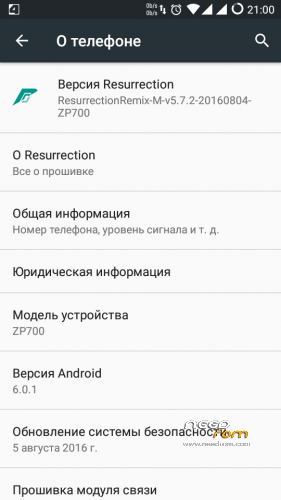
#ResurrectionRemix – v5.7.3 - 2016/08/07
My last port. I not tested because it is not possible .
#ResurrectionRemix – v5.7.2 – 2016/08/04
The Changelog
|
SelectShow |
- Pulse Solid Bar Sanity Levels & Lavalamp Anim Speed
- Pulse 2.0 Advanced Audio/Visual Rendering
- Settings:Pulse-Update Legacy Dimens and Bar Spacing Resources
- Settings:Pulse Use Sliders for Pulse Customizations
- Add dependencies to pulse 'fading blocks' seekbars
- Clock color master switch
- Task Manager animations
- Obey inverted statusbar ONLY when color is white
- Color picker: Rework
- ADB always notify
- Disable gradient SB by default
- Popup menu: Add support for item icons
- Fix Null Checks to avoid NPE
- Fix random crash in libhwui
- lights: Make sure the lights are out
- SysUI: Define config for showing screen on hints
- AudioDucking : Check session playback state
- SysUI: Add first time use lock screen hints
- PackageManager: make protected-broadcasts permission aware
- livedisplay: Add support for direct color balance control
- Recents Styles – Add Android N Recents Style Button
- SysUI: Show hints if showing keyguard and provisioned
- SystemUI : Initialize state linked volume
- Recents: Remove Dead Code
- Factory reset: Wipe media by default
- Improve the scan process
- Fix notification panel can't hide in statusbar
- Enable camera hal v3 interface
- Revert "FWB: Volume Dialog: Force expanded mode 2/2"
- mountservice: Shut down volumes before restarting framework
- mountservice: Don't nuke all volumes when decrypting
- SeekBarPreferenceCham: Expand with buttons
- Add SIM status string for localizing voice/data strings
- Settings: Fix possible crash
- Settings: Improve vibrator intensity dialog layout
- settings: Add support for color balance in LiveDisplay
- Automatic translations imports
- All updates from CM
- Bugfixes and improvements
- For more info Track Github Activities
|
What's working ?
|
SelectShow |
> Camera + Video Reacording Working Perfectly
> August Patch Level
> Upstreamed to r61
> More Stability
> No Need to reboot for apps to apear in app drawer
> Hotspot Fixed
> BT Fixed
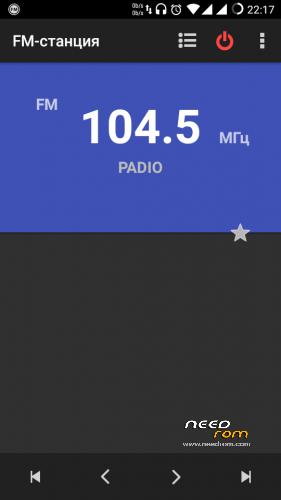
> FM fixed
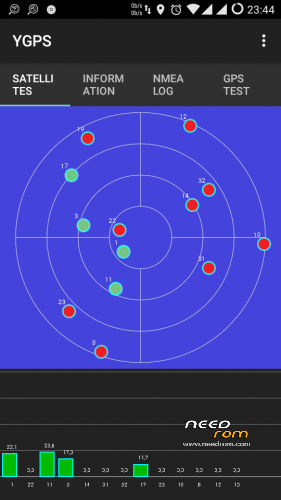
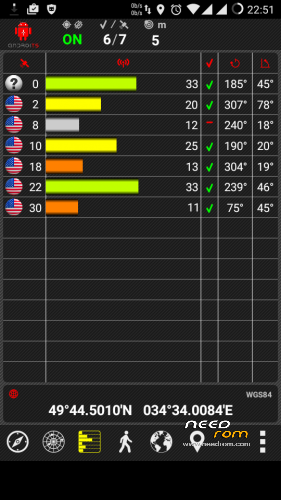
> GPS fixed
> Data working
> 1080p playback in gallery fixed
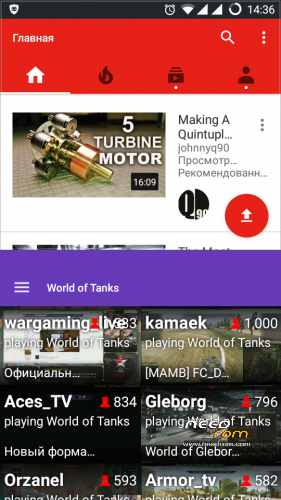
> youtube 720p fixed
> youtube live playback fixed
> Gello browser added
> No Sim fixed
> No Network drop found
> USSD Fixed
> Autorotation Fixed
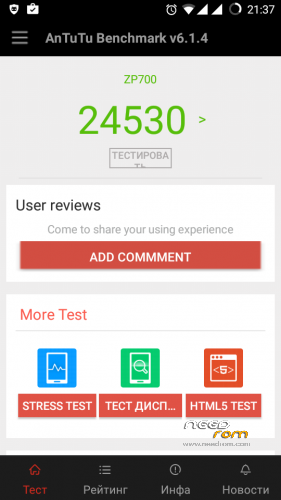
> All sensors working
> After Reboot QuickSetiings Too
> Rest Are As CM13
> Too many features
Bugs :-
VPN
2G/3G Switch
|
How to Install?
Credits/Thanks To:-
Tirth Patel (Built from Source)
TLS
RR Devs
Hikari-no-Tenshi
Ferhung
Fire855
I stop support for their assemblies firmware , I have no more phone ZP700.
※Please make a backup of your device before installing or updating ROM






 Member Info
Ok I was about to start some of these ports, you made them all ^^ Thanks
I would recomment this recovery : https://www.needrom.com/downlo.....d/twrp-3-0-2-3/
Thanks for TWRP 3.0.2
Hi I tried Temasek_MM_20160501_ZP700 and RRemix-M-v5.6.8-20160512-zp700 and there is one problem. I have alcatel smartwatch and when I want to pair watch with phone and it did not connect. I can see them but cannot connect to them. I tried older roms from here with android 5.1 and there it works but here not. Are you planning some update for this rom?
Try aicp_mm-11.0-20160509-zp700 , I use it now , try to transfer files via Bluetooth makes it great. I can not check because I do not have a smartwatch. Yes I plan to update this ROM.
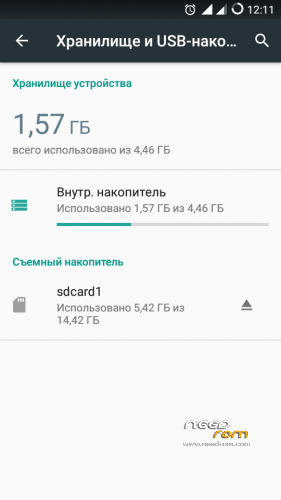
Oh it works here. Thanks. Do you know how can i extend internal storage? because I install a few app and have no free space :/
Download files EBR1 and EBR2 with my folder on 3 gb and flash SP_Flash_Tool_v5.1612
http://rgho.st/7fWJHKSSr/image......png
http://rgho.st/6nRGprZDt/image......png
Thanks You save my life
I flashed EBR1 and EBR2 on 3gb ,but my internal storage is 2.45gb.Is that it or am I doing something wrong?
I am currently using CM 12.1 v3.3 and I think that it is the only stable and battery friendly ROM on this site.
Hi,
Thanks for all the work. The only flaw I can find is that formatting the sd card as external storage doesn't work (at 40% coversion it says a class 10 Card is too slow and then afterwards it says it is corrupted).
does it works on zopo zp980?
no
Can anyone confirm that GPS is working after installing the fix by san725? Here in YGPS it says "Provider: gps enabled" but "Status: UNAVAILABLE" and "TTFF: Counting" (forever). The installation definitely worked, gps.default.so was replaced.
Phone storage seems to be completely gone after the upgrade, only internal is available/visable – guess that's a change that comes with Marshmellow?
Are the 3 GB EBRs correct? After flashing and formatting, Internal storage is "only" 2.45 GB, no change compared to the 2.4 GB EBRs.
When the phone is charged in powered off state the charging symbol immediately jumps to 100% and the screens stays on. Can anyone confirm?
Oh and thanks for your work san725!
How do you flash 3Gb EBRs after installing sm13 or together with KK?
I have the 4Gb, 4.5Gb and 5.5Gb if there are willing to check the opt out how it works. While there is no desire to test, and they should be installed together with KK.
Sorry, my earlier post should have said that I'm having trouble formatting my sd card as INTERNAL storage.
Is anyone else having this problem?
Launch the sp flash tool and try format phone.
Thank you for your effort san725 the upload is great and everything works like a charm!
For all the tech idiots like me:
1. Disable adblock plus in your browser, and create an account on this site
2. After closing your web-browser several times it shoul finally work and you can download
3. Download this files:
a) Folder: ROM/ZP700/CM 13 Android 6.0.6/RR-M-v5.7.0-20160618_ZP700.zip
b) Folder: ROM/ZP700/CM 13 Android 6.0.6/FIX/gps_fix_zp700.zip
c) Folder: ROM/ZP700/EBR/3gb-apps/EBR1 and EBR2
d) Folder: ROM/ZP700/Screenshot/kk.png
e) Folder: ROM/ZP700/TWRP/ ZOPO_ZP700_TWRP_2.7.1.0_KK_by_SevenMaxs/recovery.img
4. Download the latest ofiical Zopo ZP700 stock ROM from here http://www.zopomobile.com/down.....load/
5. Download the latest SP FlashTool from here: http://spflashtool.com/
6. Downlaod the only usb MT65xx driver that will work with Zopo ZP700 also from the same site: http://spflashtool.com/ -download the auto installer it is easier
7. Now we are ready to work, so back up all your photos, music, contacts etc. from the main memory of the phone
8. Copy the RR-M-v5.7.0-20160618_ZP700.zip and gps_fix_zp700.zip files on your external sd card
9. Install the flash tool and the usb driver
10. Launch the sp flash tool and load from the stock ROM this file: MT6582_Android_scatter.txt
11. Look at the picture kk.png, the files EBR1, EBR2 and recovery.img must be changed with right click and then choose the files from the folder where you downloaded them, the file
12. Make sure that the mode in flash tool is on "Firmware Upgrade" just like on the kk.png picture, now click download, and as soon as you connect your phone it should start. It finishes when you see a green check mark
13. Fire up your phone again holding the volume up and power button at the same time, now you should see a boot loader, now select wipe/advanced/dalvic cash, cash and data.
14. Go to install and chose from your external sd card the file: RR-M-v5.7.0-20160618_ZP700.zip install it
15. Also install the other file on your external sd card: gps_fix_zp700.zip
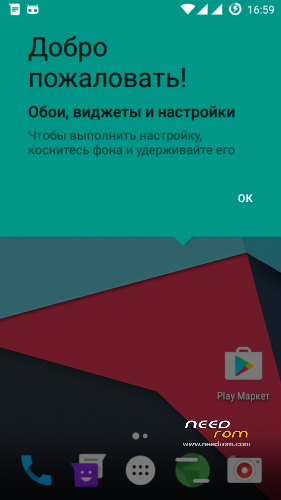
16. Reboot, so now you have a Russian version of Ressurection Remix.
17. Change the language from Russian into any you want by following this instructions: http://visihow.com/Change_Your.....System_Language – under Method 2
18. Injoy!
New version 5.7.1 is available
Already test. 22-38-00)_small.png)
GPS Working without flash the zip?