
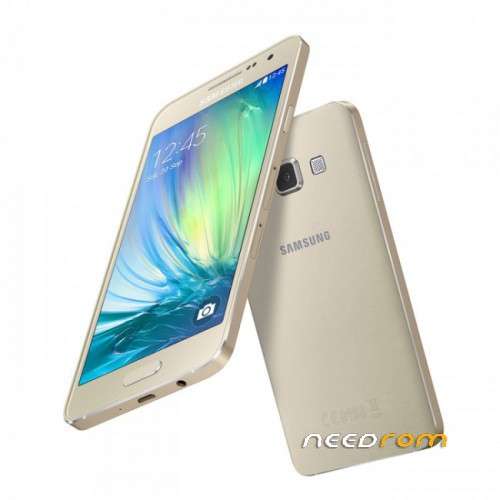
- Title: A300F
- Listed: January, 2018
- Last modified: 01/22/2018 2:48 pm
- Version: Android 4.4.4
You must be logged for ROM download.
9759 total views, 1 today
 Member Info
DESCRIPTION
Download Samsung USB Driver for Mobile Phones
Odin –flashing software tool for Samsung Android smartphones
2. Flashable firmware – the latest Samsung firmware update for your device
Download Odin devices might have trouble using this version of Odin, so if you own one, search for your device here).
Extract the content from Odin to your computer.
Download the latest firmware for your device.
IMPORTANT! Samsung Kies is not compatible with Odin. You have to make sure that Kies is not running in your system tray. It is recommended to uninstall Kies before using ODIN.
Download and install the Samsung USB Drivers.
With the device turned off, press ‘Power+Volume Down+Home’ to enter Download Mode. (If this key combination doesn’t work, just Google ‘Device Name+Download Mode’).
Connect your phone to your PC with the USB cable.
Right click on Odin and click on ‘run as administrator’.
After flashing process starts, it might take up to 5-10 minutes. So, keep patience and wait
※Please make a backup of your device before installing or updating ROM