
- Title: ADB GUI TOOL
- Listed: June, 2025
- Last modified: 06/06/2025 6:48 am
- Version: ANDROID
You must be logged for ROM download.
3840 total views, 1 today
2 Total favorites
 Member Info
DESCRIPTION
ADB GUI TOOL
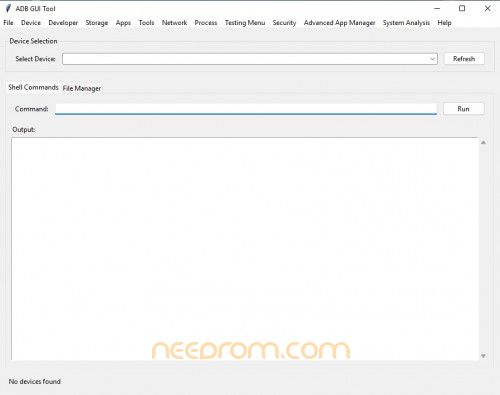
If you've ever tried using ADB commands, you know it can get a bit overwhelming-especially with all the terminal work. That’s exactly why I started using the ADB GUI TOOL. It basically gives you a full control panel for your Android device, minus the headaches. For instance, as soon as I connect my phone, it shows up with all the details-model number, Android version, battery level, you name it. I can install or uninstall apps just by clicking a few buttons (way easier than typing out long commands), and even transfer files between my computer and phone like it’s a normal file manager. One feature I really liked was the battery monitor-it helped me figure out which apps were draining power too fast. There are also tools for checking system logs, viewing running processes, and testing layouts if you're into app development. It's one of those tools that makes you wonder why it’s not built into Android already.
THANK AND DONATE…
FILE FREE
※Please make a backup of your device before installing or updating ROM

|