
- Title: AEX 4.5
- Listed: August, 2017
- Last modified: 08/19/2017 9:51 pm
- Version: 7.1.2
You must be logged for ROM download.
14783 total views, 1 today
10 Total favorites
CUSTOM








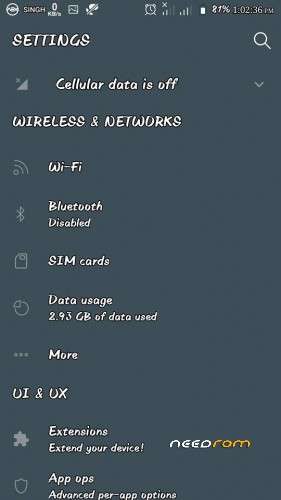
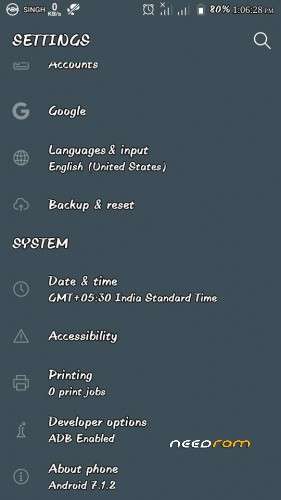
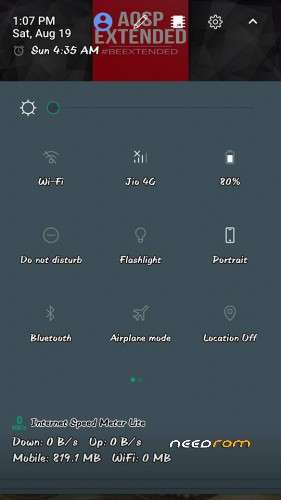
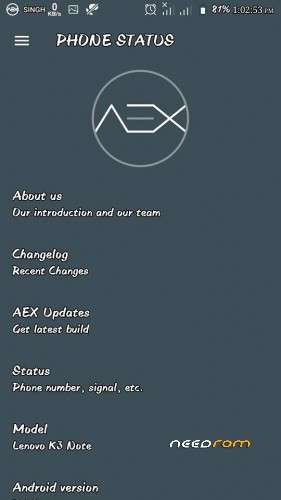

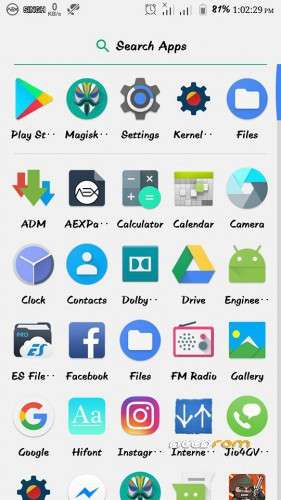
 Member Info
DESCRIPTION
Changelog:
1. Android 7.1.2_r29
2. Merge August security patch.
3. Merge latest CAF Tag in respective repos.
4. Added support for Snapdragon LLVM toolchain (SDClang).
5. Added support for boost framework.
6. Added support for fling velocities.
7. Enable/Disable kill button on notification guts.
8. Improve SlimRecents.
9. Fixed string derps.
10. Fixed In-Call vibrations.
11. Animate icon while locking a task.
12. Fixed Lockscreen shortcut icons disappearing after reboot.
13. Make button long press delay configurable in SmartBar.
14. Fixed layout of system header.
15. Fixed task lock and free form button placement.
16. Fixed Dex2oat.
17. Fixed In-Call timer bug.
18. Fixed reloading of theme in AEX OTA.
19. Fixed theme issues in screen pinning mode.
20. Disable home button wake on devices with sensitive HW buttons.
21. Added Paranoid Android Pie controls.
22. Added check for accidental touch.
23. Added pocket lock and pocket judge.
24. Doze Service: Fallback to tilt sensor as pickup sensor for ambient display.
25. Fixed many memory leaks.
26. Option to block sensor for certain packages.
27. Fixed few NPEs.
28. Increase sensitive numbers support.
29. Updated all translations.
30. Updated AEX Papers.
31. Updated all pre-built packages.
32. Performance enhancements and bug fixes.
Install Instructions:
1. Boot into recovery mode TWRP Recommended.
2. Now select wipe – Advance wipe, dalvik cache, system, cache, data.
3. Select install & select downloaded zip file.
4. Install GAPPS and Reboot.
※Please make a backup of your device before installing or updating ROM
how to fix proximity issues ?
I think that problem still exists in all nougat roms
Stable AEX 4.4 rom : https://youtu.be/Dev9ybj1ViQ
Multilanguage, Dutch?
Is hindi.
worth a try
ive been having service problems with all 7.1 roms ive tried, i hope this is different.
even this tells me i can only make emergency calls. damn
check your imei by dialling *#06#.
if it shows invalid imei or there is no imei then you have to repair your imei to make calls. there are lots of methods on youtube for how to repair your imei.
and yes all nougat custom roms are having this problem. the imei gets wiped off while flashing nougat custom rom on lenovo k3 note.
For stable AEX roms miui and other roms watch here :
https://m.youtube.com/playlist.....6wkwnP1x0-J2tkp
Give Me Direct Download Links
I have been using AOSP ext4.3 since last two months but switched to MIUI 7.6.25 beacuse of some issues i.e. Facebook force close, wrong call timer etc. I rate AOSP 95% and MIUI 98% bug free. I thought MIUI 7.6.25 is most stable rom (perhaps yes but you have to compromise with considerable lag). Now I flash Aosp 4.5 and feeling awesome beacuse of following
* no lag
*no proximity issue
*rich customization
*latest security patch
*bug free and smooth
And greatest one is Nought
the best custom rom for lenovo k3 note in my opinion was vibesavon 3.6 on marshmallow .it had lots of functionalities and zero bugs.. lag free..
A big thanks to developer and MiUi4u.
O bhai kam se kam ss copy paste karne se pehle puch to leta, rom to bahot door ki baat hai,
Copyright name ki bhi koi cheez hoti hai….
Very bad rom.