
- Title: allview e3living backup rooted+recovery img (philz)
- Listed: February, 2016
- Last modified: 02/08/2016 6:41 pm
- Version: 5.1
You must be logged for ROM download.
11744 total views, 1 today
1 Total favorites
CUSTOM
 Member Info
DESCRIPTION
STEPS:
1. Download all zips.
2. Extract them all.
3. Copy all files from zip2 to clockworkmodbackup2010-01-01.00.01.38_ALLVIEW_E3_Living_SV11.0.201508
4. Copy clockworkmod folder in SD Card.
5. Open SP Flash Tools (flash tool.scatter.recovery imgSP Flash Tool v5.151flash_tool.exe)
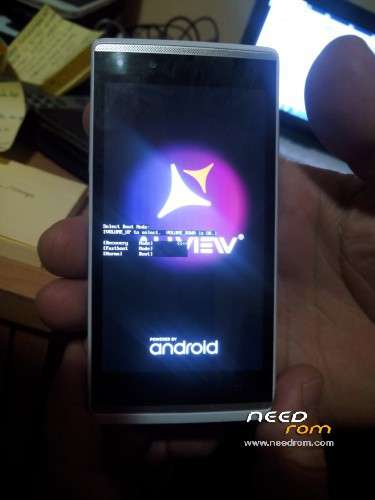
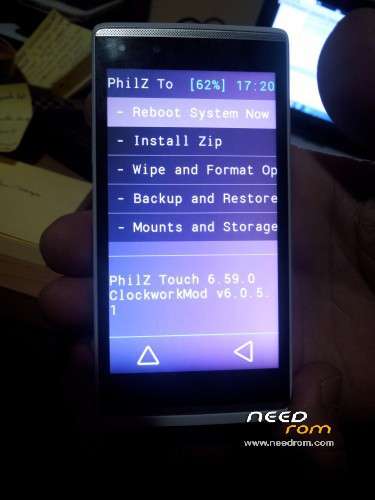
6.Select provided scatter file and flash recovery.img
7. After flash complete go to recovery mode and restore the backup you put on SD Card at step 3.
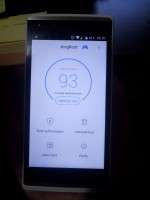
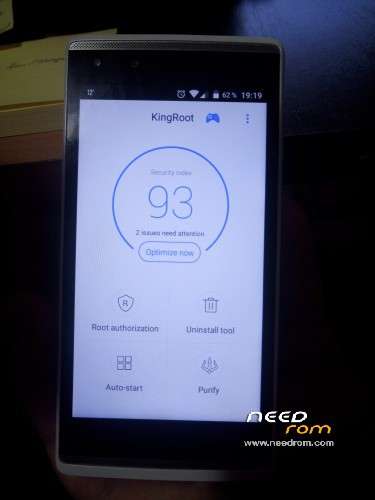
All done. After this your Allview E3 Living should be rooted 
※Please make a backup of your device before installing or updating ROM
Excelent! Not crash, loop, or brick. Good job for an 64bits processor, ARMv8a! Awesome, it's amazing, good4u!!!