
- Title: AMOI A920W
- Listed: October, 2013
- Last modified: 10/15/2013 5:47 pm
- Version: ROM Android 4.2.1
You must be logged for ROM download.
12951 total views, 2 today
1 Total favorites

 Member Info
DESCRIPTION
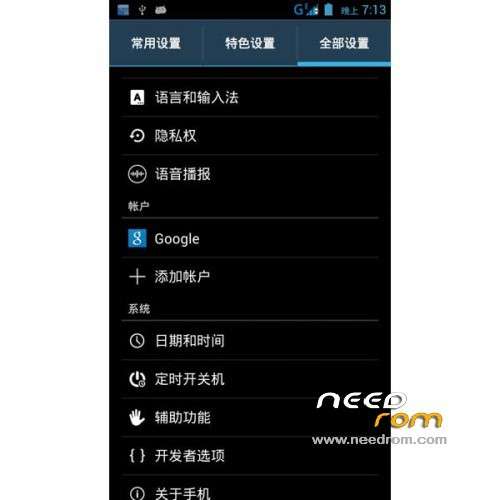
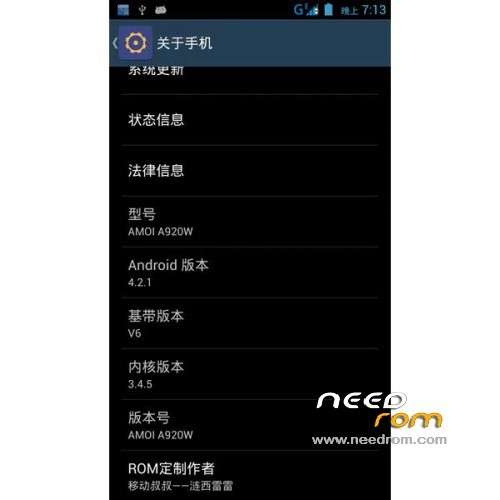
ROM Phone AMOI A920W – ROM Android 4.2.1
Features ROM:
Based on Official A920W_V4.0_2013-09-13
Fix click "About phone" FC
Apk for merge all odex
Optimized for zipalign all apk
Join legendary boot provincial point
Add to Google Kit (easy to play the game)
Join re manager
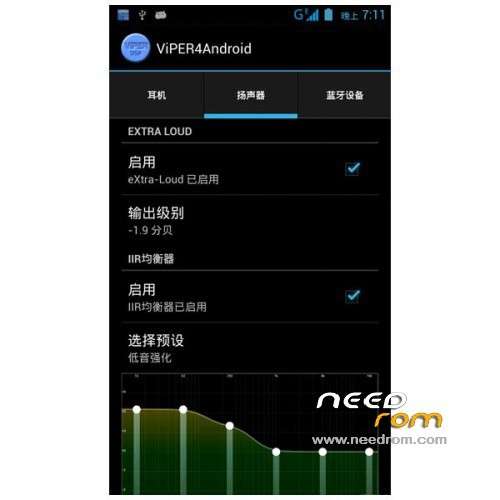
Join V4 sound
Join Sony Show
Joined subparagraph (early morning, morning, noon, afternoon, evening, night)
Adding a lot of optimization script
Mobile radio frequency optimization (should be more power some of the)
Gapps include - Rooted
Language support: EN/CN
ROM Install :
CWM ( CN )
Step 1: Download the custom ROM copied to an external SD card root directory
Step 2: the shutdown state. While holding down:
– Power button + volume button up, to enter the recovery mode.
– Wipe Data / Factory Reset -> delete all user data
– Wipe Cache Partition -> Wipe cache
Step 3: Return to recovery main interface Install zip from sdcard -> choose zip from sdcard -> Select your ROM
Step 4: Brush complete, restart the phone Patience required – first boot takes a while
※Please make a backup of your device before installing or updating ROM
Not rooted. Titanium backup couldn't start. I used kingoroot.
It has no option to switch the network mode (gsm/3g) from 1st sim to 2nd.